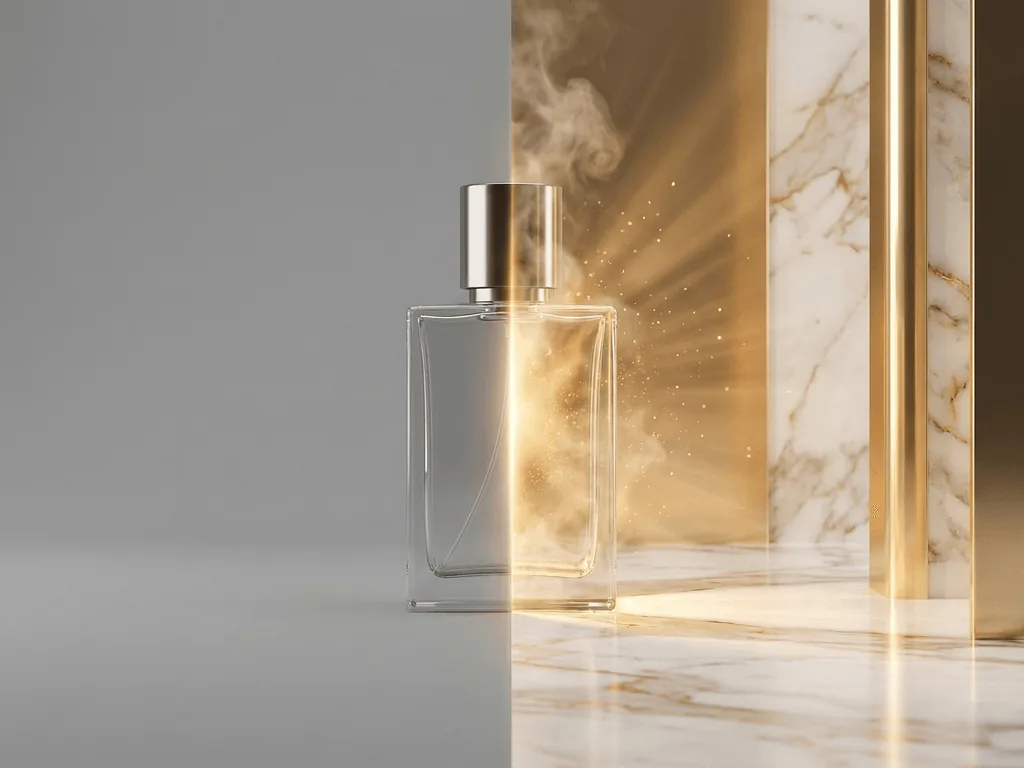
What Is Pixora? The AI Product Studio That Replaces Your $5,000 Photo Shoot
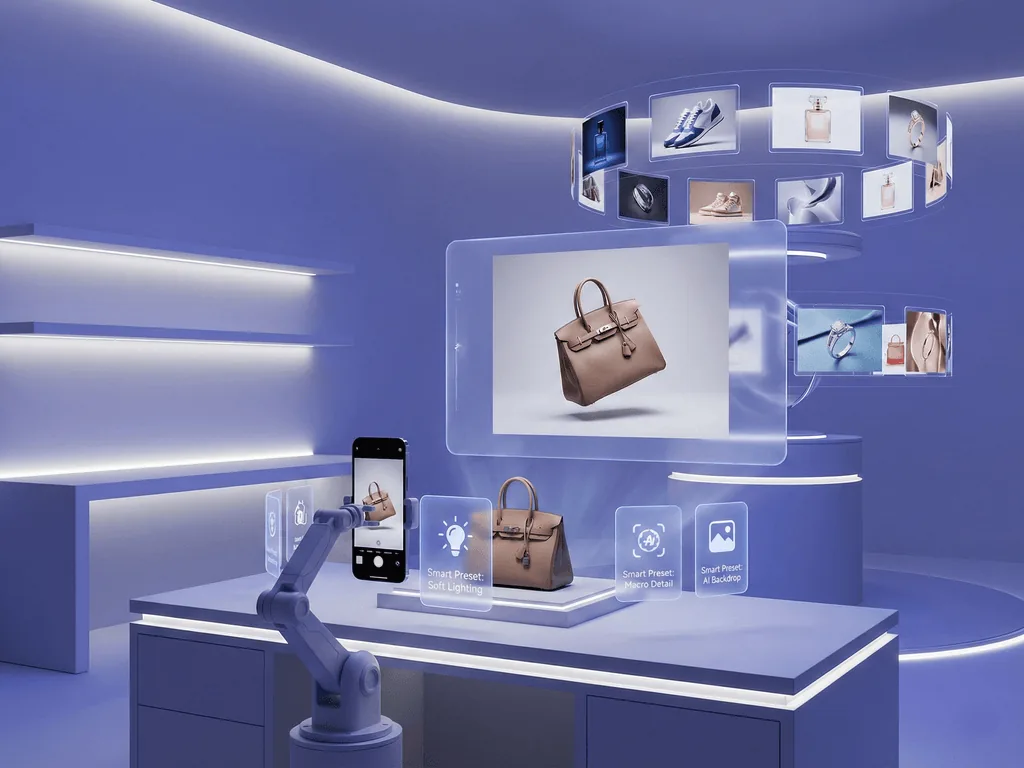
You have great products but mediocre photos — and every listing with subpar images is actively losing you sales. Professional studios charge $1,700 per session. DIY light boxes eat your weekends. Generic AI tools demand prompt engineering skills you never signed up for. Pixora eliminates all of it. Upload a phone photo, pick a Smart Preset, and get marketplace-ready product images in seconds. No prompts. No editing. No compromises.
Pixora is a prompt-free AI product photography tool for ecommerce sellers that turns real product photos into white-background hero images, lifestyle scenes, on-model visuals, ghost mannequin apparel shots, jewelry displays, beauty close-ups, food photos, furniture room scenes, and marketplace-ready catalog assets.
What Is Pixora and Why Does It Exist?
Pixora is an AI-powered product photography platform that transforms raw product shots — even phone photos — into studio-quality, marketplace-ready visuals. It is purpose-built for e-commerce sellers, small brands, agencies, and anyone who needs professional product images without the traditional cost and complexity of a photo studio.
The product photography industry has a fundamental problem. Professional shoots cost between $500 and $1,700 per session, require shipping products, booking studios, and waiting days for retouched deliverables. DIY alternatives demand equipment, lighting knowledge, and hours of post-production. And first-generation AI tools introduced a new barrier: prompt engineering. Suddenly, getting a decent product photo meant learning to describe "soft diffused lighting at 45 degrees with a bokeh background and subtle gradient shadow" — a skill most business owners neither have nor want.
Pixora was built to solve this exact gap. Instead of forcing users to become prompt engineers, photographers, or designers, Pixora encodes professional photography expertise into curated Smart Presets. Each preset contains the lighting ratios, shadow behavior, color temperature, scene composition, and platform compliance rules that a professional photographer would apply — distilled into a single click.
The result: anyone with a smartphone can produce product images that rival a $5,000 studio day, at a fraction of the cost and in a fraction of the time. This is not a background removal tool or a generic image generator. Pixora is a complete AI product studio — one that understands your product, your category, and your marketplace.
How Smart Presets Change Everything
Smart Presets are the core innovation that separates Pixora from every other AI photography tool on the market. While competitors ask you to describe what you want in a text box, Pixora lets you pick what you want from a curated library of professionally designed workflows.
Each Smart Preset is a multi-model AI pipeline, not a simple filter. When you select a preset and upload your product photo, here is what happens behind the scenes:
First, a vision model performs a deep analysis of your product image. It identifies surface materials — matte leather, brushed metal, polished chrome, refractive glass — along with shape geometry, color palette, and visual character. This analysis ensures the AI understands not just what your product looks like, but what it is.
Next, a language model generates detailed rendering instructions based on the vision analysis and the preset's encoded photography knowledge. It determines the optimal lighting angles to accentuate your product's textures, the shadow gradients that create depth, the reflection behavior that matches the material, and the surrounding environment that tells your product's story.
Finally, an image generation model produces the output — a cohesive, intentional composition where every element (lighting, shadows, reflections, background, atmosphere) works together as if a professional photographer, stylist, and retoucher spent hours crafting it.
The entire process takes seconds. And you never write a single prompt.
But Smart Presets are not rigid. Every preset includes a User Notes field where you can steer the creative direction in plain language. Want warm autumn tones? A minimalist Scandinavian feel? A marble surface instead of wood? Just type it. The preset handles the technical execution while your notes shape the creative outcome. Full creative control — zero technical knowledge required.
The Problems Pixora Solves
Professional photo studios charge $500-$1,700 per shoot — and you still wait days for retouched files
DIY product photography demands equipment, lighting expertise, and hours of editing you cannot afford
Generic AI tools require prompt engineering — describing lighting, angles, and materials like a photography instructor
Inconsistent product photos across your catalog destroy brand trust and reduce conversion rates
What Can You Create with Pixora?
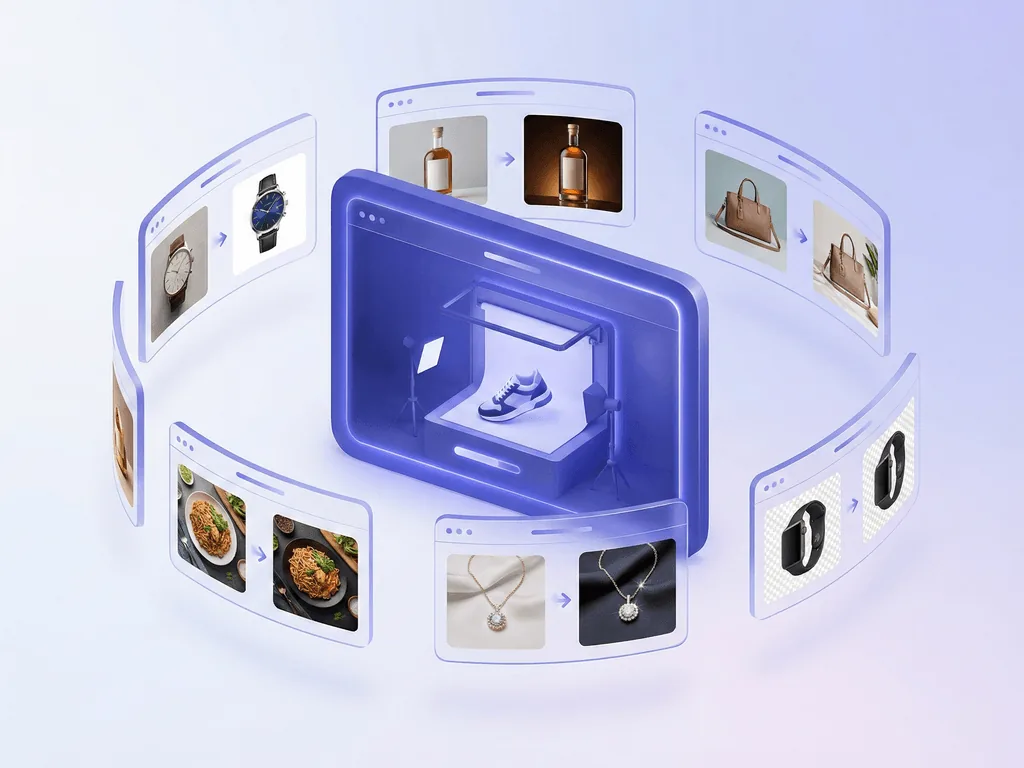
Pixora is not a one-trick tool. Its preset library covers every major product category with purpose-built workflows that understand the unique challenges of each vertical.
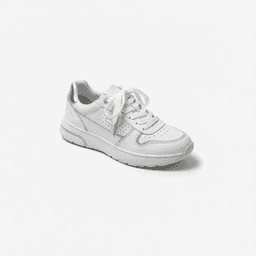
Fashion & Apparel: Studio white backgrounds for marketplace compliance, lifestyle on-model photography with AI-generated models, and the coveted Ghost Mannequin effect — that 3D invisible model display that makes garments look professionally merchandised. No mannequins, no models, no wardrobe team.
Beauty & Cosmetics: From clean studio shots to aesthetic still life compositions with podiums, from on-model application shots to macro texture and swatch details. The AI understands how light interacts with glossy packaging, matte powders, and liquid textures — and renders each correctly.
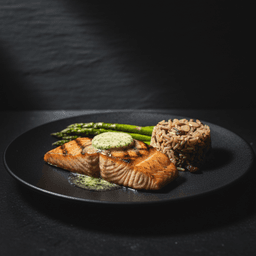
Food & Beverage: Clean white backgrounds for menu displays, cinematic dark and moody editorial shots for social media, and lifestyle table settings for brand storytelling. Each preset knows the difference between photographing a bottle, a plated dish, or a packaged snack.
Electronics & Tech: Studio white backgrounds that make gadgets look premium, and lifestyle contexts that place devices in modern environments. The AI handles reflective screens, metallic surfaces, and complex geometries without distortion.
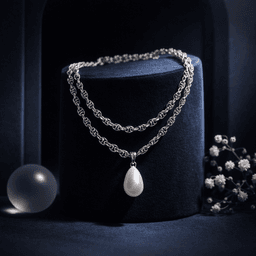
Jewelry & Accessories: Studio shots with controlled reflections, aesthetic still life displays on curated surfaces, and on-model context shots. The jewelry preset understands how light refracts through stones and reflects off precious metals — arguably the hardest category in product photography.
Home & Furniture: Studio shots for large items and lifestyle interior photography that places furniture in beautifully designed rooms. No need to rent a showroom or stage an apartment.
Real Estate: Virtual staging that transforms empty rooms into furnished, inviting spaces with modern furniture — no physical staging required.
Architecture: Transform 3D renders, wireframes, and sketches into photorealistic visualizations in seconds.
Pixora by the Numbers
90%
Cost reduction compared to traditional studio photography
20+
Category-specific Smart Presets covering every major vertical
$9.90
Per month for 2,000 credits and access to all presets
How Pixora Works: 3 Steps to Professional Product Photos
01
Pick a Smart Preset
Browse the curated preset library organized by product category. Fashion studio white, food cinematic, beauty still life, jewelry display — find the look that matches your brand and marketplace.
The right visual style selected in seconds, with professional photography knowledge built in.
02
Upload and Customize
Upload your product photo — even a basic smartphone shot works. Optionally add User Notes to guide the creative direction: "warm tones," "outdoor setting," "holiday theme." The preset handles the technical details.
Your product is ready for the AI pipeline with your creative vision attached.
03
Generate and Download
In seconds, Pixora creates your studio-quality product image. Review the result, download in marketplace-ready resolution, and publish directly to your store.
A professional product photo ready for Amazon, Shopify, Etsy, or social media.
See It for Yourself — 100 Free Credits to Start
Upload your own product and try any Smart Preset. No credit card, no prompt writing, no learning curve. Your first professional product photo is seconds away.
The AI product photography market has exploded. Dozens of tools promise studio-quality results. But most of them ask you to do something that defeats the purpose: learn a new skill. Writing effective prompts for product photography requires understanding lighting terminology, material descriptions, compositional language, and platform-specific requirements. You traded one learning curve (photography) for another (prompt engineering).
Pixora takes a fundamentally different approach. Instead of giving you a blank text box, it gives you a library of expert-crafted workflows. Here is what that means in practice:
No prompt engineering. You never describe lighting angles, shadow density, or background materials. The preset knows. Every Smart Preset encodes the decisions a professional photographer would make — soft-box ratios, color temperature curves, shadow gradients, and platform export rules — so you do not have to.
Intelligent product analysis. Pixora does not just paste your product onto a background. It studies your product image, identifying surface materials, shape geometry, and color relationships. Then it constructs a scene where the lighting, shadows, and reflections are physically consistent with your product's actual properties. A matte leather bag gets different lighting than a polished chrome gadget — automatically.
Marketplace compliance built in. Amazon requires pure white backgrounds at RGB 255,255,255. Etsy rewards lifestyle context. Shopify benefits from consistent branding. Pixora's presets are designed with these requirements built in. No manual color correction. No rejected listings.
Category-specific intelligence. A jewelry preset understands reflections and refraction. A food preset knows the difference between a dark moody editorial and a bright menu shot. A fashion preset can generate invisible mannequin effects. Generic AI tools treat every product the same — Pixora does not.
Your images stay private. Uploads and generated assets are visible only to you. Your product photos are never used to train public AI models. Your intellectual property remains yours.
Who Is Pixora For?
Pixora is built for anyone who needs professional product photos but cannot justify the cost, time, or complexity of traditional methods.
E-commerce founders and small brands are the primary audience. If you are launching products on Amazon, Shopify, or Etsy, you know that image quality directly impacts conversion rates. Research shows 75% of online shoppers base purchase decisions primarily on product images. But hiring a photographer for every new SKU is not sustainable when your catalog grows beyond a handful of products. Pixora lets you fill your store with professional visuals at a cost that scales with your business — not against it.
Marketing agencies use Pixora to generate unlimited variations for client campaigns. A/B testing different backgrounds, seasonal themes, and lifestyle contexts no longer requires booking reshoots. Generate dozens of options in minutes and let the data decide which converts best.
Amazon and marketplace sellers rely on Pixora's compliance-ready presets to ensure every listing image meets platform requirements on the first upload. No more rejection emails, no more manual white balance corrections, no more pixel-level background editing.
Dropshippers and resellers transform generic supplier photos into branded, professional-looking product images. The supplier photo from Alibaba becomes a marketplace-ready hero image without a physical product in hand.
Social media managers create fresh product content for Instagram, TikTok, and Pinterest without organizing photo shoots. Seasonal campaigns, holiday themes, and trend-responsive content become effortless.
Pixora also serves real estate agents needing virtual staging for empty properties, and architects and designers who want photorealistic visualizations from 3D renders or sketches.
What You Get with Pixora
20+ Smart Presets covering fashion, beauty, food, electronics, jewelry, furniture, real estate, and architecture
Studio white backgrounds that pass Amazon, Shopify, and Etsy compliance requirements automatically
Lifestyle and creative presets for social media, A+ content, and brand storytelling
User Notes field for plain-language creative direction without prompt engineering
Commercial license included — full rights to every image you generate
How Much Does Pixora Cost?
Pixora's pricing is designed to make professional product photography accessible to every business size.
The Free tier includes 100 lifetime credits and access to free-tier presets. This is enough to test the platform on your actual products and see the quality firsthand before committing.
The Pro plan at $9.90 per month unlocks 2,000 monthly credits and access to every preset in the library — including premium workflows for ghost mannequin, virtual staging, on-model photography, and more. The commercial license is included, meaning you own every pixel and can use images on any platform with zero royalties. Cancel anytime.
For seasonal campaigns, product launches, or high-volume months, Extra Credit Packs are available as one-time purchases. These credits never expire and are consumed only after your monthly credits run out.
To put this in perspective: a single professional product photo shoot costs $500-$1,700. A monthly Pixora Pro subscription costs $9.90 and produces hundreds of studio-quality images. That is not a marginal improvement — it is a fundamentally different economics of product photography.
What Happens When You Start Using Pixora
Product launches drop from days to hours — no studio scheduling, shipping, or waiting for retouched files
Your product catalog looks consistently professional across every listing and sales channel
Marketplace compliance becomes automatic — no more rejected images or manual white balance corrections
Photography costs drop by 90% while output quality matches what major brands produce
You can A/B test different backgrounds, lighting styles, and contexts without a single reshoot
Share this article
Your Products Deserve Better Photos. Start Free.
Every day with mediocre product photos costs you sales. Pixora gives you studio-quality images in seconds — no prompts, no design skills, no expensive equipment. Upload your first product and see the difference.
No. Pixora is designed for non-photographers. Smart Presets contain built-in photography knowledge — lighting ratios, shadow behavior, color temperature, composition rules — so you never need to understand these concepts. Pick a preset, upload your photo, and get professional results.
No. Unlike generic AI tools, Pixora uses Smart Presets instead of prompts. You pick a visual style from the preset library — the AI handles lighting, shadows, reflections, and scene construction automatically. If you want to fine-tune the result, the optional User Notes field lets you add plain-language direction like "warm tones" or "outdoor setting."
Yes. Every Pixora image comes with a full commercial license. You own the output and can use it anywhere — Amazon, Shopify, Etsy, social media ads, print materials — with zero royalties. Studio white presets generate pure RGB 255,255,255 backgrounds that meet Amazon's strict main image requirements.
Pixora covers all major product categories: fashion and apparel, beauty and cosmetics, food and beverage, electronics, jewelry and accessories, home and furniture, real estate, and architecture. Each category has dedicated presets that understand how to light and compose that specific product type.
A professional product photo shoot costs $500-$1,700 per session, requires shipping products, and takes days to deliver retouched files. Pixora's Pro plan costs $9.90/month, works with phone photos, and delivers results in seconds. The AI produces studio-quality output with physically accurate lighting, shadows, and reflections — without the logistics.
Yes. Your uploads and generated images are visible only to you. Pixora never uses your product photos to train public AI models. Your images remain your private intellectual property.
Credits are automatically refunded if a generation fails — no support ticket needed. You can try again immediately with the same or different preset.