Stop Losing the Scroll With Product Photos Built for Catalogs
Social media product photography has one brutal job: make a busy shopper stop long enough to care. Plain catalog shots are useful, but they often disappear in feeds, stories, and ads. This guide shows how to plan scroll-stopping product visuals, then use Pixora Smart Presets to create channel-ready variations without prompt writing, design skills, or another studio day.
Why Are Social Product Photos Different From Catalog Photos?
Social media product photography is built for interruption. A catalog image helps a shopper inspect the product after they already show interest. A social image has to create that interest while competing with creators, friends, memes, news, and competitor ads. That means the image needs a stronger visual hook, faster context, and a clearer buying reason.
The mistake many small brands make is using one product page photo everywhere. A clean white-background image is important for marketplaces and product grids, but it rarely carries enough mood for Instagram, TikTok thumbnails, Pinterest pins, Meta ads, or launch posts. In a feed, the shopper does not owe your product attention. The image must earn it in the first glance.
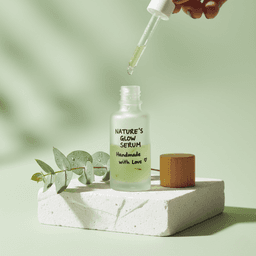
That does not mean every social image should be loud. The best social visuals balance clarity and atmosphere. The product remains easy to identify, but the scene gives it a role: a skincare bottle becomes part of a morning ritual, a watch becomes a confident outfit detail, a snack becomes a hosting moment, and a lamp becomes a warm room upgrade.
If your social visuals look too plain, you lose attention before the product gets evaluated. If they look too busy, you lose trust because the product becomes unclear. The goal is not decoration. The goal is controlled desire: enough context to stop the scroll, enough product truth to support the sale.
What Makes a Product Photo Stop the Scroll?
A scroll-stopping product photo usually has one clear visual idea. It may use color contrast, unusual texture, dramatic shadow, a lifestyle moment, a seasonal cue, or a strong crop. What it should not do is ask the viewer to decode five ideas at once. Social feeds punish confusion because the next post is always one thumb movement away.
Start with the hook. Ask what would make a stranger pause: a reflective perfume bottle on stone, a pair of sunglasses in hard summer light, a snack pack on a game-night table, or a phone case surrounded by clean tech surfaces. The hook should relate to the product promise, not just the trend of the week. A premium product needs controlled restraint. A playful product can carry brighter color and bolder props.
Then protect recognition. The product needs to be readable at mobile size. Keep logos, labels, key shapes, and color cues visible. Avoid placing busy props behind important text. Leave enough contrast between the product edge and the background. If a viewer cannot tell what the item is in one second, the image may get attention but fail commercially.
Finally, design for the channel. A square post can handle a centered still life. A vertical story needs safe space for interface elements. A paid social ad often needs negative space for copy or a CTA overlay. A TikTok cover should communicate the product and the benefit quickly. Social product photography works best when the image is planned for its placement instead of cropped as an afterthought.
How Should You Plan a Social Product Photo System?
A social product photo system starts with content roles, not random image ideas. Most e-commerce brands need four recurring roles: clean proof, lifestyle context, campaign mood, and ad testing. Clean proof shows the product clearly. Lifestyle context shows where it belongs. Campaign mood ties it to a launch, season, or offer. Ad testing creates variations so you can learn what earns clicks.
For each priority product, create a simple source set. Capture or keep one clean product image with accurate color, visible shape, and readable details. Then build three to six social variations around that source. One variation can be premium and minimal. One can be lifestyle-led. One can be seasonal. One can use stronger color contrast for ads. This gives you range without losing brand consistency.
The system matters because social content burns out quickly. A single hero image may work for a product page for months, but paid ads and organic feeds need freshness. If every new visual requires props, lighting, a camera setup, retouching, and resizing, you will either spend too much or post too little.
Pixora fits this production model because Smart Presets turn a clean product image into multiple polished scenes quickly. You still make the strategy decisions: who the image is for, what feeling it should create, and where it will appear. The preset handles the hard visual execution, including lighting logic, composition, and product-focused scene building. That lets a small brand act like it has a larger creative team.
Which Visual Styles Work Best for Social Commerce?
The best style depends on the product category and the buyer emotion. Beauty and wellness products often perform well with soft ritual scenes, clean surfaces, macro textures, and premium still life compositions. Accessories need scale, shine, and outfit context. Food and drinks need appetite, freshness, and social setting. Electronics need clean surfaces, controlled reflections, and a sense of modern use.
For social commerce, lifestyle does not always mean showing a full human scene. Sometimes the strongest image is a product placed in a believable micro-moment: a lip balm beside a tote bag, a coffee bag on a breakfast counter, earbuds near a laptop, or a candle beside folded linen. These scenes help the shopper imagine ownership without distracting from the item.
Color is one of the fastest levers. Use one dominant mood and one accent. A beauty launch might use cream and peach. A tech accessory might use graphite and electric blue. A food campaign might use warm wood and green herbs. Strong color discipline makes the brand look intentional, even when you generate many variations.
The biggest risk is chasing trends that do not fit the product. A chaotic neon scene may get attention, but it can damage trust for a premium skincare brand. A sterile white setup may look clean, but it can underperform for a handmade gift brand that needs warmth. Choose styles that make the product feel more desirable and more believable at the same time.
Before-After-Bridge: From Posting Random Photos to Running a Creative Engine
Before: a founder posted whenever a new image was available. The same white-background photo appeared on the product page, Instagram grid, email banner, and Meta ad. Some posts looked clean, but the feed felt flat. Ads became expensive because every test used almost the same visual angle. The brand was active, but the creative did not give shoppers a new reason to stop.
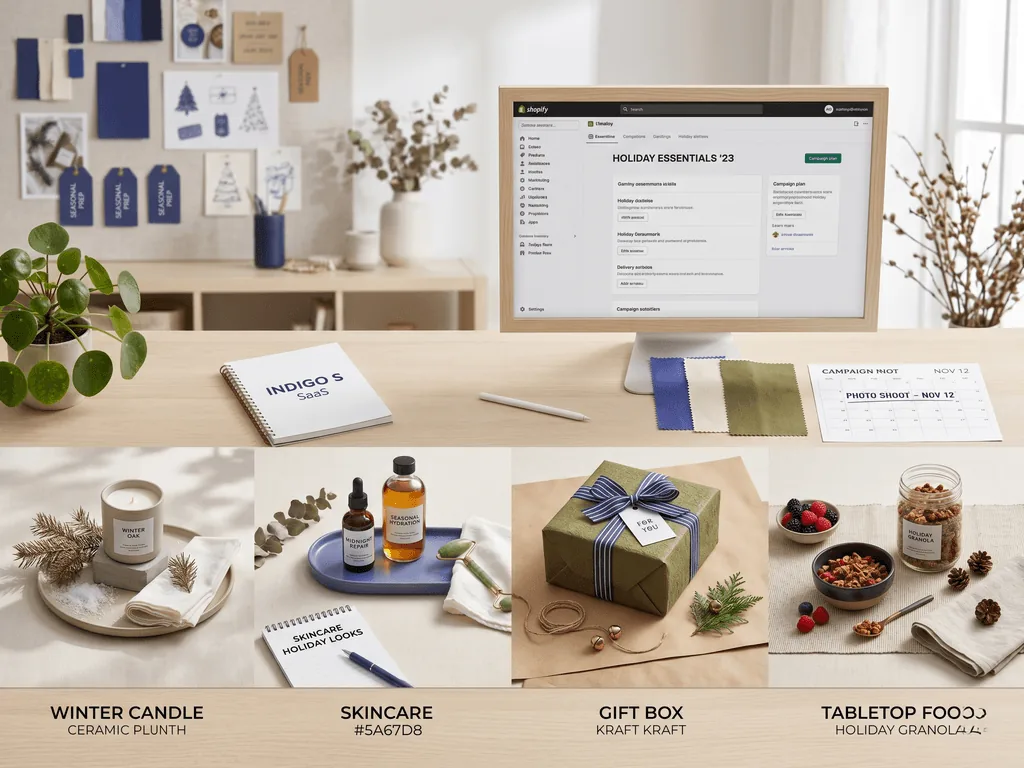
After: the founder created a repeatable social visual system. Each product had one clean source image and a set of channel-specific variations. The Instagram post used an aspirational still life. The story crop left space for a short offer. The ad version used stronger contrast. The product page kept the compliant clean image. The brand started to look more established because every channel had a purpose.
The bridge was not hiring a full creative team. It was using Pixora Smart Presets to create polished visual options from the same source product shot. Short user notes such as "bright summer routine," "premium desk setup," or "warm giftable still life" helped guide the mood while the preset handled lighting and composition.
That is the practical transformation. Social media stops being a content scramble. It becomes a creative testing engine. The brand gets more visual angles, the founder gets time back, and shoppers see the product in moments that match why they might want it.
How Does Pixora Fit Social Media Product Photography?
Pixora fits social media product photography because the core problem is variation. Social channels need fresh visuals, but most small teams cannot afford endless shoots or long prompt-writing sessions. Pixora Smart Presets give sellers a controlled way to turn one source product photo into multiple polished campaign looks.
Use Accessory Still Life: Aesthetic Display for jewelry, candles, stationery, giftable items, and small products that need a premium feed image. Use Beauty Creative: Aesthetic Still Life for skincare, cosmetics, fragrance, and wellness products where texture and mood matter. Use Tech Lifestyle: Modern Context for gadgets, cases, devices, and desk accessories that need clean, modern social visuals.
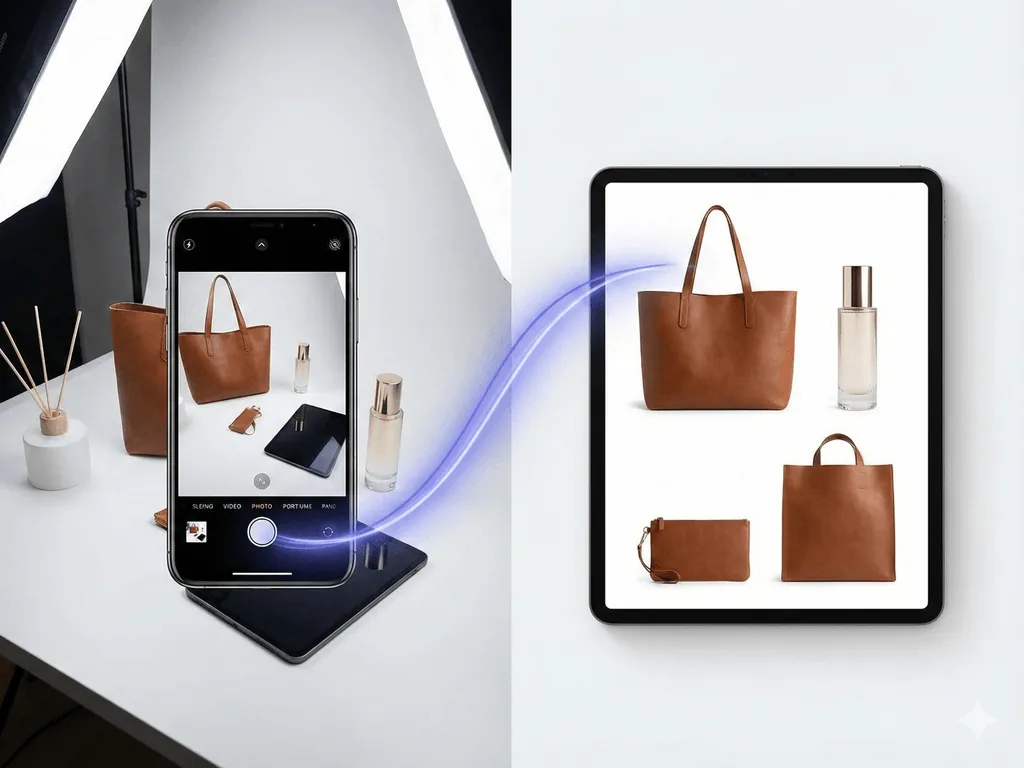
The workflow is direct. Start with a clean product photo. Choose the preset that matches the product category and social role. Add a short note only when you need a specific direction, such as "minimal Instagram launch image with warm beige surface" or "high-contrast Meta ad creative with modern desk context." Generate options, pick the most believable result, and adapt crops for each channel.
Pixora should not replace every creative decision. It should remove production friction. You still decide the audience, offer, and brand mood. Pixora helps you move from one usable image to a set of professional visuals in minutes, not days. That is the difference between posting because you need to fill the calendar and publishing images that can actually earn attention.
Why Social Product Content Gets Hard to Maintain
Feeds and ads need fresh visual angles faster than most small teams can produce them
Catalog photos are clear but often too static to compete in social feeds
Manual styling, resizing, and retouching can turn one post into hours of work
Random creative experiments make the brand look inconsistent across posts, stories, ads, and product pages
Social Visual Planning Benchmarks
1 sec
The product and visual hook should be understandable almost instantly on mobile
3-6
Create three to six visual variations per priority product for organic posts, stories, ads, and campaign testing
90%
Potential cost reduction compared with repeated studio production when using Pixora for visual variation
Turn One Product Shot Into a Social Creative Set
Upload a clean product image, choose a Smart Preset, and create feed, story, and ad-ready variations without rebuilding a physical set.
Decide whether the image is for organic discovery, a story, a paid ad, a launch post, or a product page support image.
A visual goal that prevents random styling.
02
Define One Hook
Pick one main reason to stop the scroll: color contrast, lifestyle context, texture, seasonal mood, or a bold crop.
A clearer image that works at mobile speed.
03
Generate and Crop Variations
Use Pixora presets to create several scene options, then crop the strongest results for square, vertical, and ad placements.
A reusable creative set from one source product photo.
Social Product Photo Checklist
The product is recognizable in one second on a phone screen
The image has one clear hook instead of several competing ideas
The background supports the product promise and does not hide key details
There is safe space for story UI, ad copy, or crop changes when needed
The visual style still feels consistent with the product page and brand identity
What Improves With a Social Photo System
Your feed gains more variety without losing brand consistency
Ad testing becomes faster because each product has multiple visual angles
Launch campaigns feel more polished across posts, stories, emails, and product pages
The founder or marketing team spends less time rebuilding scenes manually
Shoppers see the product in moments that make ownership easier to imagine
Share this article
Create Social Product Photos That Earn Attention
Stop stretching one catalog image across every channel. Use Pixora Smart Presets to build social-ready product visuals for posts, stories, ads, and launches in minutes.
Social media product photography creates product images for feeds, stories, ads, pins, and social commerce placements. It focuses on fast attention, clear product recognition, and visual context that makes shoppers want to learn more.
You can, but it is rarely the strongest approach. Product pages need clarity and consistency, while Instagram and paid social often need stronger mood, color, context, or cropping to stop the scroll.
Start with three to six variations for priority products. That gives you enough range for organic posts, stories, ads, and campaign testing without making the brand feel scattered.
Accessory Still Life: Aesthetic Display works well for giftable products and small goods. Beauty Creative: Aesthetic Still Life is strong for cosmetics and skincare. Tech Lifestyle: Modern Context is useful for devices, accessories, and desk setups.
No. Pixora presets contain built-in photography direction. You can add optional user notes if you want a specific mood, color, or campaign angle, but the core workflow is preset-based.
They can if the workflow is uncontrolled. Use clean source photos, keep the product readable, choose category-specific presets, and avoid scenes that add too many props or change the perceived product shape, color, or scale.