Stop Losing Sales to Product Photos With No Context
Lifestyle product photography helps shoppers imagine ownership before they buy. A plain catalog shot can prove what the item looks like, but it often fails to show scale, use, mood, or aspiration. This guide shows how to plan lifestyle images that sell the product story, then use Pixora Smart Presets to create polished variations from one clean source photo.
Lifestyle product photography shows a product in a believable setting where a buyer can understand how it fits into real life. Instead of isolating a candle, watch, snack, chair, or skincare bottle on a blank surface, a lifestyle image gives it context: a morning routine, a work desk, a styled room, a dinner table, or a giftable moment.
The goal is not decoration. The goal is buyer confidence. A clean white-background image answers "What is this?" A strong lifestyle image answers "Why would I want this in my life?" That second question is where many small brands lose sales. They have a decent product, but the photo does not create enough desire for a shopper to keep reading.
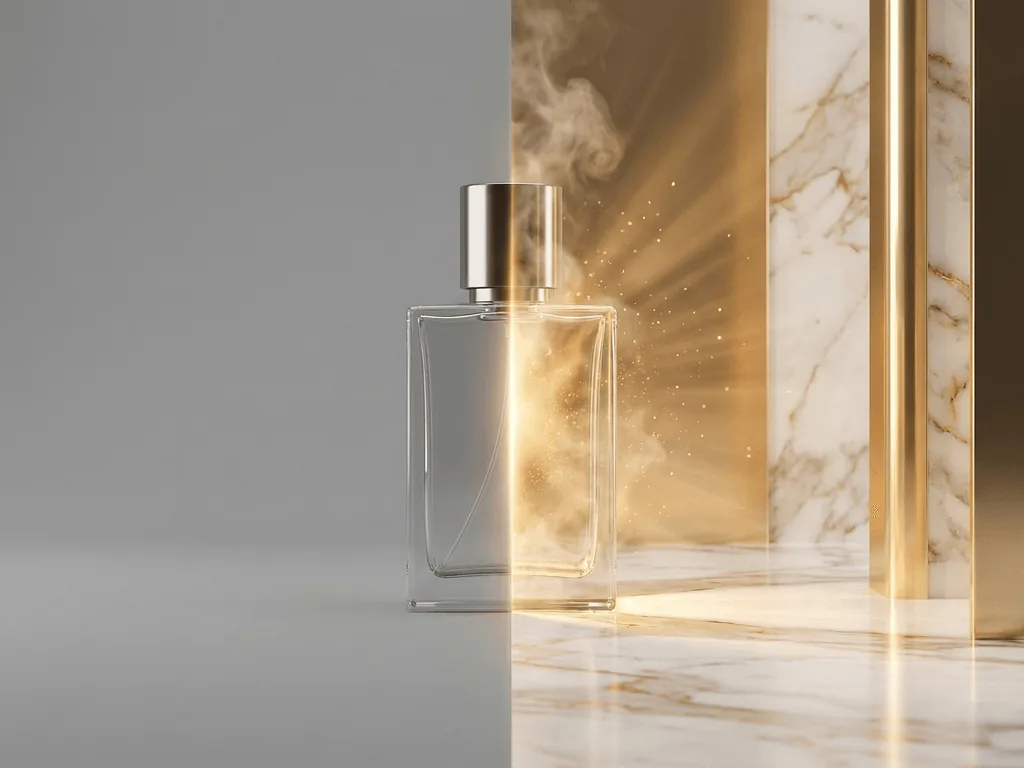
A useful lifestyle image keeps the product accurate and visible while adding the scene around it. The background should explain the product promise, not compete with it. A rugged bottle can sit in an outdoor travel setup. A premium serum can live on stone, glass, or a soft bathroom counter. A desk accessory can appear in a calm workspace. The shopper should immediately understand the product and the feeling attached to owning it.
Why Do Lifestyle Photos Matter for Ecommerce?
Lifestyle photos matter because online shoppers cannot touch, hold, smell, or test the product. They judge trust from images before they read detailed copy. If every photo is flat, small, or disconnected from use, the listing can feel unfinished even when the product itself is strong.
The risk is daily revenue leakage. A weak gallery can make a premium item look generic, make a handmade item look mass-produced, or make a useful product hard to understand. Shoppers may click away because they cannot imagine scale, setting, quality, or the moment of use. That is not a design problem. It is a sales problem hiding inside the photo set.
Lifestyle images also support different channels. A marketplace main image may need a clean or white background, but secondary gallery photos, Shopify product pages, emails, ads, and social posts need more emotional range. A single product can need a clear proof shot, a close detail, a lifestyle scene, and a campaign mood image. When those images work together, the brand feels larger, more prepared, and easier to trust.
How Should You Plan a Lifestyle Product Shot?
Start by choosing the buyer question the image should answer. Do shoppers need to understand scale? Show the product near objects or spaces that make size obvious. Do they need to see use? Place it in the routine where it belongs. Do they need to feel quality? Use surfaces, lighting, and props that match the price point.
Then choose one scene idea. Many lifestyle images fail because they try to show everything at once: props, hands, fabric, plants, packaging, shadows, and seasonal details. The result is busy and hard to scan. A stronger image has one clear story. A coffee product can own a quiet breakfast scene. A tech accessory can own a focused desk scene. A necklace can own a refined outfit detail.
Finally, protect product truth. Keep labels readable when they matter. Do not hide the shape with props. Avoid backgrounds that change perceived color. If the product has reflective, transparent, or textured materials, use lighting that supports those materials instead of flattening them. The best lifestyle images make the product more desirable while staying honest enough to reduce returns and customer confusion.
Which Lifestyle Image Types Should a Store Create?
Most ecommerce stores need four lifestyle image types. The first is the context shot, which places the product in the environment where it naturally belongs. This is useful for product pages because it explains use. The second is the aspiration shot, which makes the product feel attached to a better version of the buyer's life: a calmer home, a sharper outfit, a more polished desk, or a more thoughtful gift.
The third is the scale shot. This is especially important for furniture, accessories, decor, food packs, beauty products, and electronics. Buyers hesitate when they cannot judge size. A lifestyle scale image can prevent disappointment before checkout and reduce the cost of avoidable returns.
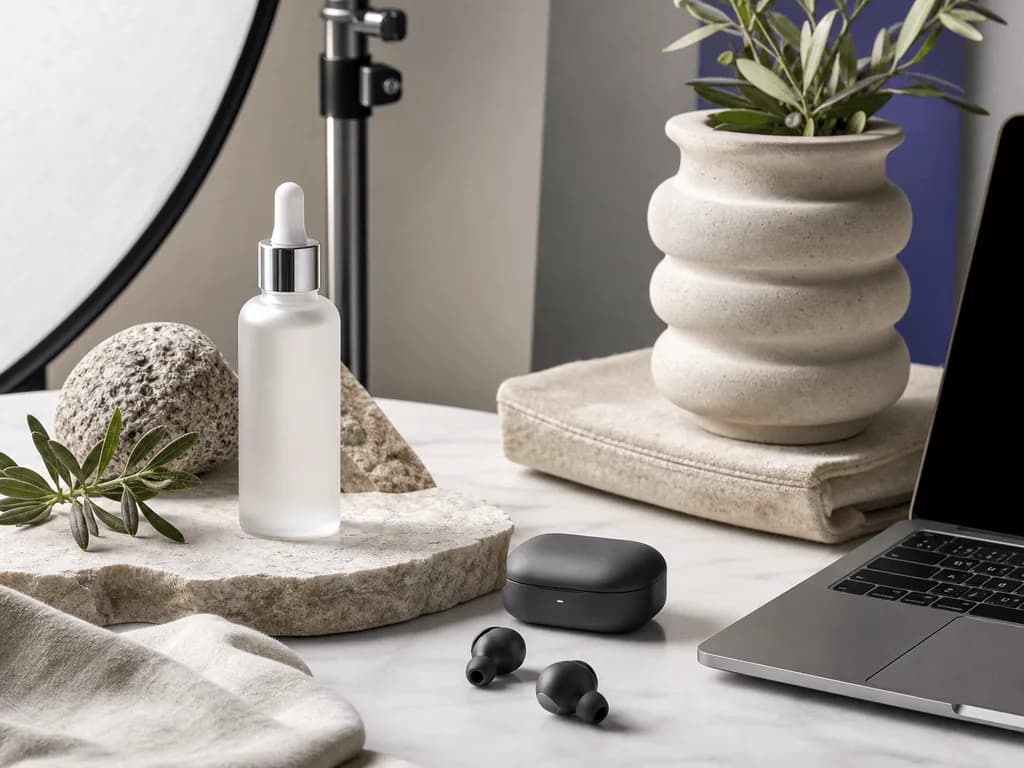
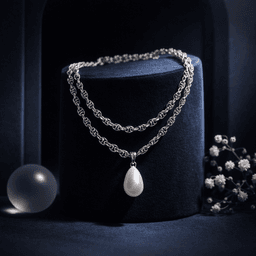
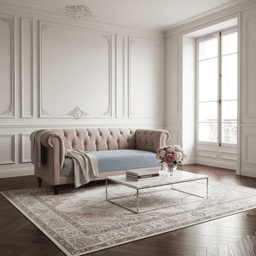
The fourth is the campaign shot. This image is built for launches, seasonal pushes, ads, or social posts. It can carry stronger mood, color, or composition than the product page gallery. Pixora's preset workflow works well here because one clean source photo can become several controlled scene types: Accessory Still Life for premium small goods, Home & Appliances Lifestyle Interior for room context, and Tech Lifestyle for modern devices and desk setups.
What Makes an AI Lifestyle Photo Look Believable?
Believability comes from consistency. The product, light, shadow, surface, scale, and background all need to agree with each other. When they do not, the image feels pasted together. A bottle may float above the table, a watch may cast the wrong shadow, or a chair may look too small for the room. Shoppers may not name the issue, but they feel the image is off.
Start with the source photo. Use a sharp image with clear edges, accurate color, and minimal clutter. AI can help build a scene, but it should not have to guess the true shape of the product. Avoid source photos where hands, props, or messy backgrounds hide important details unless those elements are meant to stay.
Then use category-specific direction. Generic prompts often create attractive scenes that ignore ecommerce constraints. Presets reduce that risk because they encode a more controlled visual purpose: studio clarity, realistic surfaces, lifestyle context, or platform-ready composition. With Pixora, you can still add short user notes such as "warm kitchen counter," "minimal premium desk," or "cozy living room corner," but the preset carries the photography logic. That balance gives you speed without handing the whole result to randomness.
Before-After-Bridge: From One Flat Photo to a Full Gallery
Before: a founder had one supplier image and two phone photos. The product page looked acceptable, but it did not feel like a brand. The same flat image appeared in the store grid, email header, and Instagram post. Paid ads were hard to test because every creative looked nearly identical. The founder knew better visuals might help, but booking a shoot for every SKU felt risky and expensive.
After: the same product had a clear proof image, a lifestyle context image, a scale image, and two campaign variations. The product page answered buyer questions faster. Social posts had more mood. Ads had enough visual range to test what shoppers responded to. The brand felt more established because the images looked intentional.
The bridge was a repeatable workflow. Keep one clean source image, decide the job of each lifestyle photo, then use Pixora Smart Presets to create polished scene options in minutes. Traditional photography, manual editing, and AI tools can all play a role, but preset-based generation removes the hardest bottleneck for small teams: producing enough professional variations without learning lighting, set styling, or prompt engineering.
What Lifestyle Images Fix
Product galleries that show the item but fail to explain why it matters
Shopper hesitation caused by unclear scale, use, setting, or material quality
Repeated studio costs every time a product needs seasonal or channel-specific creative
Generic AI scenes that look attractive but do not support ecommerce trust
Lifestyle Photo Planning Benchmarks
4
Core image roles to plan: proof, context, scale, and campaign mood.
1
Use one clear scene idea per lifestyle image so the product stays readable.
90%
Potential production cost reduction when replacing repeated shoots with Pixora variations.
Create Lifestyle Variations Without a New Shoot
Upload one clean product image, choose a Smart Preset, and generate believable lifestyle scenes for product pages, ads, and social campaigns.
Decide whether the photo should explain context, show scale, create aspiration, or support a campaign.
A clear purpose before styling starts.
02
Choose the scene system
Match the product to a believable environment, surface, lighting mood, and prop level.
A lifestyle concept that supports the product instead of distracting from it.
03
Generate and select
Use Pixora Smart Presets to create variations, then keep the image that feels accurate, readable, and brand-fit.
A polished lifestyle asset ready for your gallery or campaign.
Lifestyle Product Photo Checklist
The product is recognizable within one second.
The scene answers one buyer question: use, scale, quality, or aspiration.
Lighting and shadows make the product feel grounded in the environment.
Props support the product story without covering important details.
The image works with the rest of the gallery instead of replacing clear proof shots.
What Better Lifestyle Photos Create
A product page that feels more complete and trustworthy.
More campaign angles from the same source product photo.
Less money lost to unclear, generic, or under-styled images.
A stronger brand impression across store, email, ads, and social content.
A visual system that small teams can repeat across many SKUs.
Share this article
Build a Lifestyle Gallery From One Product Shot
Use Pixora Smart Presets to turn clean product photos into professional lifestyle images that show context, build desire, and help shoppers feel ready to buy.
Lifestyle product photography shows a product in a real or aspirational setting so shoppers can understand use, scale, mood, and ownership. It complements clean catalog images rather than replacing them.
Yes. White or clean proof images are important for clarity, marketplaces, and product grids. Lifestyle photos are usually strongest as secondary gallery images, ads, social posts, and campaign visuals.
Yes, if the source photo is clean and the workflow protects product accuracy. Pixora uses Smart Presets so you can create scene variations without writing complex prompts.
Furniture, decor, beauty, accessories, food, electronics, apparel, and giftable products all benefit because buyers need to imagine scale, use, and emotional context before purchasing.
Start with one to three strong lifestyle images after the main proof image. Use one for context, one for scale or detail, and one for aspiration or campaign mood.
Accessory Still Life works well for jewelry, gifts, candles, and small goods. Home & Appliances Lifestyle Interior helps with room context. Tech Lifestyle is useful for devices, accessories, and modern desk scenes.