Workflow Overview
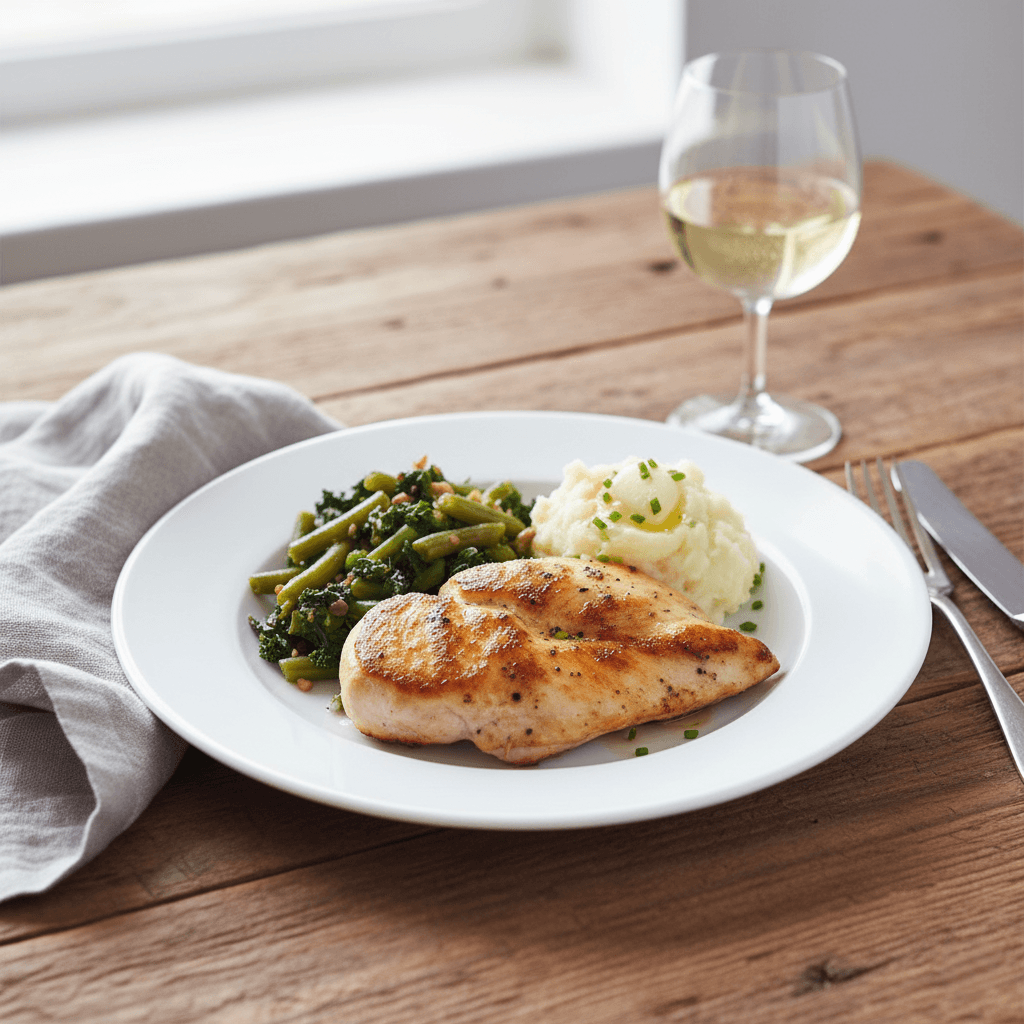
Transform simple food shots into rich, storytelling editorial images. Features natural lighting, curated table props and a 'lived-in' aesthetic perfect for engaging social media content and blogs.
How to use
1. Select 'Food Editorial: Lifestyle Table Setting'. 2. Upload one or more photos of your dish from different angles. 3. (Optional) Use 'Additional Notes' to request specific props or table settings. 4. Generate to instantly place your food in a stylish, lived-in dining scene. 5. Download your magazine-quality image for blogs or social feeds.
Best for
- Instagram 'Foodie' influencers and creators
- Casual dining and brunch marketing materials
- Food blog recipe headers
- Meal kit delivery 'serving suggestion' ads
- Cookbook interior pages
Tips
- Multiple Shots: Upload several photos to give the AI a complete picture of your dish's colors and textures.
- Customize Your Scene: Use 'Additional Notes' to request specific vibes—'rustic farmhouse', 'elegant dinner party', or 'cozy brunch setting'.
- The 'Lived-In' Look: This preset adds cozy details like napkins and cutlery. Minor imperfections help create a realistic, organic look.
- Angle is Everything: A 45-degree angle (diner's view) creates the most inviting, 'ready to eat' result.
- Natural Light: Photos taken near a window work perfectly as the AI mimics soft daylight.
Gallery
FAQ
Can I choose which props appear (e.g., remove the fork)?
Is this suitable for Amazon main images?
Does it work with top-down (flat lay) photos?
What if my plate is white?
Categories
Requirements
High-quality photo of the food item. No text description needed. Natural, soft lighting in the source photo blends best with this daylight-style preset.
Watch out for
Best for plated dishes, bowls, or bakery items. Avoid input photos with cluttered backgrounds; a clean or simple background allows the AI to build the most realistic table setting around your food. Ensure the perspective matches a seated diner's view (approx 45°).
