Your Product Photos Are Costing You Sales. Here's the Fix.
90% of online buyers say photo quality is the number one factor in their purchase decision. Not price. Not reviews. The photo. If you're getting traffic but not converting, this is almost certainly why.
Traffic is coming in. Sales aren't. A customer lands on your listing, glances at the photo for two seconds, and scrolls past. Not because your product is wrong — the image made it look cheap.
A $45 handmade candle on a messy counter looks like a $12 impulse buy. Same candle, clean surface, warm lighting? Now it's worth clicking on. The product didn't change. The photo did.
And no — the fix isn't hiring a $1,700 photographer or learning Photoshop.
Sound Familiar?
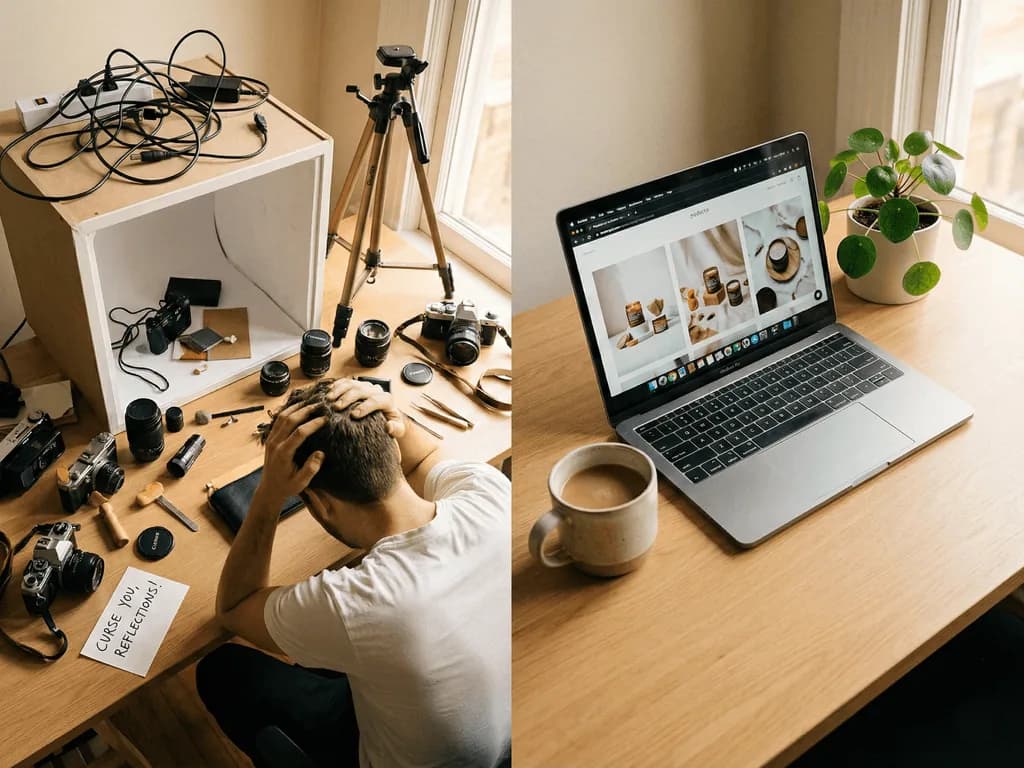
You know your images aren't great, but a photographer is too expensive
You've lost visibility due to image rules you didn't know about
Your photos look different from each other — no consistent brand feel
You've delayed launches because the photoshoot isn't done yet
The 7-Photo Formula That Sells
Listings with 5-7 images consistently outsell those with fewer. Each slot has a job:
Photo 1 — Hero. Clean, bright, product-forward. The only image shoppers see in search. Everything rides on it.
Photos 2-4 — Evidence. Angles, close-ups, texture. The questions a customer would ask if they could hold it.
Photos 5-6 — Story. Lifestyle shots. Your product in context — a kitchen appliance on a countertop, a dress in sunlight. Stop selling a product, start selling a feeling.
Photo 7 — Closer. Packaging, what's in the box, size comparison. The "okay, I'm buying it" image.
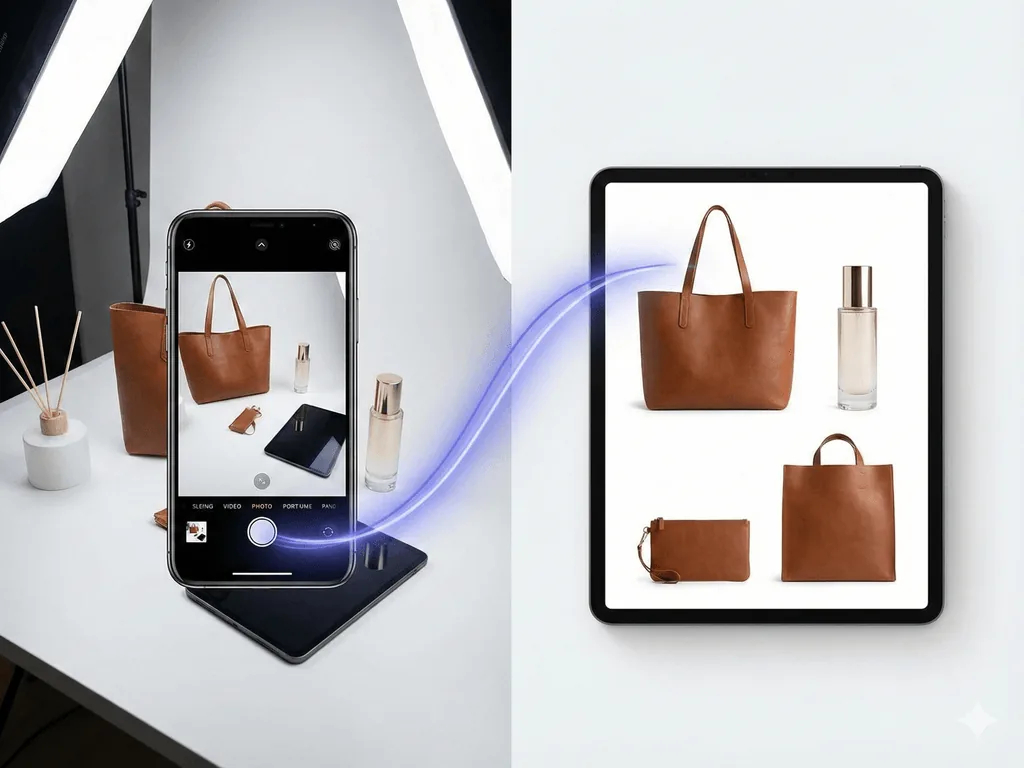
Producing 7 quality images per product the traditional way? For 50 products, that's 350 photos. Pixora does it from a single phone photo — hero shot, lifestyle, detail close-up, all from one source.
Platform Rules That Silently Kill Your Listings
Amazon: Background must be pure white (RGB 255,255,255), product fills 85%+ of the frame, no text or lifestyle elements. Get it wrong — your listing gets suppressed without warning.
Etsy: The opposite trap. Too-polished photos look mass-produced. Buyers want warmth: wood surfaces, linen, natural light.
Shopify: Total freedom, but no enforced consistency. The best stores treat every image like a brand guideline.
Pixora's Smart Presets are built around these rules. Studio White for Amazon. Lifestyle Editorial for Etsy. Pick the preset, it handles compliance.
Same Product. Different Photo. Different Result.
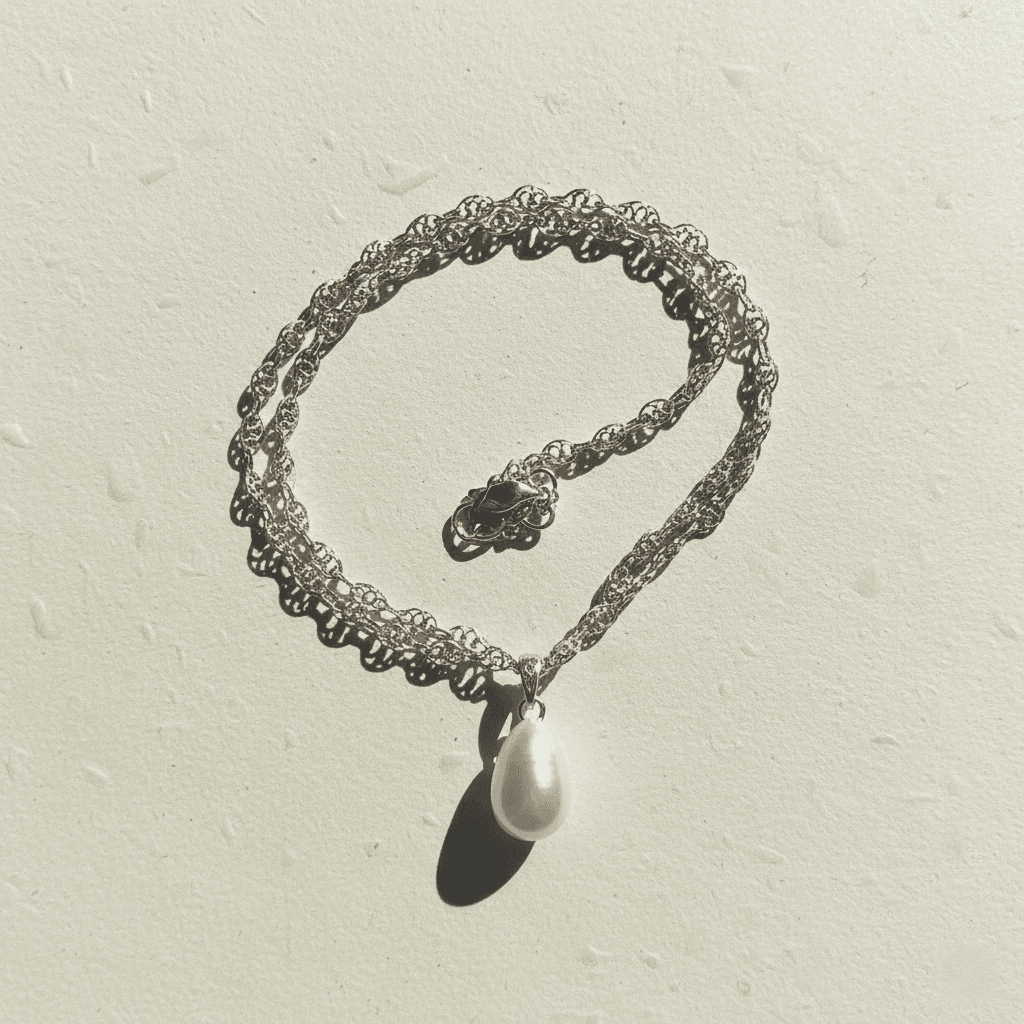
Before
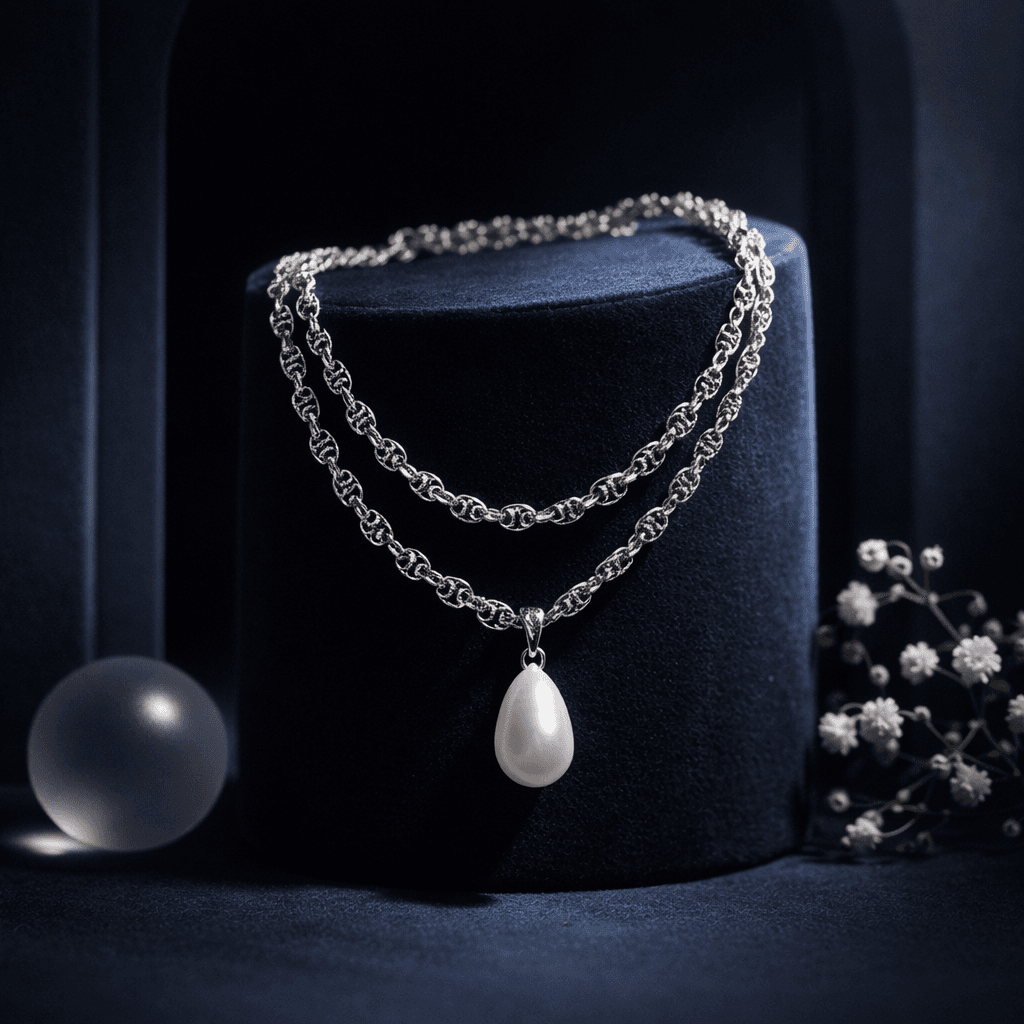
After
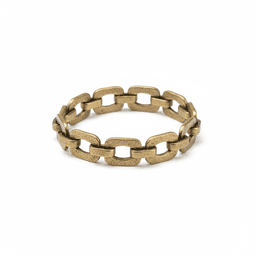
A silver pearl necklace on a plain surface vs. styled on velvet with studio lighting. Same jewelry, different perceived value. Created with a Smart Preset — no prompts, no editing.
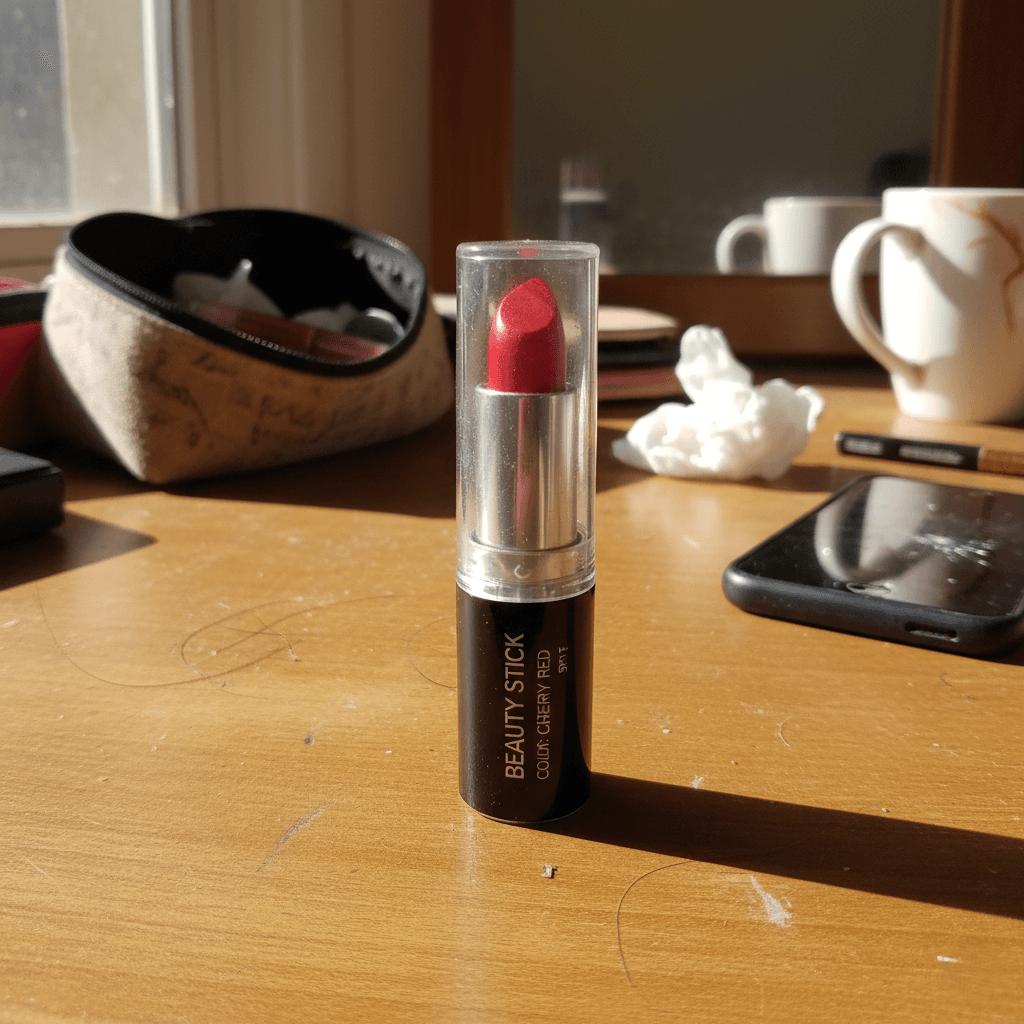
Before
After
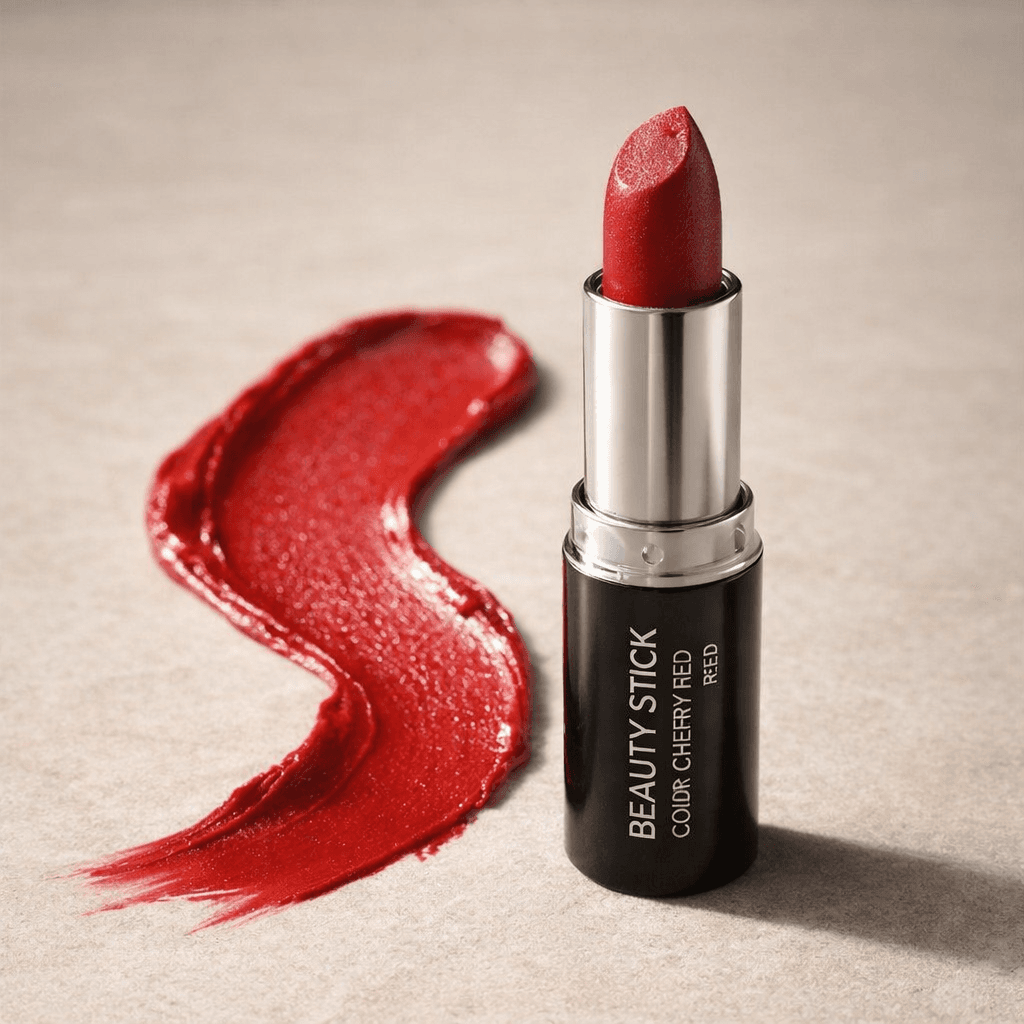
A lipstick on a cluttered desk vs. a professional beauty shot with color swatch. One looks random, the other looks like a brand. One click, zero Photoshop.
Why Not Just Use Another AI Tool — or Hire a Photographer?
Traditional photography gives you control, but a single shoot runs $500-1,700. Ship products, wait days, need a different background — reshoot. Doesn't scale.
Generic AI tools (Midjourney, DALL-E) weren't built for product photos. Write a prompt, hope it works, spend 20 minutes tweaking. Results are inconsistent and they don't know marketplace rules.
Other product photo AI tools still ask you to write prompts, upload references, or arrange scenes on a canvas. Another learning curve.
Pixora works differently. No prompts. No parameters. No canvas. Upload your photo, pick a Smart Preset, and the AI analyzes your product — material, shape, how light should fall on that specific surface — then builds a completely new scene around it. Every shadow, every reflection, generated to make that item look its best.
This isn't a filter. It's closer to a professional photographer studying your product, setting up the perfect lighting, styling the scene, and shooting — in seconds, for every product, at a fraction of the cost.
Other tools hand you controls and say figure it out. Pixora figures it out for you.
Why This Matters
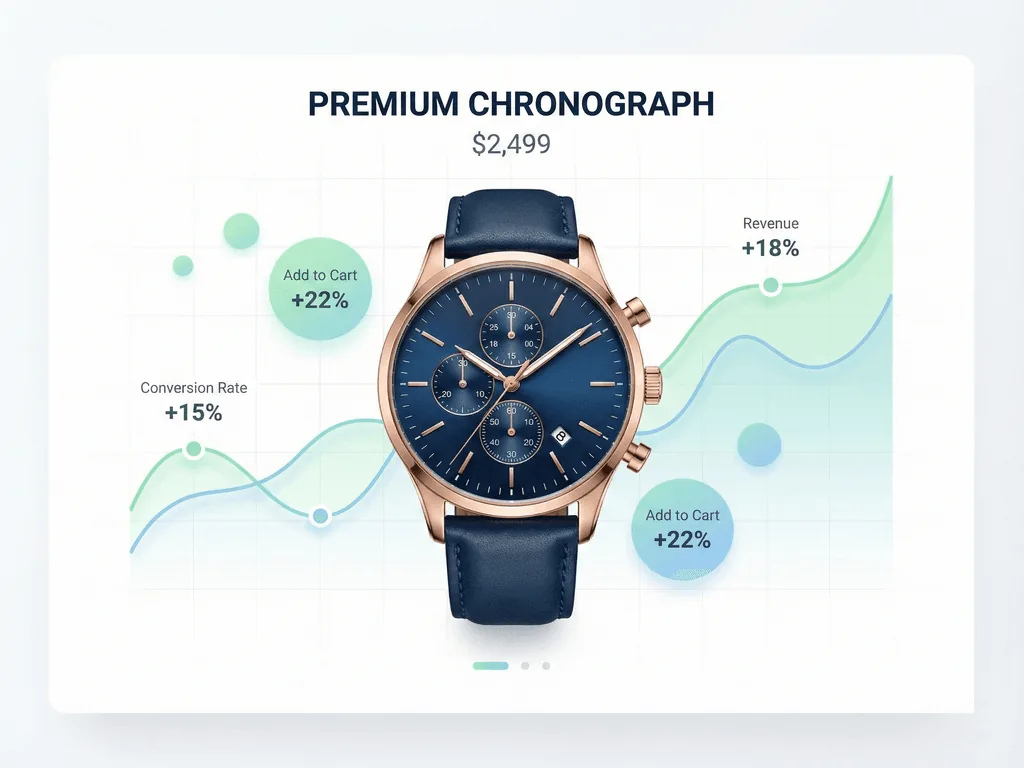
90%
Of buyers say photo quality is their top purchase factor
30-70%
Conversion increase from professional images
5-7
Images per listing for peak conversion
What If Your Entire Store Looked This Good?
Every product with the same professional finish. No photographer, no studio, no editing. Upload a phone photo, pick a preset, done.
Every image crisp, professionally lit, cohesive. A customer browses and everything feels trustworthy, established. They don't know you launched recently or run this from home. All they see is a brand worth buying from. Customers stop price-comparing because your visuals signal quality. They add more to cart. They come back.
The gap between where you are and that store is one decision. Upload a phone photo, pick a preset, get a professional image. Do it for your whole catalog.
From Phone Photo to Professional Listing
01
Snap a Quick Photo
Phone is fine. Good lighting — near a window works. Plain surface, clear shot.
Usable source image in 30 seconds.
02
Pick a Smart Preset
Studio white for Amazon, lifestyle for Etsy, editorial for Shopify.
Professional results, zero learning curve.
03
Generate and Go Live
Upload, generate, download, list. Done.
A store that looks like a real brand.
Quick Photo Checklist
Hero images are bright, sharp, and clean
Every listing has 5+ images including lifestyle shots
Backgrounds meet marketplace requirements
All products share the same visual style
Images look great on mobile
What Changes When Your Photos Improve
More clicks — your listing stands out in search
Higher conversion — browsers become buyers
Fewer returns — customers get what they expected
A brand that looks established from day one
Product launches in hours, not weeks
Share this article
Your Products Deserve to Look as Good as They Are
You've built something worth buying. Don't let bad photos be the reason people never find out. Pixora turns any phone photo into a marketplace-ready image in seconds.
More than almost anything else. Professional product photography increases conversion rates by 30-70%. On Amazon and Etsy, image quality is the biggest factor in whether someone clicks or scrolls past.
5-7 images. Hero shot, multiple angles, detail close-ups, at least one lifestyle photo, and a trust-builder like packaging or size comparison.
Yes. Pixora's Studio White presets generate pure white backgrounds meeting Amazon's RGB 255,255,255 standard. No manual editing needed.
No. A modern smartphone is enough. Decent lighting and a clear shot — Pixora handles the professional transformation.
50 products in under an hour. Upload, preset, generate, download. What takes weeks with traditional photography becomes a single session.