How to Create Etsy Listing Photos That Look Handmade and Still Convert
A weak Etsy photo does more than look unpolished. It makes a handmade shop feel uncertain. Buyers decide in search results before they ever read your description, so your first image has to look clear, honest, and worth clicking. This guide shows what Etsy currently recommends for listing photos, how to shoot images that still feel human, and how to use AI presets without making your products look generic.
Why Etsy Listing Photos Decide Whether a Shopper Clicks
Etsy is a search-and-scroll marketplace. Buyers compare many listings quickly, often on mobile, and most of them make their first decision from the thumbnail alone. If your first image looks dark, crowded, overdesigned, or obviously inconsistent with the rest of the shop, the listing feels risky before the customer learns anything about your craftsmanship.
That risk hits handmade sellers harder than most brands. On Etsy, the photo does not just need to prove what the product is. It also has to prove that the product is real, thoughtfully made, and worth trusting. A ceramic mug needs to feel tactile. A handmade necklace needs to feel precise. A linen pouch needs to feel textured, soft, and intentional. If the photo misses that emotional proof, the listing starts competing on price instead of perceived quality.
The first image carries the most pressure because it works in small spaces. Search grids, category pages, favorites, and recommendation surfaces all compress your work into a fast visual judgment. Busy props, awkward crops, or weak lighting usually fail there. The best Etsy sellers make the thumbnail easy to read first, then use the rest of the gallery to add warmth, process, scale, and story.
This is where many small shops get stuck. They want product images that feel polished, but they also fear looking too commercial or too artificial. The real goal is not sterile perfection. It is believable clarity. When buyers can understand the item instantly and still feel the handmade character behind it, your listing earns the click and your pricing becomes easier to defend.
What Photo Size and First-Image Rules Matter Most on Etsy?
As of March 21, 2026, Etsy recommends listing photos with a width and height of at least 2000 pixels or more. Etsy also says your first listing photo should be at least 635 pixels wide and tall to avoid appearing lower in search. That minimum is not the real target though. For serious sellers, the safer rule is to create high-resolution masters, then publish images that stay sharp when cropped, zoomed, or shown on high-density screens.
Etsy also cares about the quality of the first image itself, not just the file size. Its Search Visibility guidance says the primary photo should show a singular finished product, not a collage or stitched image, and it should be clear and well lit. That is critical because Etsy may crop the thumbnail in different places across the marketplace. If the product sits too close to the edge or depends on text overlays and decorative framing, the listing can look messy fast.
The gallery matters too. Etsy currently lets sellers attach up to 20 photos and 1 video to a listing, which means you have far more room than a single hero shot. Use that flexibility strategically. Let the first image win the click, then let the rest of the gallery answer the buyer's silent questions about size, finish, craftsmanship, packaging, use case, and texture.
One more detail is easy to miss: Etsy now lets you add alt text to listing images, with guidance to keep each description concise and up to 250 characters. That does not replace strong visuals, but it does reinforce clarity and accessibility. The best Etsy photo workflow is not only attractive. It is technically safe, easy to crop, and built for how shoppers actually browse.
How Do You Keep Etsy Photos Authentic Instead of Overproduced?
Authenticity on Etsy does not mean careless photography. It means the image feels true to the product, the material, and the buyer's expectation. Handmade shoppers usually want proof of texture, scale, and real-world use. They do not need every listing to look like a luxury beauty campaign. They need enough polish to trust the shop and enough realism to believe what they will receive.
Start with natural or softly diffused light whenever possible. Window light is often enough if you control it well. Keep the setup simple, use one clear light direction, and avoid mixed bulbs that make colors shift between frames. Then choose backgrounds and props that support the item rather than competing with it. Linen, untreated wood, paper, ceramic, and soft neutral surfaces often work because they feel tactile without pulling attention away from the product.
Composition matters more than gear. Leave breathing room around the item so Etsy thumbnail crops do not cut off important edges. Show the product as the main subject, not as one piece of a crowded flat lay. If you sell jewelry, give the buyer one image that proves detail, one that shows scale, and one that shows the piece in a believable lifestyle context. If you sell apparel or accessories, include at least one image that helps the customer picture fit, drape, or use.
The key is to separate handmade warmth from visual chaos. A cozy craft aesthetic still needs clean focus, consistent color, and readable framing. When the photo feels calm and intentional, shoppers read it as trustworthy. When it feels improvised, they assume the rest of the buying experience may be improvised too.
What Image Mix Works Best for Etsy Listings?
Think of an Etsy listing as a sequence of proof, not a random set of photos. The first image should do the simplest job: win the click. That usually means one product, one clear focal point, balanced negative space, and a composition that still works when cropped into a small thumbnail. For many products, the best first photo is cleaner than sellers expect.
The next images should remove uncertainty. Add a close-up that proves surface quality or craftsmanship. Add a scale image that shows the item in a hand, on a table, or worn on a real person if the category supports it. Add a lifestyle frame that shows how the piece lives in the world. For handmade goods, process-adjacent images can also help when they reinforce trust, such as packaging details, fabric texture, clasp quality, or careful finishing.
Not every product needs the same order, but most strong Etsy listings share the same logic. Start with clarity, follow with evidence, then add emotion. A candle listing may move from clean hero to wax texture to styled shelf context. A handmade bag may move from front view to interior detail to on-body fit. A skincare item may move from clean packaging shot to texture detail to a calm lifestyle still life that matches the brand mood.
This is also where consistency becomes a business advantage. When every listing follows a similar visual structure, your shop starts looking like a real brand instead of a collection of unrelated uploads. Buyers notice that even if they cannot describe it. Strong Etsy photos reduce doubt one frame at a time.
Before-After-Bridge: From Inconsistent Thumbnails to a Shop That Feels Trustworthy
Before: a small Etsy seller had strong handmade products but weak visual rhythm. Some listings used warm kitchen light, others used cool white paper, and others were cropped so tightly that the item felt cramped in search results. Nothing looked terrible by itself, yet the shop felt uneven. Buyers favorite items, but conversion stayed soft because the thumbnails did not build enough trust.
After: the seller rebuilt the catalog around a repeatable photo system. First images became simpler and more thumbnail-safe. Follow-up images proved texture, scale, and packaging. Lifestyle shots stayed natural instead of theatrical. The store did not lose its handmade character. It finally looked organized enough for that character to come through.
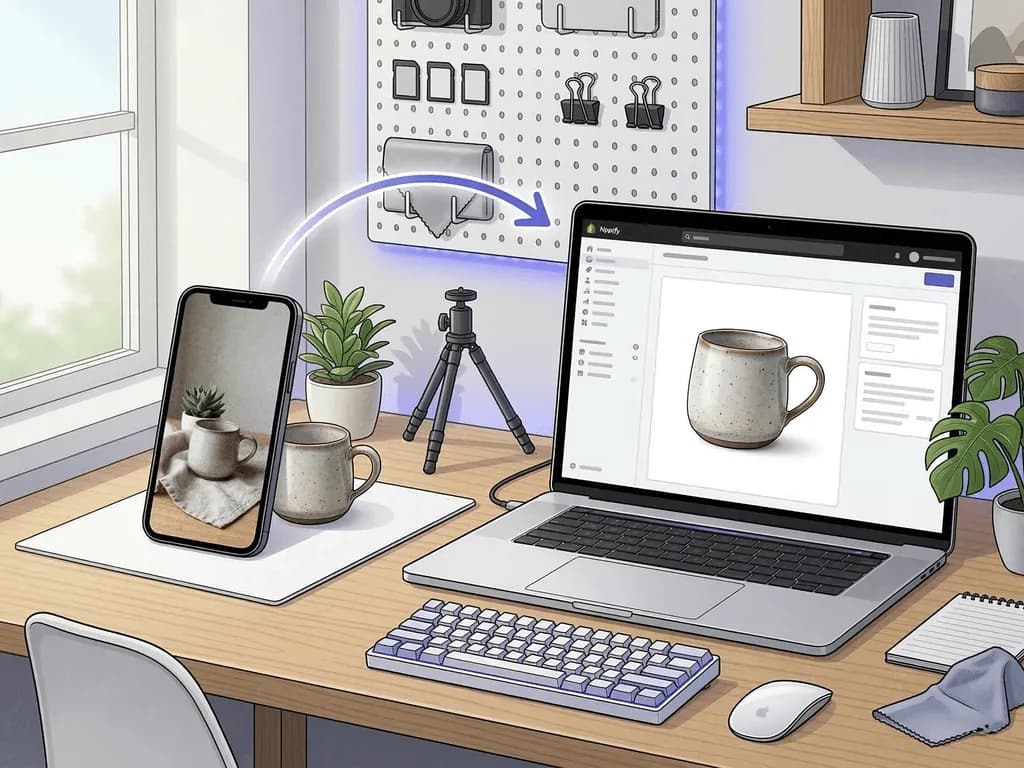
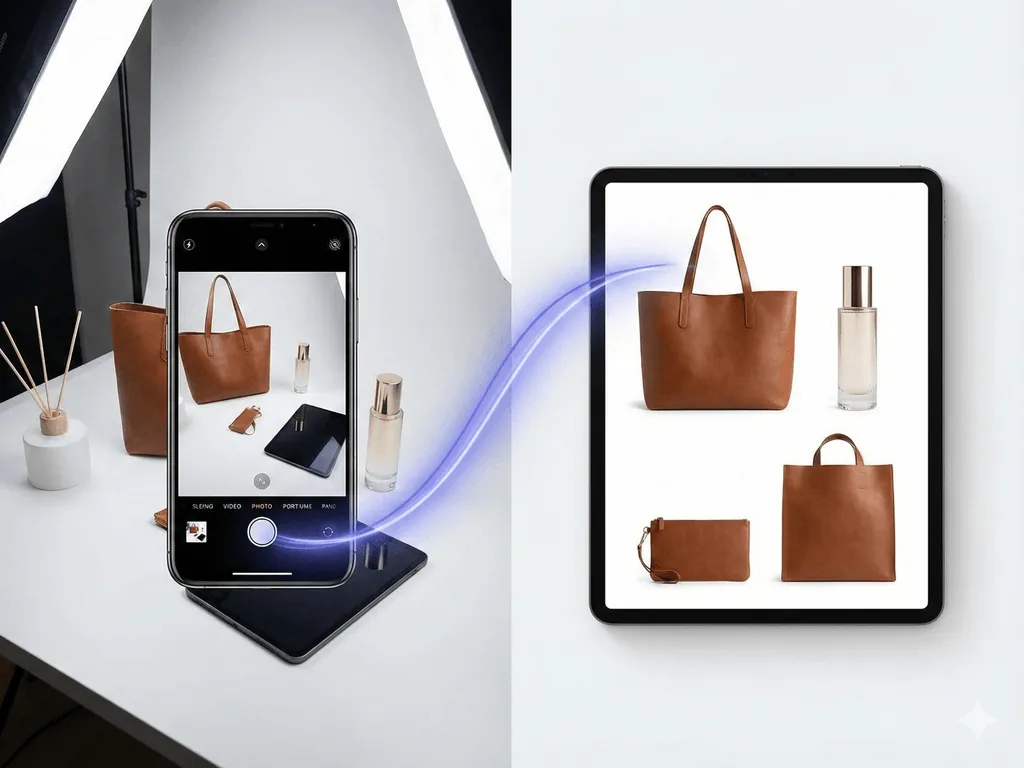
The bridge was not a full studio build. It was a clearer workflow. The seller kept a small capture routine for honest source photos, then used preset-based image generation for selected secondary images that needed more polish or seasonal mood. That made it possible to launch new listings faster without improvising every scene from scratch.
That is the real Etsy opportunity. You do not need every photo to look expensive. You need the entire gallery to feel coherent, readable, and believable. Once the visual system is in place, your thumbnails work harder, your product pages answer more objections, and your handmade positioning becomes easier for shoppers to trust.
How Pixora Fits an Etsy Workflow Without Making Products Look Fake
Pixora is a strong fit for Etsy when it is used to support authenticity, not replace it. Handmade sellers do not need random AI scenes or complicated prompt writing. They need a faster way to create consistent listing photos, scale references, and warm secondary images that still feel aligned with the product. Smart Presets are useful here because they turn common Etsy photo jobs into clear choices instead of open-ended experimentation.
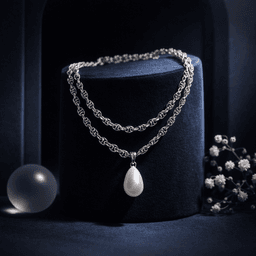
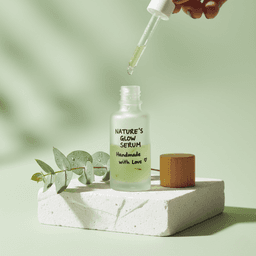
Use Accessory Still Life: Aesthetic Display when you want a styled secondary image that adds mood for jewelry, candles, stationery, or small handmade goods without turning the listing into a collage. Use Accessory Lifestyle: On-Model Context when size and wearability are the biggest objections, especially for earrings, necklaces, bracelets, or bags. Use Beauty Creative: Aesthetic Still Life for skincare, soaps, and packaged self-care products that need a calm, tactile, premium frame for social or supporting gallery slots.
The practical rule is simple: keep the main image honest and easy to read, then use presets to strengthen the supporting images that help buyers imagine ownership. That means one clean source photo, one clear visual intention, and short user notes only when you need them. You are not trying to impress the algorithm with AI. You are trying to make the product easier to trust.
This is why Pixora has Business Potential Score 2 for an Etsy topic like this. It is not the only way to improve listing photos, but it helps substantially where sellers usually lose time: consistency, scale context, seasonal refreshes, and polished secondary imagery. When used with restraint, it speeds up the work without erasing the human feel that makes Etsy shops sell.
Why Etsy Sellers Struggle With Product Photos
The first image has to win the click in a tiny thumbnail without looking generic or crowded
Handmade sellers need polish and authenticity at the same time, which is hard to balance manually
Inconsistent lighting and crop logic make the shop look less trustworthy across listings
Creating seasonal or lifestyle variations for every SKU is too slow with a fully manual workflow
Current Etsy Photo Numbers That Matter
2000 px+
Recommended width and height for listing photos so they stay clear in search and zoom
635 px+
Minimum width and height Etsy recommends for the first photo to avoid lower search placement
20 + 1
Current listing allowance for up to 20 photos and 1 product video
Turn One Honest Product Shot Into an Etsy-Ready Gallery
Test Smart Presets on a real Etsy listing and compare a thumbnail-safe hero image with a warm lifestyle or on-model secondary frame before planning another manual reshoot.
Use soft daylight, a simple surface, and enough breathing room around the item so the product stays readable in thumbnails and crops.
A reliable base photo that looks honest and holds up across Etsy placements.
02
Assign Each Gallery Image a Job
Use the first image for clarity, then add detail, scale, and lifestyle frames that answer buyer questions instead of repeating the same shot.
A listing that reduces doubt in a deliberate sequence rather than by accident.
03
Use Presets Only Where They Add Value
Keep the main image simple, then use Pixora for styled secondary visuals, on-model context, or seasonal refreshes that would otherwise take too long to shoot.
Faster listing production without losing the handmade feel of the shop.
Pre-Publish Etsy Photo Checklist
The first image shows one clear finished product instead of a collage or busy flat lay
The product still reads clearly when the image is viewed as a small thumbnail
At least one image proves texture, finish, or craftsmanship up close
At least one image shows scale, fit, or real-world use when the category needs it
The full gallery follows consistent color, lighting, and crop logic across listings
What Improves When Etsy Photos Become a System
Search thumbnails become easier to click because the product is clear at first glance
Listings feel more trustworthy without losing handmade warmth
Buyers get faster proof of scale, texture, and product quality
Seasonal campaigns and new launches take less time to prepare visually
Your shop starts looking like a coherent brand instead of a patchwork catalog
Share this article
Make Your Etsy Shop Easier to Trust at First Glance
Stop losing clicks to crowded thumbnails and uneven product photos. Upload one clean source image, choose the right Smart Preset, and build Etsy-ready visuals that stay clear, warm, and believable.
Etsy currently recommends listing photos with a width and height of at least 2000 pixels or more. That gives you more protection against soft thumbnails, weak zoom quality, and awkward crops.
Etsy says the first listing photo should be at least 635 pixels wide and tall to avoid lower search placement. In practice, it is better to work from a much larger master image so the thumbnail stays sharp and flexible.
The safer rule is not a strict shape but a thumbnail-safe composition. Leave enough space around the product and keep one clear focal point, because Etsy may crop the primary image differently across search and listing surfaces.
Yes, if you use AI with restraint. The main image should still feel honest and readable, while AI works best for supporting lifestyle, on-model, or seasonal images that add context without misrepresenting the product.
Etsy currently allows up to 20 photos and 1 video per listing. Use that capacity intentionally instead of filling it with near-duplicates.
A practical starting mix is Accessory Still Life: Aesthetic Display for styled supporting images, Accessory Lifestyle: On-Model Context for scale and wearability, and Beauty Creative: Aesthetic Still Life for handmade self-care or packaged beauty products.