The Death of the Prompt: Why Smart Presets Rule the Future
The era of 'Prompt Engineering' is fading. Top brands are trading unpredictable chat boxes for Pixora's engineered Smart Presets to achieve studio-level consistency at scale.
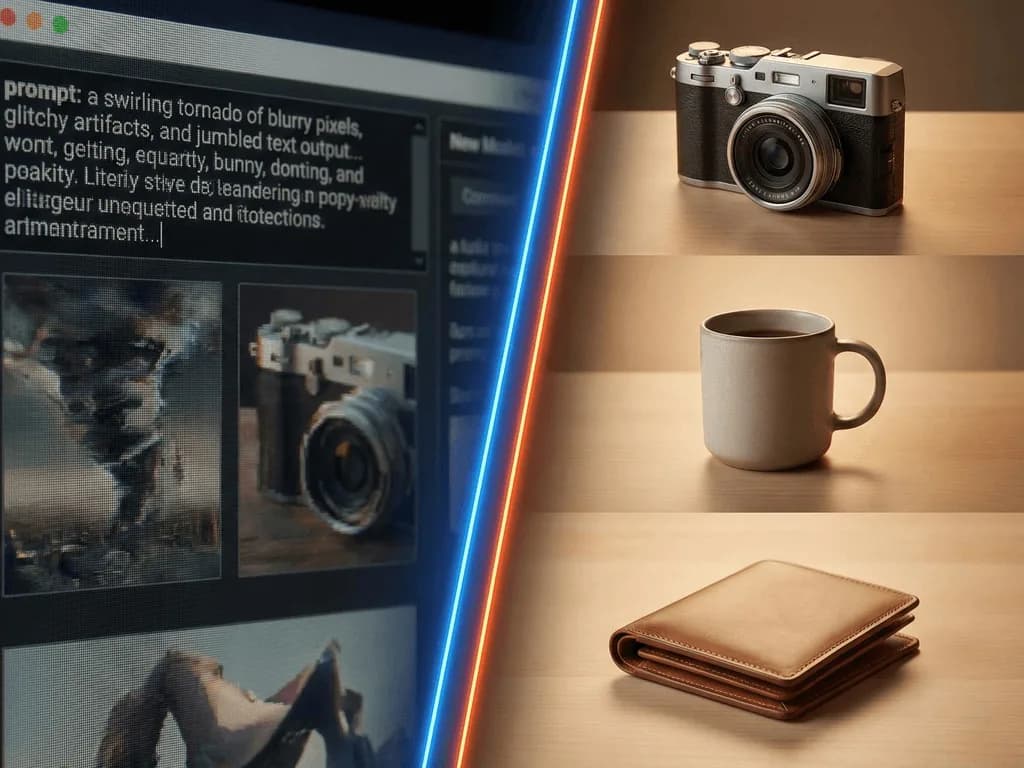
For years, the AI promise was seductive: "Type anything, get anything." But for e-commerce brands, this infinite freedom is a trap. When you stare at a blinking cursor and type "luxury perfume bottle on marble", you aren't directing a shoot; you're rolling the dice. Will the marble be Carrera or Calacatta? Will the lighting be warm sunset or clinical cool? Prompting is a game of chance, and your brand's consistency is the wager. You spend hours tweaking adjectives—"soft", "cinematic", "8k"—only to get a result that looks completely different from your last shot.
Enter the Smart Preset: Your AI Art Director
A Pixora Smart Preset isn't just a filter or a shortcut. It's a sophisticated, pre-engineered workflow that acts as your personal AI Art Director. When you select a preset like "Food Menu: Clean White Background", you aren't just applying a style. You are activating a chain of advanced AI models working in harmony that have been trained on thousands of pages of professional photography guides. The system analyzes your product, understands it's a 'burger' or a 'watch', and then writes a highly technical, perfect prompt for you—applying rules about lighting, composition, and camera angles that only a pro photographer would know.
Vertical Intelligence: Presets That "Know" Your Product
Generic AI tools treat a diamond ring the same way they treat a hamburger. Pixora's Smart Presets have "Vertical Intelligence" baked into their DNA.
• The Foodie's Eye: Our Food presets don't just "make it look good". They understand concepts like "appetite appeal" and "freshness", using lighting techniques that highlight texture and moisture, exactly as described in top culinary photography handbooks.
• The Jewelry Expert: Metals are notorious for reflecting the messy AI world around them. Our "Accessory Studio" presets are engineered to simulate specific studio lighting setups (like "light tents") that minimize harsh glare and ensure gold looks like gold, not yellow plastic.
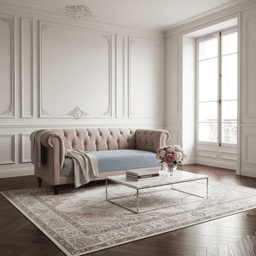
• The Furniture Problem: Scale is everything. A chair needs to sit on the floor, not float six inches above it. Our "Home & Lifestyle" presets understand perspective and horizon lines, grounding your sofa in a realistic room setting that matches the camera angle of your original photo.
Consistency is the New Currency
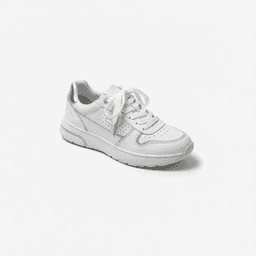
In the visual economy, trust is built on consistency. A customer browsing your collection shouldn't feel like they've stepped into five different stores. Prompt-based AI struggles here—changing one adjective can wildly alter the output's style. Pixora's Smart Presets standardize the "physics" of your brand world. Whether you're shooting a sneaker or a serum, the lighting ratios and color grading remain cohesive because the underlying instructions are fixed. You become a Creative Director approving a portfolio, not a scriptwriter fighting a chatbot.
Speed: The 1-Minute Studio
We timed it. A skilled pro spent 8 minutes crafting and refining a text prompt to get a compliant, white-background image for Amazon, battling hallucinations and artifacts. A Pixora user? They uploaded their photo, clicked the "Fashion E-commerce Studio: Clean White Background" preset, and had a policy-compliant, high-resolution asset in a minute. When you need to process 50 SKUs for a launch, that difference isn't just convenient—it's your competitive edge.
Future-Proofing Your Workflow
The AI world moves fast. New models release every week. If you rely on your own prompts, you have to re-learn "prompt syntax" every time an update drops. With Pixora, we update the engine under the hood. When a better shadow-rendering model comes out, we wire it into your favorite preset. You keep clicking the same button, but the results just get better and better. You don't need to be an AI researcher to stay on the cutting edge; you just need Pixora.
No. Pixora's presets contain "expert-in-the-loop" instructions. Our system writes the complex prompt for you based on photography best practices.
Yes. While the core style is fixed for consistency, many presets allow for "Brand Notes" where you can specify particular prop colors or mood nuances.
Filters just overlay colors. Pixora's Smart Presets use generative AI to reconstruct the scene around your product, understanding lighting, depth, and materials.