Workflow Overview
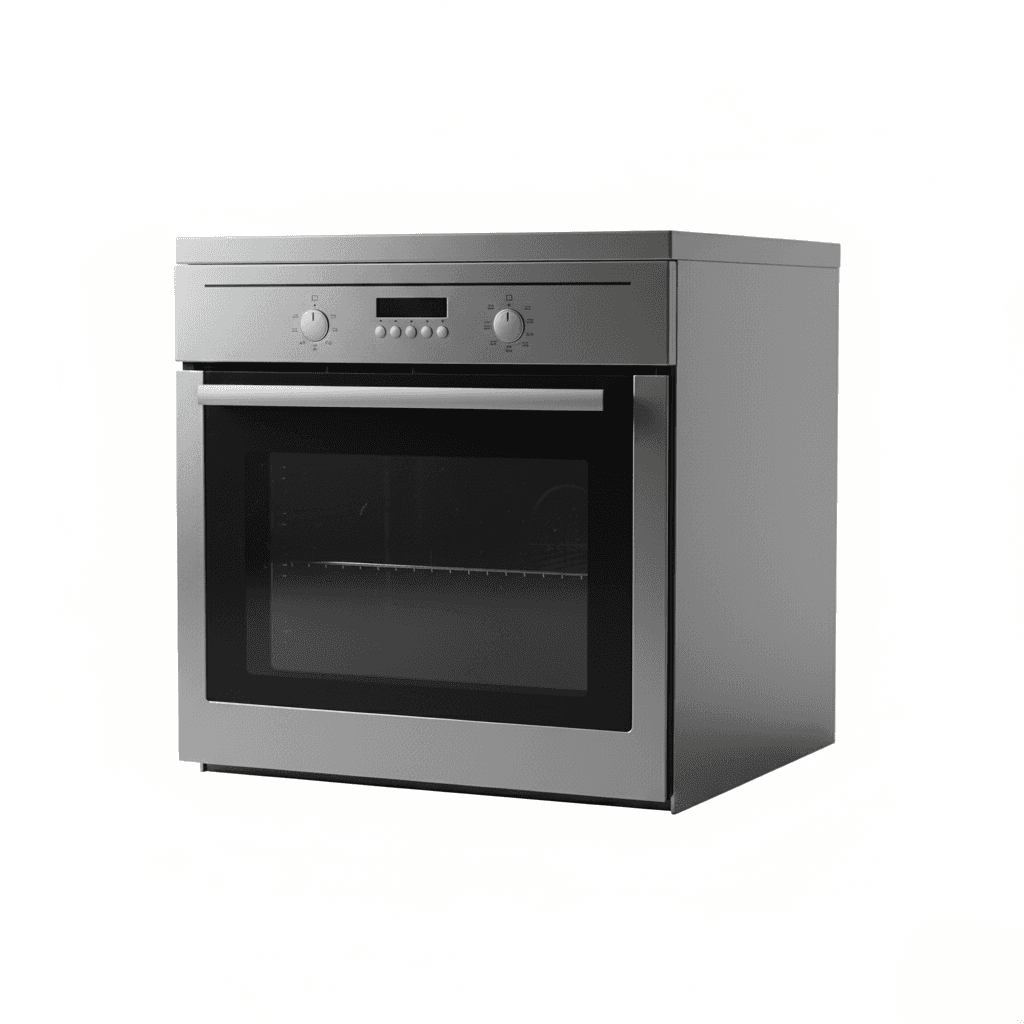
Generate professional studio photography for furniture and large home appliances (fridges, washing machines). Features accurate material textures, even lighting, and a pure white background for retail listings.
How to use
1. Select 'Home & Appliances: Studio White Background'. 2. Upload one or more photos of your furniture or appliance from different angles. 3. (Optional) Use 'Additional Notes' to specify any preferences like shadow intensity or camera angle. 4. Generate to remove the background and apply even studio lighting. 5. Download your listing-ready image.
Best for
- Main images for Amazon, Wayfair, and IKEA
- Home appliance product pages (Samsung, LG style)
- Furniture manufacturer catalogs
- Augmented Reality (AR) asset preparation
- Inventory databases
Tips
- Multiple Angles: Upload front, side, and detail shots to help the AI accurately capture dimensions and materials.
- Customize Output: Use 'Additional Notes' to request specific angles like 'three-quarter view' or adjust shadow intensity.
- Camera Height: Shoot straight on at mid-level to avoid distortion (especially for tall fridges or wardrobes).
- Texture: Ensure wood grain or metal finish is in focus.
- Grounding: The AI adds a subtle shadow so heavy items don't look like they are floating.
Gallery
FAQ
Is this compliant with Amazon?
Does it work for metallic appliances?
Can I use a warehouse photo?
Categories
Requirements
A photo where the entire item is visible. No text prompt needed. Shoot from a mid-height angle for accurate shape representation.
Watch out for
Reflective surfaces like fridge doors or glass tables need careful lighting in the input photo. If one side is very dark, the AI might struggle. Avoid flash reflections on glossy surfaces.
