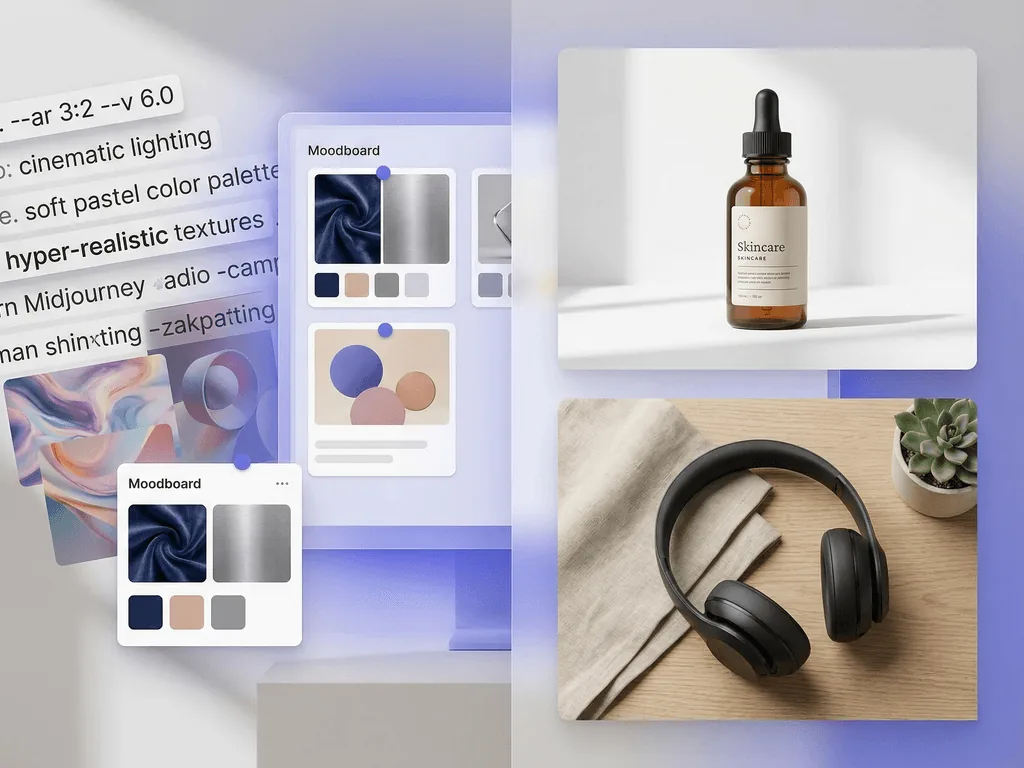
Midjourney vs Pixora: Which Tool Is Better for Product Photos?
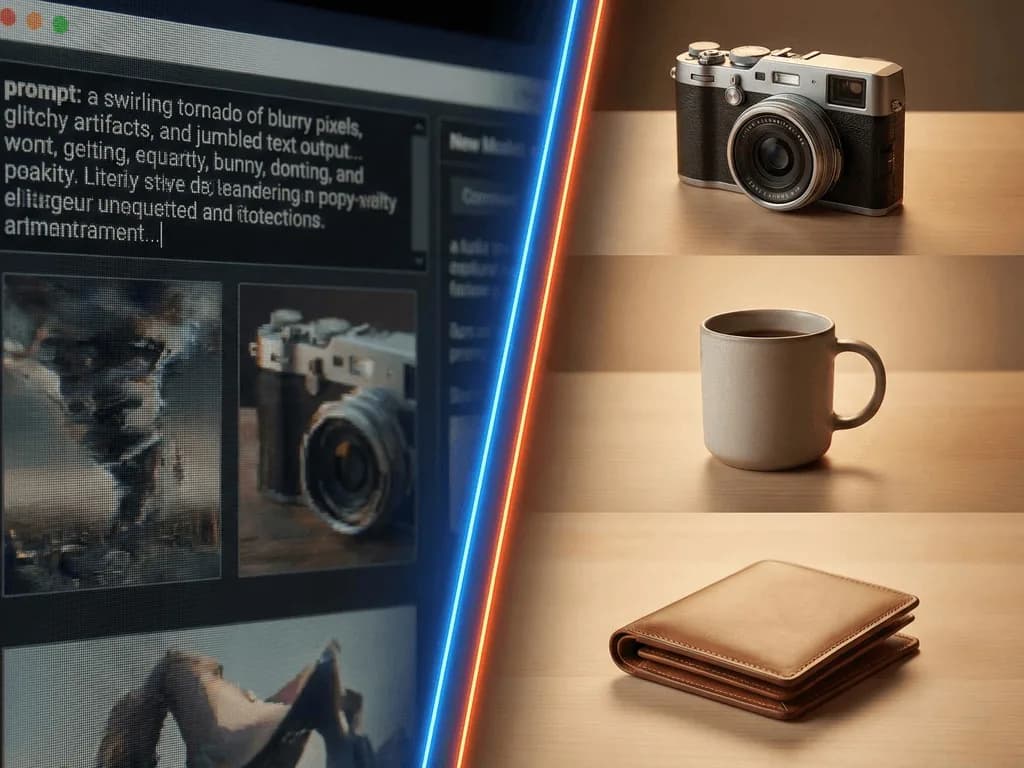
A beautiful AI image is not the same as a sellable product image. If you are deciding between Midjourney and Pixora, the real question is not which tool makes prettier pictures. It is which one helps you publish faster, preserve product accuracy, protect unreleased SKUs, and keep your catalog consistent across every listing.
Why This Comparison Matters if You Sell Real Products
Most comparisons between Midjourney and product photography tools miss the business problem. They judge the first image on the screen. Sellers do not get paid for the first image on the screen. They get paid when a product image is accurate enough to build trust, clean enough to pass marketplace rules, and consistent enough to make the whole storefront feel credible.
That is why this topic matters so much for small brands. You are not choosing between two entertainment tools. You are choosing between two operating models. One model asks you to describe your desired result in prompts, experiment with settings, reject mistakes, and manually steer the output until it is close enough. The other model starts from the assumption that you are photographing a real product that must still look like itself when the image is done.
Current search results around Midjourney product photography reveal the gap clearly. Most content is prompt-led: long formulas, camera-language cheat sheets, negative prompt lists, and workflow tutorials that assume you are willing to become a part-time image director. That can work for concept exploration. It becomes expensive when you need approved images for Amazon, Shopify, Etsy, paid ads, and launch calendars.
If your business depends on real product fidelity, this is not a design preference. It is a revenue decision. Every extra revision round delays launch. Every inaccurate label or warped product edge increases customer doubt. Every inconsistent image makes your store look smaller than it is. A strong workflow removes those losses before it adds creativity.
What Midjourney Does Well, and Where the Tradeoff Starts
Midjourney is excellent at one thing: visual exploration. If you want campaign moodboards, packaging inspiration, surreal brand worlds, or fast creative directions, it is powerful. That is why so many marketers and designers love it. You can move from vague idea to compelling concept in minutes, and the image quality can be striking.
But product photography is not pure concept art. It lives inside business constraints. Midjourney's own plan documentation shows the entry plan starts at $10 per month, while Stealth Mode for private generations is only available on the $60 Pro plan or $120 Mega plan. That pricing structure matters because many commerce teams do not just need creative output. They need privacy for unreleased products, repeatable results, and a workflow other team members can use without improvising every time.
The other hidden cost is prompt labor. High-ranking Midjourney guides do not tell you to simply type "serum bottle on white background" and move on. They recommend detailed prompt structures, weighted terms, negative prompts, aspect-ratio tuning, and multiple variations. In other words, the platform often shifts photography work into language work. You are still doing setup. The setup just happens in text instead of lights and lenses.
That does not make Midjourney bad. It makes Midjourney specific. It is strongest when originality matters more than exact product preservation. It is weaker when the image has to represent a real SKU, support repeatable merchandising, and move through a commercial workflow with minimal rework.
Why Exact Product Accuracy Changes the Decision
This is where many sellers get burned. A Midjourney image can look premium at first glance and still be commercially unusable. Agencies that actively teach Midjourney product workflows warn about the same issues repeatedly: label text turns into nonsense, logos drift, product geometry changes subtly, lighting directions stop making physical sense, and matching a series of images becomes harder than creating one good hero shot.
Those are not cosmetic issues. They affect buyer trust. If a skincare bottle label is unreadable, the image may be useless for a listing. If a supplement jar changes shape between images, the brand feels unreliable. If a watch reflects light in an impossible way, the product starts to look synthetic instead of premium. Small errors compound quickly in categories where detail is the whole sale.
Accuracy also affects scale. One experimental image is easy to forgive. Fifty SKUs are not. You may get one beautiful result after ten prompt iterations, but your catalog still needs a coherent visual system. The more you rely on handcrafted prompting, the more your output quality depends on who wrote the prompt, how much time they had, and how tolerant they were of small mistakes.
That is the difference between art generation and product operations. Product operations reward repeatability. They reward predictable quality, safe white backgrounds, realistic shadows, and details that survive scrutiny. If your team sells real products rather than ideas, that requirement changes which tool wins.
How Pixora Replaces Prompt Work With Product-Specific Workflows
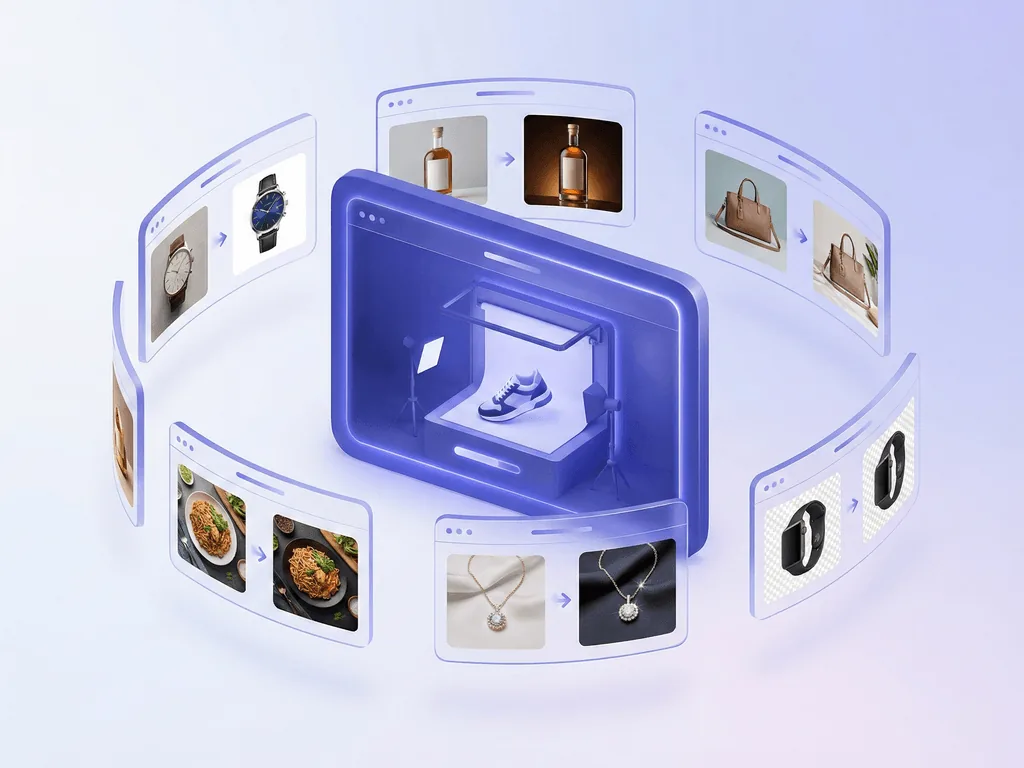
Pixora takes the opposite approach. Instead of asking you to learn photography language for every scene, it packages that expertise into Smart Presets built for specific commercial outcomes. Pick "Fashion E-commerce Studio: Clean White Background" for compliant catalog imagery, "Beauty Creative: Aesthetic Still Life" for campaign-style secondary visuals, or "Tech Studio: Clean White Background" for electronics that need sharp edges, realistic reflections, and clean merchandising.
This matters because the workflow starts from the product, not from the prompt. You upload the item, choose the visual direction, and let the preset handle the technical assumptions around lighting, scene construction, and category-specific treatment. That is a better fit for founders, marketers, and operators who care about approved output more than creative tinkering.
Pixora also keeps creative control where it is actually useful. You do not need prompt engineering, but you can still use User Notes to steer mood, props, warmth, or seasonal context in plain language. That gives you flexibility without making every generation a blank-canvas exercise.
For e-commerce teams, the practical win is speed with guardrails. Studio white presets are designed for marketplace-safe main images. Lifestyle presets cover gallery slots, social assets, and launch creatives. Because the system is preset-led, a second team member can reproduce the same visual logic next week without reverse-engineering somebody else's prompt history. That is how consistency becomes operational instead of accidental.
Before, After, Bridge: From Prompt Experiments to a Repeatable Catalog
Before: imagine a two-person skincare brand preparing a spring launch. The founder uses Midjourney because the results look impressive on social media. For each new product, they write prompts, regenerate variants, fix details in another editor, and keep notes so they can try to match the next SKU. One serum gets a beautiful stone podium. The cleanser comes out cooler in tone. The mask has a slightly different bottle silhouette. Nothing looks terrible, but nothing looks like it came from the same system either.
After: the team switches to a preset-based workflow. Main listing images go through a clean white preset. Campaign and gallery images use a beauty still-life preset with plain-language notes like "soft spring light" and "fresh botanical accents." The visual logic stays stable. The products still look like themselves. New launches do not require relearning the process.
Bridge: the real transformation is not that the second workflow is more magical. It is that the second workflow is more dependable. Instead of spending energy describing technical image-making choices over and over, the team spends energy deciding what the brand should communicate. That is a much better use of limited time.
This is the key promise small brands actually buy. Not infinite AI possibility. Predictable progress. They want to stop losing evenings to prompt variations, stop wondering whether a private launch image is being exposed publicly, and stop gambling on whether the final catalog will feel polished when all products sit side by side.
Which Tool Should You Choose for Amazon, Shopify, and Campaign Work?
The honest answer is that Midjourney and Pixora are not equal replacements for each other. Midjourney is the stronger choice for concept art, broad campaign ideation, and creative directions where realism can bend. If you are building moodboards for a future photoshoot, exploring brand worlds, or generating abstract ad inspiration, it is a legitimate option.
Pixora is the stronger choice when the output needs to behave like commercial product photography. That includes Amazon main images, Shopify catalog consistency, Etsy secondary visuals that still preserve product truth, and paid creative where the item must remain recognizable and credible. In those cases, product-specific presets beat prompt craftsmanship because they reduce variability and shorten the path to approval.
Many teams will still use both tools, but they should use them for different jobs. Midjourney can sit upstream for inspiration. Pixora should sit downstream where production reliability matters. If you force Midjourney to do production work, you inherit prompt complexity, privacy tradeoffs, and accuracy risk. If you force Pixora to be a surreal concept-art engine, you are using the wrong tool for the wrong goal.
A simple rule helps: if the image must sell the real product, favor Pixora. If the image is mostly there to explore an idea, Midjourney can help. Most e-commerce sellers do far more selling than exploring. That is why this topic scores so high in business value for Pixora. The closer you are to actual revenue, the more expensive general-purpose image generation becomes.
Why Sellers Get Stuck Between Midjourney and Real Product Needs
Prompt quality becomes a hidden production bottleneck instead of eliminating work.
Labels, logos, edges, and materials can drift away from the real product.
Private launches and unreleased SKUs create avoidable privacy anxiety.
One great image is possible, but repeating the same look across a catalog is much harder.
Three Numbers That Change the Comparison
$10
Midjourney Basic monthly entry plan
$60
Midjourney Pro monthly plan if you need Stealth Mode for private generations
$9.90
Pixora Pro monthly plan with 2,000 credits and all Smart Presets
Test the No-Prompt Route on One Real SKU
Upload a real product shot, run a studio-white or lifestyle preset in Pixora, and compare the time to approved output against your current Midjourney workflow.
Compare both tools on one actual source photo and one real task, such as an Amazon main image, a Shopify hero image, or a paid social visual.
You evaluate business usefulness instead of admiring two unrelated images.
02
Measure Time to Approved Output
Include prompt writing, regenerations, cleanup, and review time. The first pretty image does not count if it still needs fixing.
You see the true operating cost of each workflow.
03
Test Repeatability Across Multiple SKUs
Run the same workflow on at least five products from the same catalog and look for consistency in color, shadow logic, framing, and product fidelity.
You learn whether the tool can support a storefront, not just a single experiment.
AI Product Photography Decision Checklist
Does the tool preserve label text, logos, and product shape closely enough for a real listing?
Can a non-designer reach an approved image quickly without learning complex prompt syntax?
Can you keep launch-sensitive images private without a major pricing jump?
Can the same system handle both clean white listings and stronger lifestyle visuals?
Will a second team member get similar results next week without copying a long prompt formula?
What You Gain With a Product-Specific Workflow
Launches move faster because approved images stop depending on prompt trial and error.
Catalog consistency improves, which makes the brand look larger and more trustworthy.
Marketplace-safe main images become easier to produce without manual cleanup.
Creative energy shifts from technical prompting to actual merchandising and campaign decisions.
Small teams protect more time, more margin, and more confidence in the final storefront.
Share this article
Choose the Workflow That Sells, Not Just the One That Impresses
If you need real product images that are accurate, repeatable, and fast to approve, try Pixora on your own catalog. Pick a Smart Preset, upload a product, and see how much work disappears.
Yes. Midjourney can be useful for moodboards, concept exploration, ad inspiration, and some stylized visuals. The issue is not whether it can create attractive images. The issue is whether it can consistently preserve real product truth, privacy, and repeatability well enough for commercial listings.
Because attractive output is not the same as operational output. Sellers still need accurate labels, realistic shadows, repeatable style, and a workflow that does not depend on prompt expertise. That gap is where most frustration appears.
No. Pixora covers clean white main images and also creative lifestyle outputs through category-specific presets. A seller can use studio presets for compliant listings, then switch to lifestyle or still-life presets for gallery images, social ads, and campaign assets.
Midjourney is open by default, and its official documentation says private creation through Stealth Mode is limited to the Pro and Mega plans. For teams launching unreleased products, that makes privacy a meaningful part of the buying decision. Pixora's workflow is a safer fit when the goal is production-ready product imagery without that tradeoff.
Yes. A practical split is to use Midjourney earlier for creative ideation and Pixora later for production-ready product output. That way each tool stays in the job it is actually good at.
Because people comparing Midjourney against a product-specific tool are already close to a buying decision. They usually know they want AI help. What they need next is the workflow that protects accuracy, speed, and commercial usability. Pixora fits that problem directly.