Workflow Overview
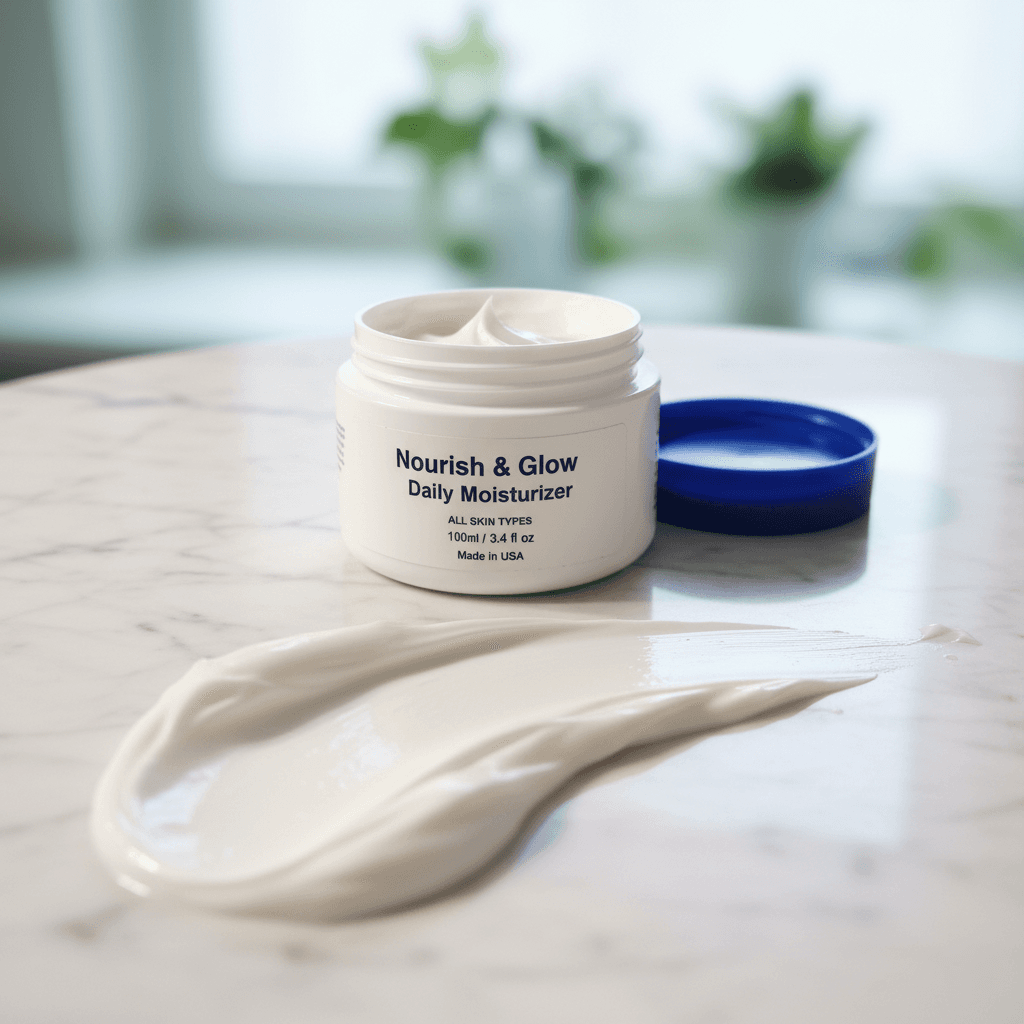
Create a sensory-focused image that highlights the texture of the product itself. Features smears, drops, or spills alongside the packaging to demonstrate viscosity and quality.
How to use
1. Select 'Beauty Texture: Macro Swatch & Detail'. 2. Upload one or more photos of your skincare or makeup product from different angles. 3. (Optional) Use 'Additional Notes' to specify swatch preferences like 'creamy swirl texture' or 'droplet effect'. 4. Generate to create a textured swatch visual alongside your product. 5. Download your sensory marketing image.
Best for
- Social media texture reveals
- Product page secondary images
- Ingredient and formula storytelling
- Beauty blog and editorial content
- Influencer partnership assets
Tips
- Multiple Angles: Upload several photos to help the AI understand your product's packaging and texture for accurate swatch generation.
- Direct Your Texture: Use 'Additional Notes' to request specific effects like 'thick cream swatch' or 'light gel spread'.
- Product Type: Creams get smooth swatches, serums get droplet effects, and powders get dust swirls.
- Packaging: Show the full product packaging so viewers can connect the texture to the brand.
- Angle: Front-facing shots work best for pairing with texture swatches.
Gallery
FAQ
Does it show my actual product texture?
Can I use this for lipsticks and color cosmetics?
Is this suitable for main product images?
Categories
Requirements
A clear photo of your beauty product is required. No text prompt needed. The AI analyzes the product type to generate an appropriate texture visualization.
Watch out for
The AI generates representative texture swatches based on the product type. Actual product texture may vary slightly from the generated swatch.
