Product Photography Lighting for Beginners That Looks Professional
Bad lighting does not just make a product photo look amateur. It makes the product feel cheaper, riskier, and harder to trust. This guide shows how to build a simple lighting setup, avoid the beginner mistakes that flatten or glare out your product, and use Smart Presets to turn one clean source image into faster listing-ready visuals.
Why Does Lighting Matter More Than Camera Quality?
Most beginner product photos fail before the camera itself becomes the problem. The product may be sharp enough, but the light makes it look flat, yellow, noisy, or strangely cheap. Buyers rarely describe the issue as "lighting." They just feel that the product does not look premium enough to justify the price. That reaction is expensive because product photos are doing trust work long before a shopper reads specifications or reviews.
Lighting controls how material quality is perceived. It reveals whether a ceramic mug feels smooth, whether a leather bag looks structured, and whether a skincare bottle feels clean or generic. Poor light hides texture, distorts color, and creates shadows that make the product harder to read in thumbnails. Good light does the opposite. It clarifies the shape, separates the product from the background, and tells the buyer that the brand behind it understands presentation.
This matters even more for small brands. Large retailers can survive with average photos because buyers already know the brand. Smaller sellers do not have that margin. Every listing, product page, and ad image has to reduce doubt fast. If one SKU looks cool blue, another looks warm yellow, and a third has heavy overhead shadows, the catalog feels improvised.
The useful mindset shift is simple: beginner lighting is not about building a fancy studio. It is about creating a repeatable visual system. One consistent setup will outperform five improvised ones because consistency makes your storefront feel intentional. That is what shoppers read as professional.
What Is the Simplest Product Photography Lighting Setup for Beginners?
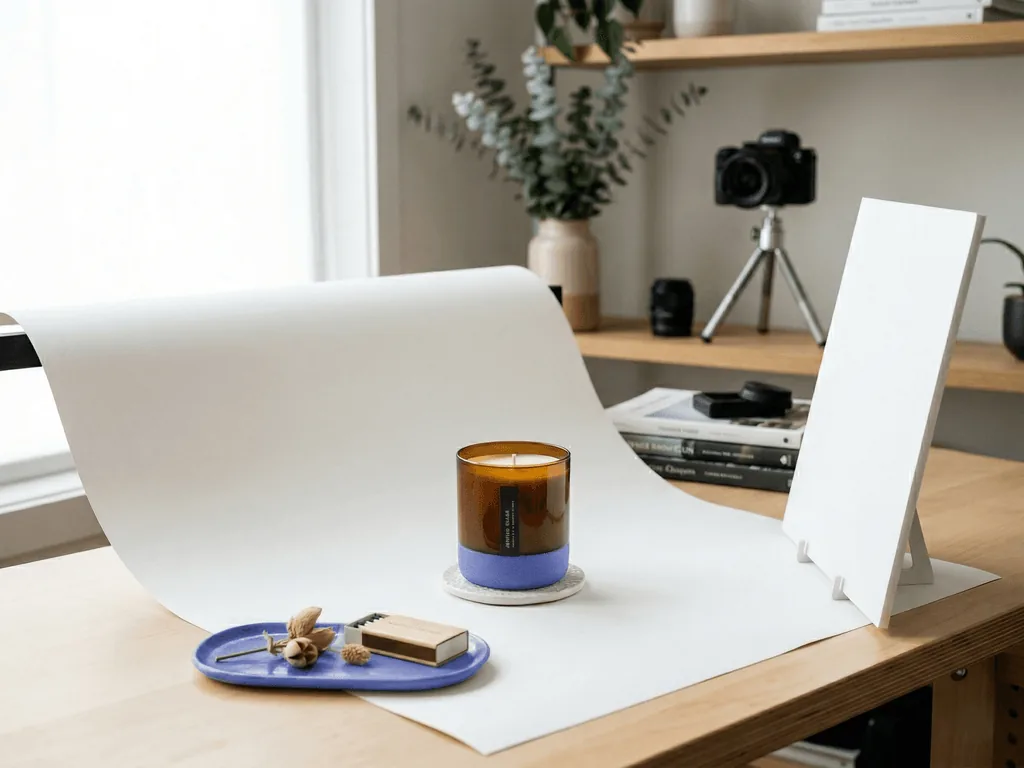
Start with one large soft light source, one bounce surface, and one clean background. In practical terms, that often means a bright window with indirect daylight, a white foam board, and a sheet of white paper or fabric. Put the product near the window so the main light arrives from roughly forty-five degrees instead of straight from the front. Then place the foam board on the opposite side to lift the shadows. This single change usually makes a bigger difference than buying a second light.
Keep the rest of the room simple. Turn off mixed overhead bulbs if they add orange or green color cast. Use a neutral surface so the product is not reflecting strange colors back into itself. If you can, raise the product slightly on a sweep or curved background so the rear line disappears and the image looks cleaner.
Distance matters. When the light source is relatively large and close to the product, shadows soften and transitions become smoother. When the light source is small or far away, the image starts looking harsh and inexpensive. This is why a bright window often beats a tiny direct lamp. A lightbox can help for very small products, but it is not the first thing most sellers need. A simple daylight setup is usually enough to create a strong source image.
Your goal is not perfect drama. It is clean separation, believable texture, and readable shape. Once you can get that from one repeatable setup, every new product becomes easier to shoot.
How Should You Light Matte, Glossy, and Reflective Products?
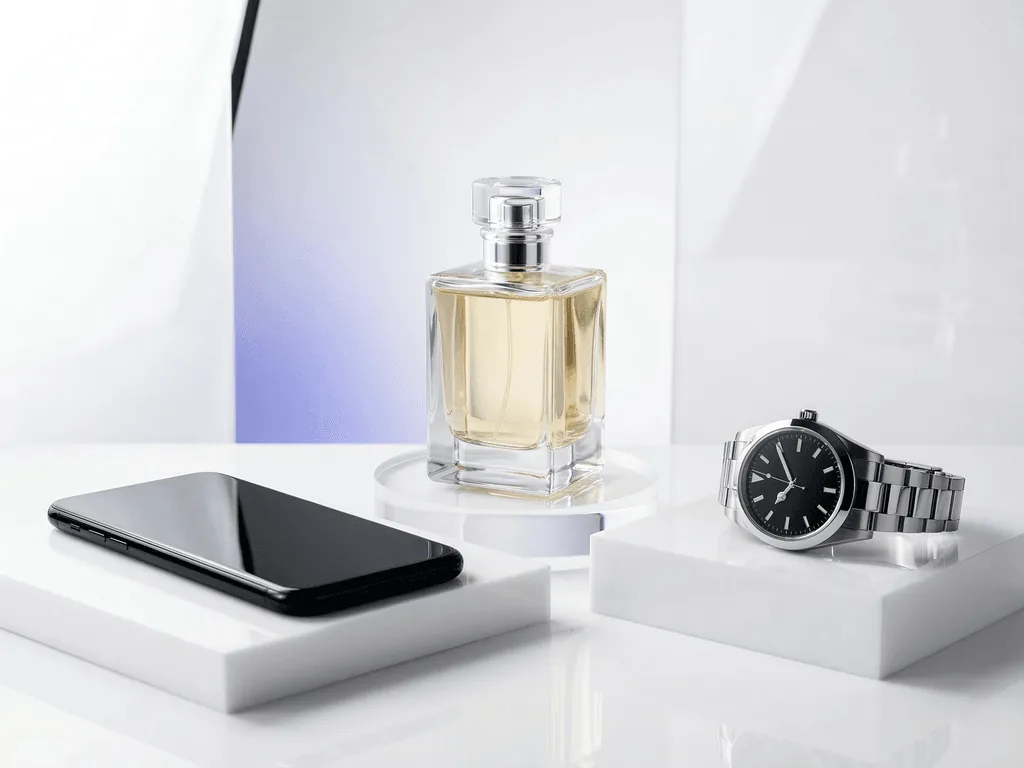
Different surfaces punish different mistakes. Matte products are forgiving because they absorb light more evenly, but they can still look lifeless if the light is too flat. A slightly angled key light helps create gentle contrast so the object keeps its form. Glossy and metallic products are harder because they reflect not only your light but also your room, your camera, and any clutter nearby. Transparent products add another layer of difficulty because edges disappear if the background and reflections are uncontrolled.
The beginner mistake is using small, harsh light sources and aiming them directly at shiny surfaces. That creates ugly hotspots and strong mirror reflections. A better approach is to make the light source larger and softer. Diffuse the light through a curtain, light tent, or tracing paper. Move the product until the reflection becomes a clean gradient rather than a bright white patch. Often the fix is not more power. It is better light shape.
Reflective products also need discipline around the environment. Clean fingerprints, dust, and smudges before you shoot because strong light makes all of them obvious. If you are photographing electronics, switch screens off or use a dark wallpaper so reflections stay controlled. If you are working with glass, try a slightly darker or more separated background so the outline stays visible.
Think of reflections as information, not as automatic mistakes. You are trying to replace chaotic reflections with intentional ones. Once you understand that, product lighting becomes less mysterious and much more repeatable.
When Should You Use Bright White Lighting Versus Moodier Directional Light?
Not every product image needs the same lighting style because not every image has the same job. Bright, even, white-background lighting is usually best for the first image on a product page, marketplace listing, or comparison feed. It removes distraction, keeps the product easy to read, and gives the shopper a fast answer to the first question: what exactly am I looking at? This is why clean white lighting performs so well for catalog work, Amazon-style compliance, and any storefront that values consistency.
Moodier directional light becomes useful when the product has already been understood and now needs to feel desirable. A side-lit still life can make jewelry feel more premium. A controlled shadow on beauty packaging can add depth. A slightly darker environment can make polished metal or black electronics feel more expensive than a flat white setup would. The mistake is using this treatment too early and sacrificing clarity for atmosphere.
A practical gallery sequence is to start with clear lighting, then move toward more emotional frames. Use the first image to prove the product. Use later images to prove texture, use case, material quality, and brand taste. This structure works because buyers need confidence before they want mood.
The real skill is not choosing one lighting style forever. It is matching the light to the commercial job of each image. Once you do that, your gallery starts acting like a sales system instead of a random set of photos.
Before-After-Bridge: How a Small Catalog Starts Looking Like a Real Brand
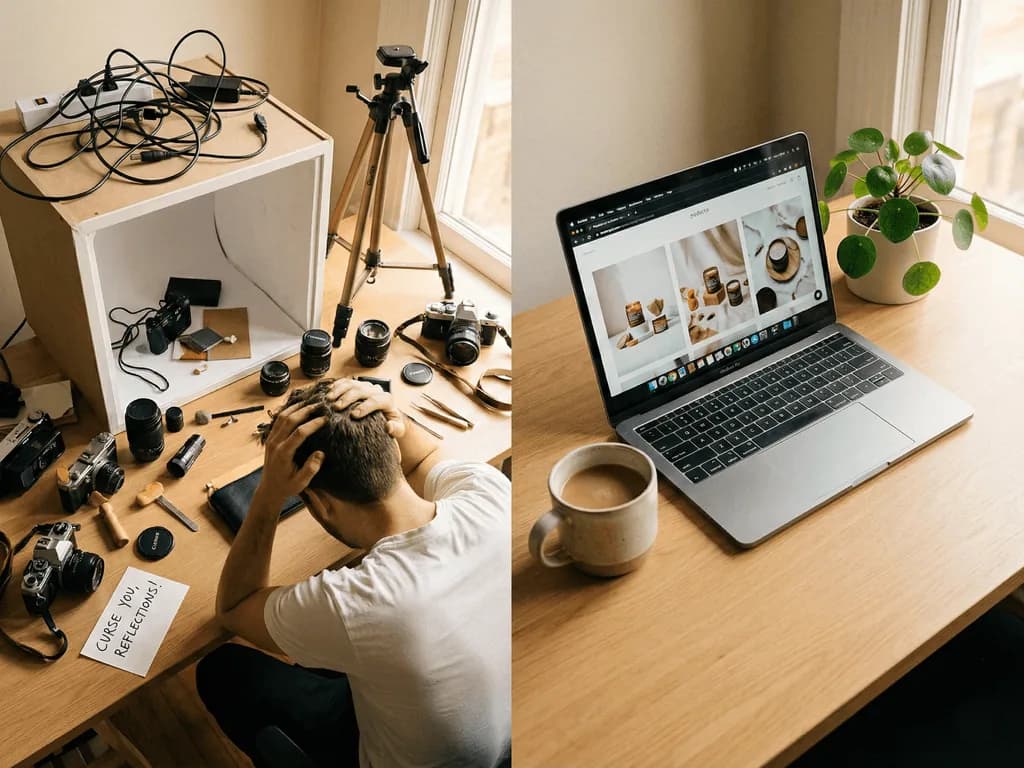
Before: a small seller was photographing products wherever there was space. One item was shot near a kitchen window, another under desk lamps at night, and another on a white poster board with a phone flash correction. Each image looked acceptable alone, but together the catalog felt unstable. Colors shifted from listing to listing. Shadows changed direction. Some products looked soft and premium, while others looked like rushed marketplace uploads.
After: the seller stopped chasing clever tricks and simplified the process. Every product was shot in the same daylight position, with the same bounce card, the same camera height, and the same first-image goal. The main listing images became brighter and more consistent. Secondary images started showing texture and context more deliberately. The storefront stopped looking like a set of experiments and started looking like a system.
The bridge was not expensive equipment. It was a repeatable workflow. Once the seller defined what the first image should accomplish, what the supporting images should add, and how lighting should behave across the catalog, decisions got easier. New products launched faster because there was less guesswork. Reshoots dropped because the setup no longer changed every week.
That is the beginner advantage people miss. You do not need to master every lighting style to look professional. You need one dependable setup and a clear rule for when to stay clean versus when to add mood. That is what turns a desk-side shooting habit into a brand asset.
How Can Pixora Replace Lighting Guesswork Without Replacing Good Inputs?
Pixora works best when it removes repetitive lighting decisions, not when it tries to rescue a chaotic source image. If you can capture one honest, sharp, well-lit product shot, Smart Presets can help you turn that base image into multiple commercial outputs without rebuilding the scene manually every time. That is valuable for small catalogs, seasonal refreshes, and sellers who need both clean first images and more styled secondary frames.
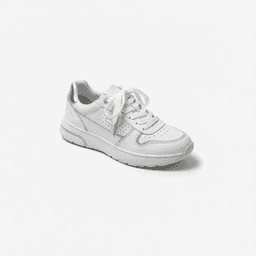
Use Fashion E-commerce Studio: Clean White Background when the job is clarity, consistency, and a distraction-free hero image. Use Tech Studio: Clean White Background when you need cleaner edge definition for electronics or other products where glare control matters. Use Accessory Still Life: Aesthetic Display when the product is already understood and now needs a premium supporting image with controlled mood and props. Each preset encodes a lighting direction, scene logic, and product-photo intent without forcing you to write prompt-style instructions.
The practical workflow is simple. Capture a clean base photo with soft, even light. Keep labels, contours, and product details visible. Then choose the preset that matches the business role of the image you need. You can add short notes when necessary, but the heavy lifting is already packaged in the preset.
That is why preset-based AI fits a beginner lighting workflow so well. It does not ask you to become a lighting technician, stylist, and prompt engineer at the same time. It lets you keep your setup simple, then scale the outputs that would otherwise require repeated reshoots and manual editing.
Why Beginner Product Lighting Goes Wrong
Mixed room lighting makes product colors shift from one SKU to the next
Small harsh light sources create glare, hard shadows, and cheap-looking highlights
Many sellers buy extra gear before they build one repeatable setup
Manual reshoots for every campaign, background, or channel waste time fast
The Lighting Numbers That Keep Beginners Grounded
45°
A practical starting angle for your main light so the product keeps shape without looking flat
90%
Potential cost reduction when AI handles variations instead of repeated traditional reshoots
30 sec
Typical preset generation time for a polished listing or secondary image variation
See What One Clean Base Shot Can Become
Upload a real product photo and compare a clean white-background hero image, a glare-friendly tech shot, and a styled still life before planning another reshoot.
Use soft daylight or one large soft source, add a white bounce surface, and keep labels, edges, and texture clear.
A dependable base image that preserves product truth and supports later variations.
02
Repeat the Same Lighting Pattern
Keep the same window position, angle, background, and camera height instead of reinventing the setup for every SKU.
A catalog that feels consistent and professional instead of improvised.
03
Use Presets for the Images That Need More Polish
Generate clean listing shots or premium secondary frames with Smart Presets rather than rebuilding lighting and scenes manually.
Faster launches, fewer reshoots, and more useful image variety from one setup.
Pre-Shoot Lighting Checklist
The product is lit from one clear direction instead of mixed room light
Shadows are soft enough to show shape without swallowing detail
Glossy or reflective surfaces are clean and free from obvious room reflections
The first image prioritizes clarity before any moody styling
You can repeat the same setup for the next SKU without guessing
What Improves When Lighting Becomes a System
Product pages feel more trustworthy at first glance
Colors and shadows stay more consistent across the catalog
Reshoots drop because the setup is easier to repeat
Styled secondary images become easier to create without losing realism
A small brand starts looking more operationally mature with less effort
Share this article
Build a Cleaner Product Photo Workflow Without Building a Bigger Studio
Stop losing time to trial-and-error lighting. Start with one clean product shot, choose the Smart Preset that fits the job, and create listing-ready visuals faster.
The easiest starting point is a large soft light source such as indirect window light placed at roughly forty-five degrees, plus a white bounce card on the opposite side. It is simple, cheap, and much more forgiving than small direct lights.
Not always. A lightbox can help with very small or reflective products, but many beginners get better results faster with one bright window, a white foam board, and a clean background.
Make the light source larger and softer, not stronger and harsher. Diffuse the light, move it closer to the product, and use a bounce surface to lift dark shadows before adding more lamps.
Use even, soft lighting that separates the product from the background while preserving edge detail. The goal is a clean, readable first image, not a blown-out file where the product loses definition.
Yes. A modern phone can produce strong source images if the lighting is controlled, the camera is stable, and the product is in clear focus. Light quality usually matters more than camera price at the beginner stage.
A practical starting set is Fashion E-commerce Studio: Clean White Background for bright catalog heroes, Tech Studio: Clean White Background for electronics and glare-sensitive products, and Accessory Still Life: Aesthetic Display for premium secondary images with controlled mood.