How to Photograph Clothing So It Looks Worth Buying
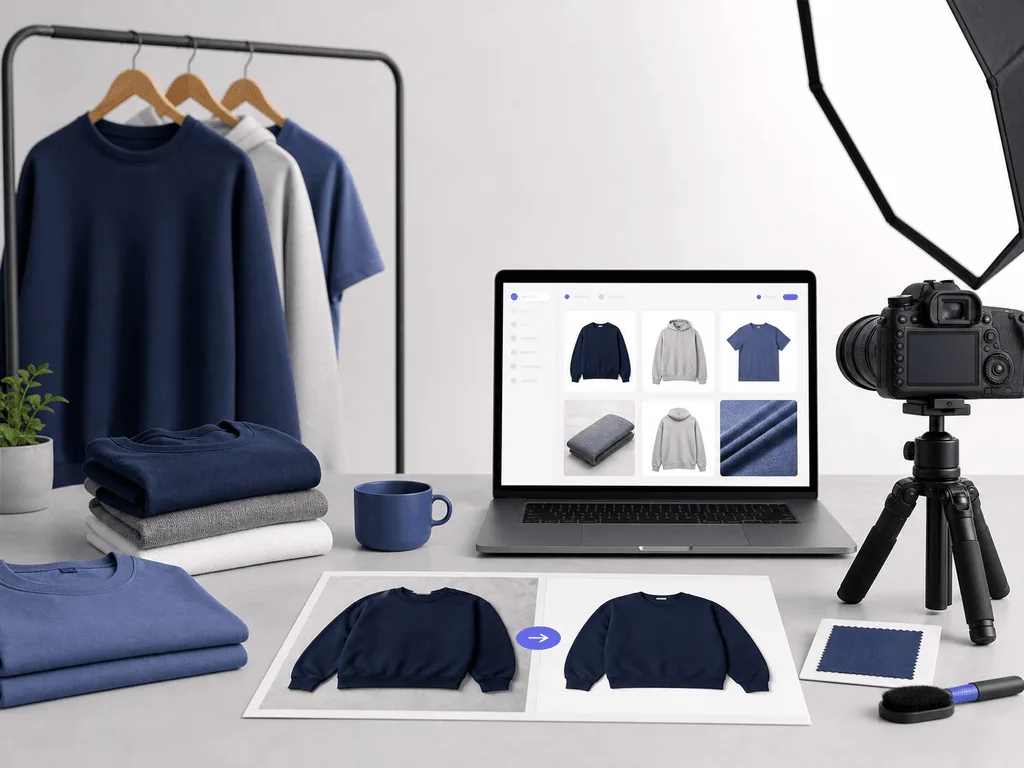
Clothing photos carry a heavy burden. They must show shape, fabric, fit, color, and brand taste before a shopper touches anything. A flat, wrinkled, poorly lit shirt can make a good product feel like a risky purchase. This guide shows how to build a repeatable apparel photo workflow, then use AI presets to turn clean source shots into catalog, ghost mannequin, and lifestyle visuals without prompt writing.
Clothing is one of the hardest ecommerce categories because shoppers buy with incomplete information. They cannot feel fabric weight, test stretch, inspect stitching, or see how the garment falls in real life. Your images have to replace that missing sensory proof. If the first photo looks wrinkled, gray, distorted, or inconsistent with the rest of the catalog, the buyer starts protecting themselves from disappointment.
That protection shows up as hesitation. The shopper zooms in longer, checks returns, compares another brand, or decides the price feels too high. Weak photos rarely lose the sale with one obvious mistake. They create small doubts that stack up: Is the color accurate? Does the collar hold shape? Is the fabric thin? Will this look cheap when it arrives?
Good clothing photography reduces those doubts in a specific order. The hero image should make the garment instantly understandable. Supporting images should prove texture, fit logic, drape, construction, and styling potential. Lifestyle images should help the buyer imagine ownership without hiding the product.
This is why apparel brands need a system, not just a better camera. A system tells you when to use a white background, when a flat lay is enough, when ghost mannequin adds value, and when on-model or lifestyle context will increase desire. Once each image has a job, the catalog starts looking intentional instead of improvised.
What Makes Apparel Hard to Shoot at Home?
Clothing changes shape the moment you place it down. A skincare bottle or speaker holds its form, but a T-shirt, dress, hoodie, scarf, or pair of trousers can collapse, twist, wrinkle, stretch, or lose proportion with tiny handling mistakes. That makes amateur apparel photography look messy even when the product itself is well made.
Fabric also reacts strongly to light. Black cotton can turn into a featureless block. White linen can blow out and hide texture. Satin, leather, sequins, and technical fabrics create highlights that may look premium in person but harsh in a phone photo. Color accuracy is another risk because shoppers return apparel when the product arrives looking different from the listing.
The biggest hidden challenge is consistency. Many small brands photograph new drops whenever products arrive, using whatever light, surface, or wall is available that day. The result is a catalog where every SKU feels like it belongs to a different store. A buyer may not consciously identify the problem, but the brand feels less mature and less safe to buy from.
Competitor guides often stop at basic advice like steam the garment and use natural light. Those steps help, but the real ecommerce problem is broader: you need repeatable image types that communicate shape, fabric, detail, and aspiration across every launch. Without that operating rhythm, every new collection becomes another expensive visual scramble.
How Should You Prepare Clothing Before the Camera?
Preparation matters more for apparel than almost any other product category. Steam or press every garment before shooting, then let it rest on a hanger so the fabric settles. Lint roll dark items, check hems, align seams, button buttons, zip zippers, and remove stray threads. These details sound basic, but they decide whether a product looks cared for or careless.
Build a small styling kit instead of improvising every shoot. Keep a steamer, lint roller, clips, pins, double-sided tape, white foam board, a neutral backdrop, and a measuring tape nearby. Clips and pins should shape the garment from the back, not create visible tension on the front. The goal is to make the item look like its best real self, not to misrepresent fit.
Use consistent light before chasing creative scenes. Soft window light or one diffused lamp is enough for many source photos. Place the garment on a clean surface, keep the camera parallel for flat lays, and step back slightly to reduce lens distortion. For hanging shots, keep the garment centered and avoid a low angle that widens the bottom unnaturally.
Capture a base set for each SKU: front, back, detail, texture, and one crop-friendly frame with breathing room. For patterned or textured garments, add a close-up that proves material quality. For premium pieces, capture stitching, buttons, zippers, lining, and any signature feature. These raw images become the reliable input for editing, AI presets, listings, and ads.
Which Apparel Image Types Belong in a Strong Listing?
A strong clothing listing is usually a sequence, not a single beautiful image. Start with a clean hero that makes the garment easy to understand at thumbnail size. For marketplaces and many Shopify category pages, a white or neutral background works best because it keeps comparison fast. This is where the buyer asks, "What is it, and does it look professionally made?"
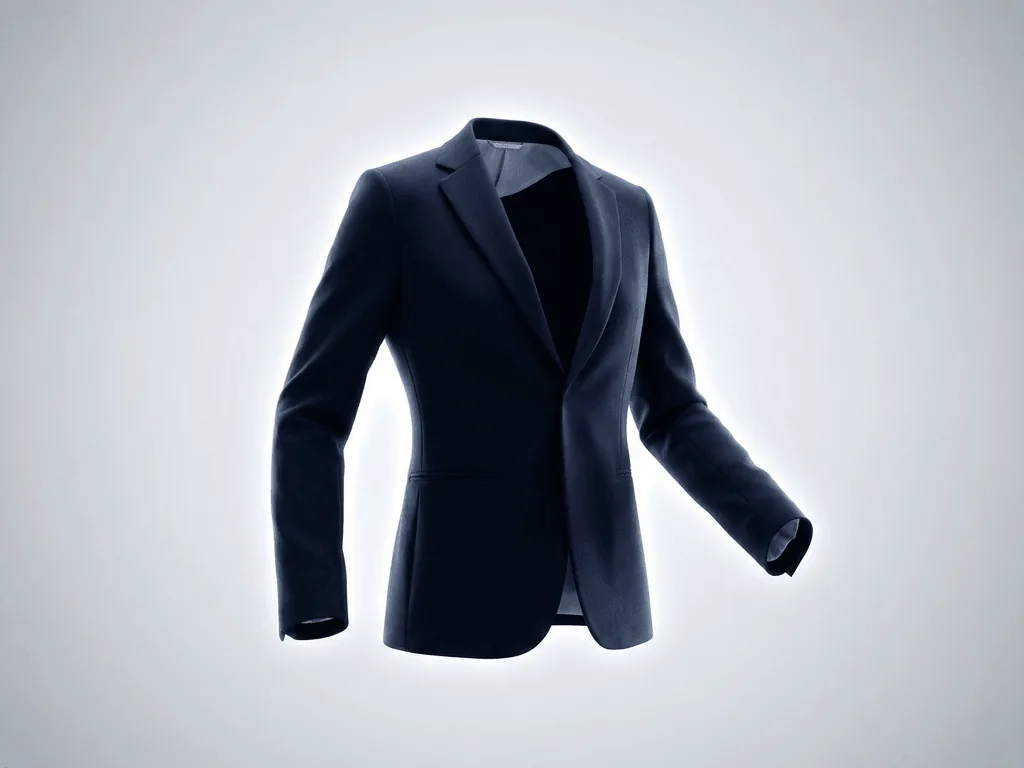
Next, add structure. A ghost mannequin image can make jackets, shirts, dresses, and hoodies feel three-dimensional without the distraction of a visible model. It helps shoppers understand collar shape, sleeve fall, body volume, and how the garment sits when worn. Flat lays are still useful for accessories, knits, sets, baby clothing, or editorial compositions, but they often need support from shape-based images for fitted garments.
Then prove details. Show fabric texture, seams, closures, cuffs, waistband, labels, pockets, and any feature that supports price. Detail shots reduce buyer doubt because they answer questions the product description may not fully carry.
Finally, add desire. On-model or lifestyle images help shoppers imagine the garment in a real wardrobe, campaign, or occasion. The mistake is using lifestyle too early, before clarity. A practical apparel gallery includes five to seven images: hero, back, ghost mannequin or fit context, detail, texture, scale or styling, and lifestyle. Each image should answer a different buying objection.
Before-After-Bridge: From Drop-Day Panic to a Repeatable Fashion Catalog
Before: a small streetwear brand launched new hoodies and tees every month, but photography always became the bottleneck. Some products were shot as flat lays on the floor, others on hangers near a window, and campaign images depended on whether a friend was available to model. The garments were good, but the store looked inconsistent. New drops felt rushed, and the founder kept discounting because the visuals did not support the intended price.
After: the brand rebuilt its content system around image jobs. Every SKU got the same source set: clean front, back, texture, and detail photos. Hero images followed one crop and background rule. Ghost mannequin visuals gave hoodies and tees more body. Lifestyle images were reserved for campaign pages, emails, and social ads where aspiration mattered more than product comparison.
The bridge was standardization. With Pixora, the team could upload a clean garment source photo and choose the right Smart Preset instead of trying to write a prompt for lighting, fabric shape, and background style. Fashion E-commerce Studio: Clean White Background handled clear listing heroes. Fashion Ghost Mannequin: 3D Invisible Model helped create structured catalog shots. Fashion Lifestyle: On-Model Photography gave the brand campaign-ready visuals when a full model shoot was not realistic.
The outcome was not just better photos. It was a calmer launch process. The founder could see the store becoming the brand they had imagined: consistent, polished, and priced with confidence.
How Does Pixora Fit a Clothing Product Photography Workflow?
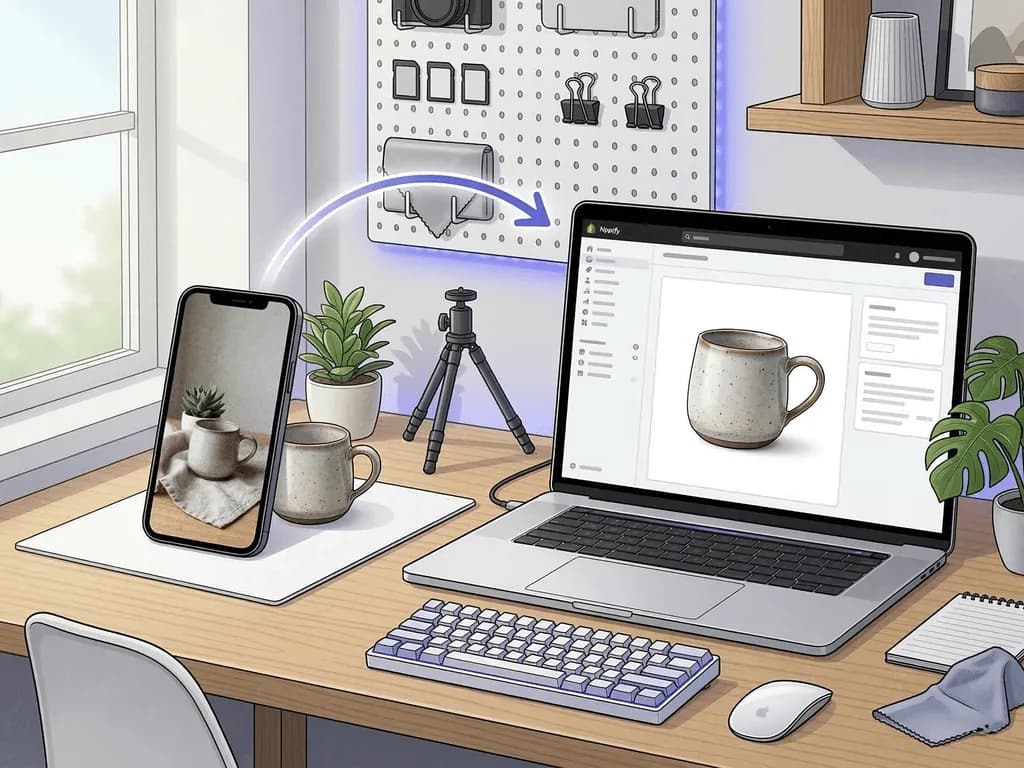
Pixora fits best after you have a clean, honest source photo. It is not a replacement for steaming a wrinkled shirt or photographing the correct garment. It is a way to multiply the value of that source photo across the image types a clothing business needs.
Use Fashion E-commerce Studio: Clean White Background when the job is clarity. This is useful for category pages, marketplace-style listing images, and any product grid where shoppers compare color, shape, and silhouette quickly. It keeps the visual simple and avoids asking the seller to write a technical prompt for clean studio light.
Use Fashion Ghost Mannequin: 3D Invisible Model when the garment needs form. Hoodies, shirts, jackets, dresses, and structured tops often sell better when shoppers can understand how the item occupies space. A ghost mannequin-style output can make the product feel more dimensional while keeping focus on the garment.
Use Fashion Lifestyle: On-Model Photography when the job is desire. This works for secondary gallery images, social ads, launch emails, and campaign visuals where the buyer needs to picture the clothing in a real life context. Pixora also supports user notes, so you can steer the output with plain language like "minimal studio streetwear mood" or "warm spring editorial feel" without becoming a prompt engineer.
That is why this topic has Business Potential Score 3 for Pixora. Apparel sellers need repeated visual variations, but they cannot afford a full shoot for every SKU, colorway, and campaign. Smart Presets give them a faster path from raw garment photo to a complete selling gallery.
Why Clothing Photos Often Undersell Good Products
Wrinkles, lint, and uneven styling make new garments look used or careless
Flat lays can hide body shape, collar structure, sleeve volume, and drape
Inconsistent lighting across launches makes the catalog feel less trustworthy
Lifestyle photos can create desire but fail when they hide fabric, fit, or details
The Apparel Photo Economics
$500-$1,700+
Common professional shoot range before model, styling, reshoot, and variant costs
$9.90
Pixora Pro monthly price for repeatable AI-assisted product photo creation
5-7
Useful image count for many clothing listings: hero, back, form, detail, texture, styling, lifestyle
Turn One Clean Garment Photo Into a Full Selling Set
Start with the item that usually slows launch day, then compare a clean studio hero, a ghost mannequin-style view, and a lifestyle visual from the same source.
Prepare the Garment Like It Is Already on the Shelf
Steam, lint roll, align seams, close buttons and zippers, and shape the garment from the back with clips or pins.
Cleaner source photos with fewer visible distractions and less retouching work.
02
Capture the Source Set Once
Shoot front, back, texture, detail, and one crop-friendly frame under consistent light and camera height.
A reliable base that can support listings, ads, emails, and future refreshes.
03
Match Each Output to a Buying Question
Use white background for clarity, ghost mannequin for form, detail shots for proof, and lifestyle images for desire.
A gallery that reduces doubt and makes the product easier to imagine owning.
Pre-Publish Checklist for Clothing Listings
The garment is steamed, lint-free, centered, and shaped without visible pin tension
Color looks consistent across hero, detail, and lifestyle images
The hero image reads clearly at mobile thumbnail size
At least one image shows structure, drape, or fit logic
Detail shots prove fabric, seams, closures, and premium features
The gallery order answers clarity before aspiration
What Improves When Apparel Photos Become a System
Launches move faster because every SKU follows the same capture and output rhythm
Catalog pages look more premium and easier to compare
Shoppers get clearer proof of fabric, structure, and detail before buying
Small teams can create campaign-style visuals without booking a full shoot every time
The brand feels more consistent, which makes higher pricing easier to defend
Share this article
Build the Clothing Catalog Your Brand Deserves
Upload a clean garment photo, choose the right Smart Preset, and create listing-ready apparel visuals that feel consistent, polished, and ready to sell.
Use a clean image that makes the garment instantly understandable at thumbnail size. For many stores, that means a white or neutral background with the item centered, shaped well, and free from distracting props.
Flat lays work well for simple garments, accessories, knits, sets, and editorial styling. For structured or fit-sensitive clothing, support flat lays with ghost mannequin, on-model, or detail images so shoppers understand shape and drape.
A strong starting point is five to seven images: hero, back, form or fit context, fabric detail, construction detail, styling or scale, and lifestyle. Add more only when each image answers a new buying question.
Use consistent diffused light, avoid mixed warm and cool light sources, lock exposure when possible, and compare the final image against the garment under neutral light. Color accuracy matters because mismatch is a common apparel return trigger.
AI works best when it starts from a clean source image and is used for structured output jobs like clean backgrounds, ghost mannequin-style catalog views, or lifestyle context. Always review seams, labels, prints, and garment shape before publishing.
Use Fashion E-commerce Studio: Clean White Background for listing heroes, Fashion Ghost Mannequin: 3D Invisible Model for garment form, and Fashion Lifestyle: On-Model Photography for campaign and secondary gallery images.