Workflow Overview
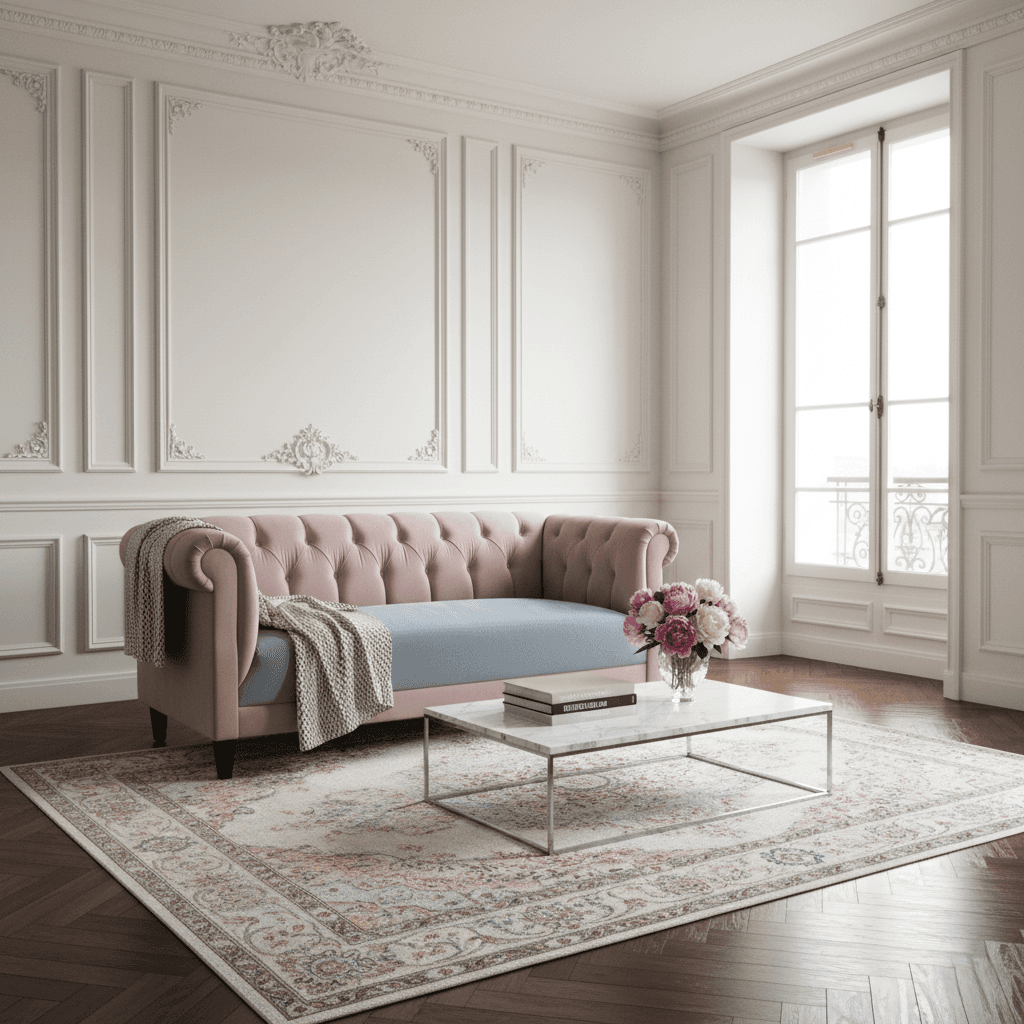
Showcase furniture and home appliances in a fully styled, photorealistic room setting. Perfect for visualizing how a sofa, table, or fridge fits into a modern home environment.
How to use
1. Select 'Home & Appliances: Lifestyle Interior'. 2. Upload one or more photos of your item from different angles. 3. (Optional) Use 'Additional Notes' to describe your ideal room setting. 4. Generate to place it in a beautiful, professionally designed room. 5. Download for your catalog or social media.
Best for
- E-commerce product listings (Wayfair, IKEA style)
- Kitchen appliance marketing (Built-in look)
- Social media styling inspiration
- Interior design portfolio presentations
- Website hero images
Tips
- Multiple Angles: Upload photos showing front, side, and detail views to help the AI understand dimensions and materials.
- Set the Scene: Use 'Additional Notes' to describe your vision—'Scandinavian living room with plants', 'modern industrial kitchen', or 'cozy rustic cabin'.
- Smart Placement: The AI knows a fridge goes in a kitchen and a sofa goes in a living room.
- Lighting: Soft, natural lighting on your input item helps it blend seamlessly into the sunny room.
- Clean Input: Photograph the item against a plain wall if possible for best isolation.
Gallery
FAQ
Can I choose the room style?
Does it work for washing machines?
Will it change the color of my item?
Categories
Requirements
A clear photo of the item. No text prompt needed. The AI detects the item type (e.g., fridge) and generates a suitable room (e.g., modern kitchen).
Watch out for
Perspective is key. Ensure your input photo is taken at a natural angle (eye level). If you shoot a fridge from below, the AI might struggle to create a realistic kitchen floor perspective.
