Workflow Overview
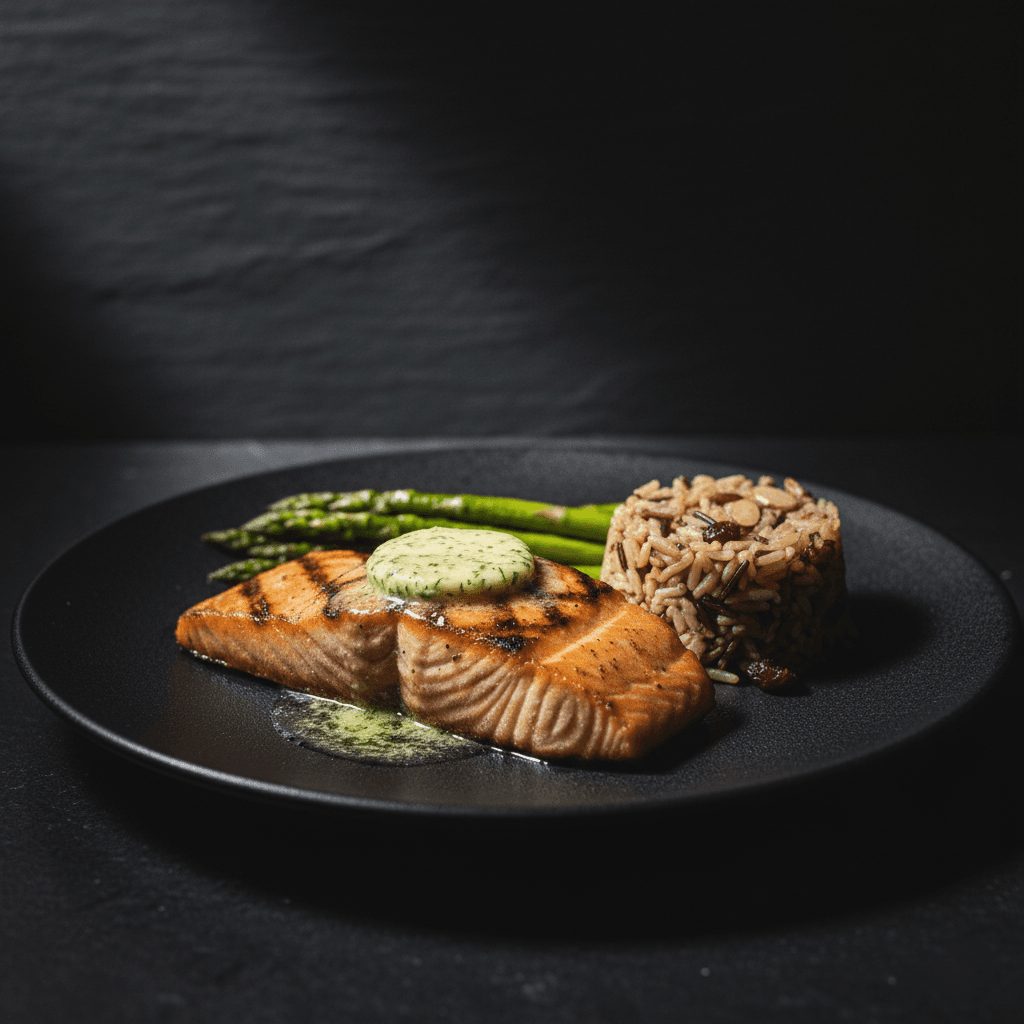
Create professional, high-end food photography with a dramatic Dark & Moody aesthetic. Perfect for luxury menus and social media, featuring rich textures and cinematic Chiaroscuro lighting.
How to use
1. Select the 'Food Cinematic: Dark & Moody' preset. 2. Upload one or more photos of your dish from different angles. 3. (Optional) Use 'Additional Notes' to specify mood preferences like 'extra dramatic shadows' or 'warm tones'. 4. Click generate to apply a high-end, dramatic studio look instantly. 5. Download your professionally styled image for menus or social media.
Best for
- High-end restaurant menu visuals
- Artisanal bakery and cafe social media posts
- Luxury food brand advertising
- Cinematic cookbook covers
- Gastronomy blog feature images
Tips
- Multiple Angles: Upload several photos to help the AI capture your dish's textures and colors from different perspectives.
- Fine-Tune the Mood: Use 'Additional Notes' to request specific effects like 'steam rising' or 'warmer highlights'.
- Contrast is Key: Vibrant foods (reds, greens, oranges) pop beautifully against the dark background.
- Texture Matters: Foods with visible textures (crusts, glazes, sprinkles) benefit most from the side-lighting.
- Angle: Top-down shots work great for plated dishes; 45-degree angles work for burgers and drinks.
Gallery
FAQ
Will this make my food look unappetizingly dark?
Can I use this for drinks and cocktails?
Do I need professional lighting for my photo?
Is this suitable for Amazon?
Categories
Requirements
A clear, focused photo of the food item is required. No text description is needed. Ideally shot with neutral or flat lighting to allow the AI to re-light it dramatically.
Watch out for
Avoid very dark food items (like dark chocolate) without good highlight definition, as they may blend into the shadows. Ensure the uploaded photo is sharp; the 'moody' effect softens the atmosphere but needs a crisp subject.
