Workflow Overview
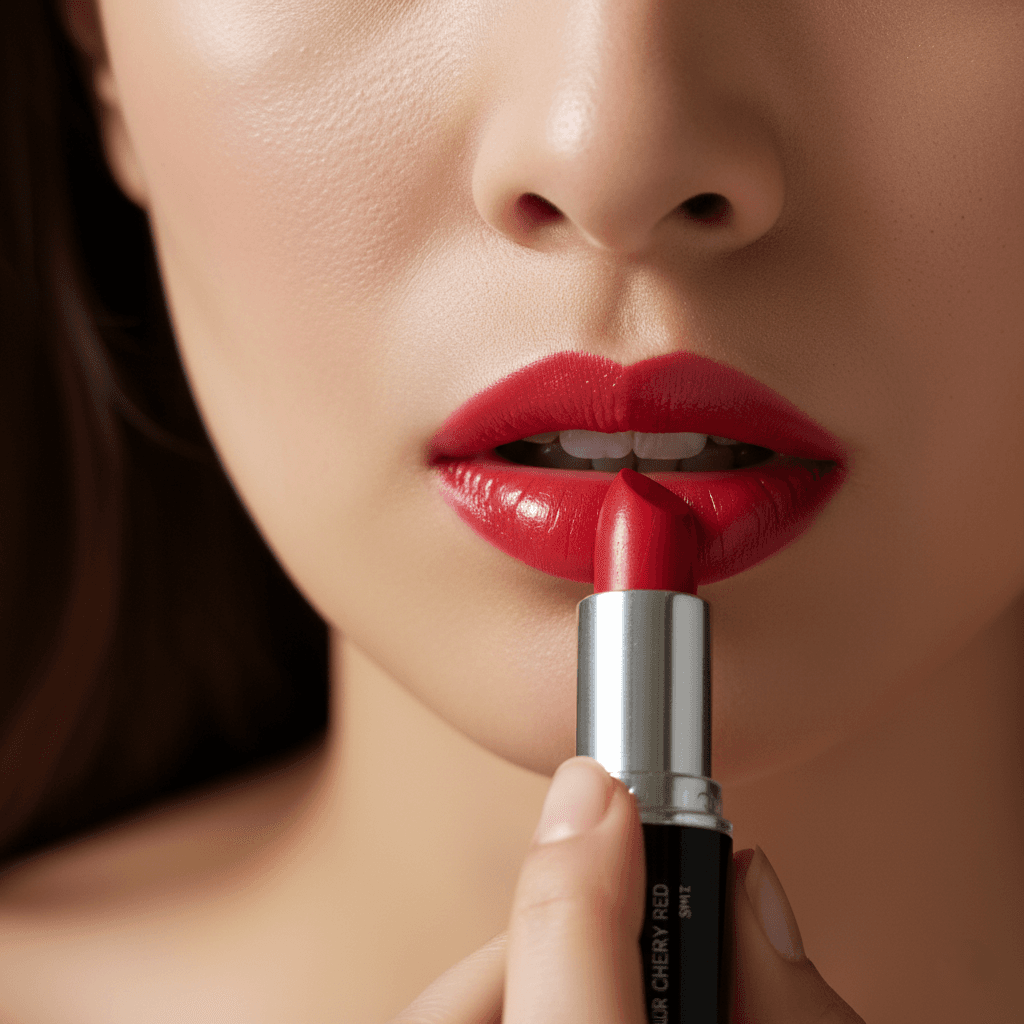
Visualizes the beauty product being applied by a model with dewy, hydrated skin. Uses beauty lighting (ring light or butterfly lighting) with shallow depth of field, focusing sharply on the product and application area while softly blurring the background.
How to use
1. Select 'Beauty Lifestyle: On-Model Application'. 2. Upload one or more photos of your beauty product from different angles. 3. (Optional) Use 'Additional Notes' to specify model characteristics or application style. 4. Generate to visualize the product being applied by a model. 5. Download your lifestyle marketing image.
Best for
- Social media advertising campaigns
- Beauty tutorial thumbnails
- Product page lifestyle galleries
- Email marketing hero images
- Influencer-style brand content
Tips
- Multiple Angles: Upload photos showing the product, packaging, and texture to help the AI represent it accurately.
- Customize Your Model: Use 'Additional Notes' to describe the model—'mature woman with glowing skin', 'young man applying moisturizer', or 'diverse skin tones'.
- Product Type: Lipsticks show lip application; serums show facial application; mascaras show eye close-ups.
- Packaging: Ensure your product label is visible so viewers can identify the brand.
- Color Products: For color cosmetics, the AI matches the model's application to your product shade.
Gallery
FAQ
Can I choose the model?
Is this suitable for e-commerce main images?
Does it work for all beauty products?
Categories
Requirements
A clear photo of your beauty product is required. No text prompt needed. The AI determines the appropriate application style based on the product type.
Watch out for
The AI generates representative model imagery. Skin tones and model features vary. This is for marketing visualization, not literal product demonstration.
