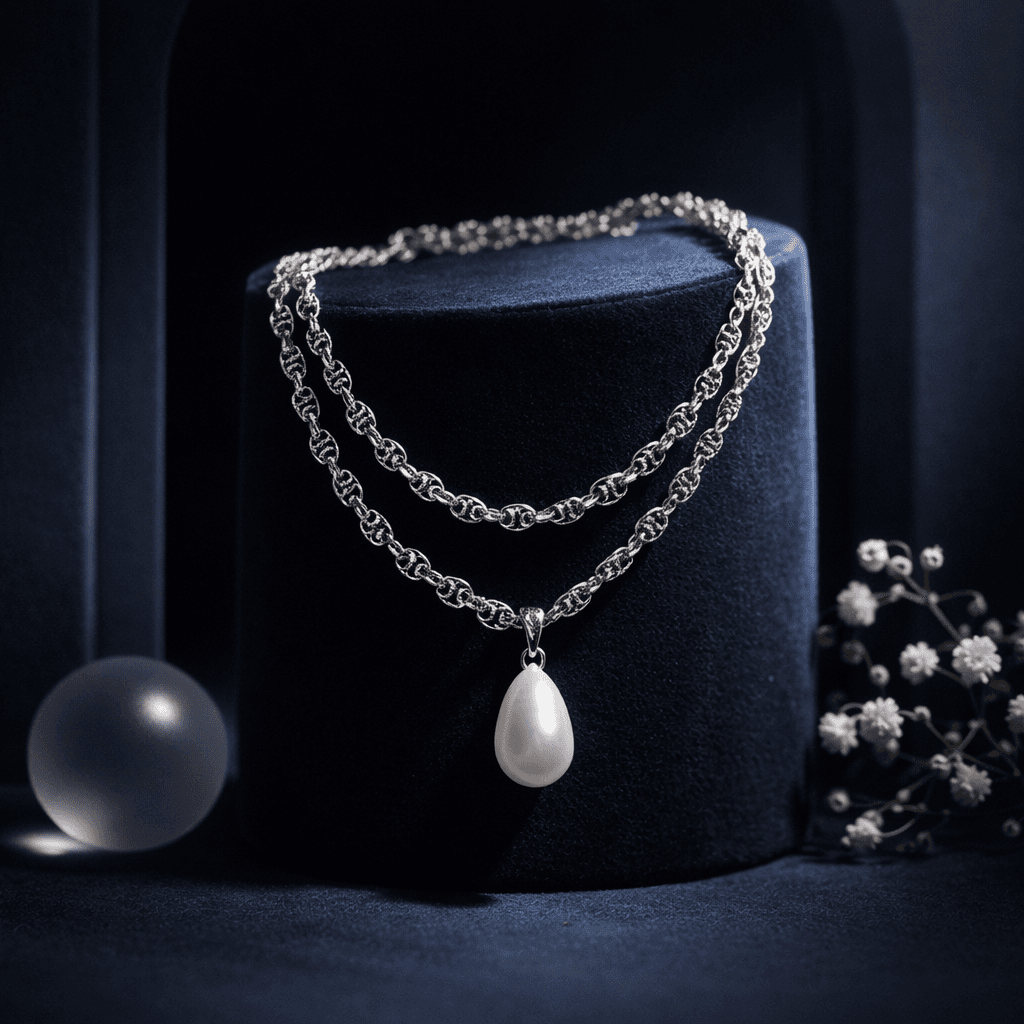
Accessory Still Life: Aesthetic Display
Create artistic, composed fashion imagery without a full model. Features the accessory on styled surfaces with props to evoke a premium mood.
Accessories
No complex prompts. No guesswork. Pick a preset engineered for your specific vertical.
Create artistic, composed fashion imagery without a full model. Features the accessory on styled surfaces with props to evoke a premium mood.
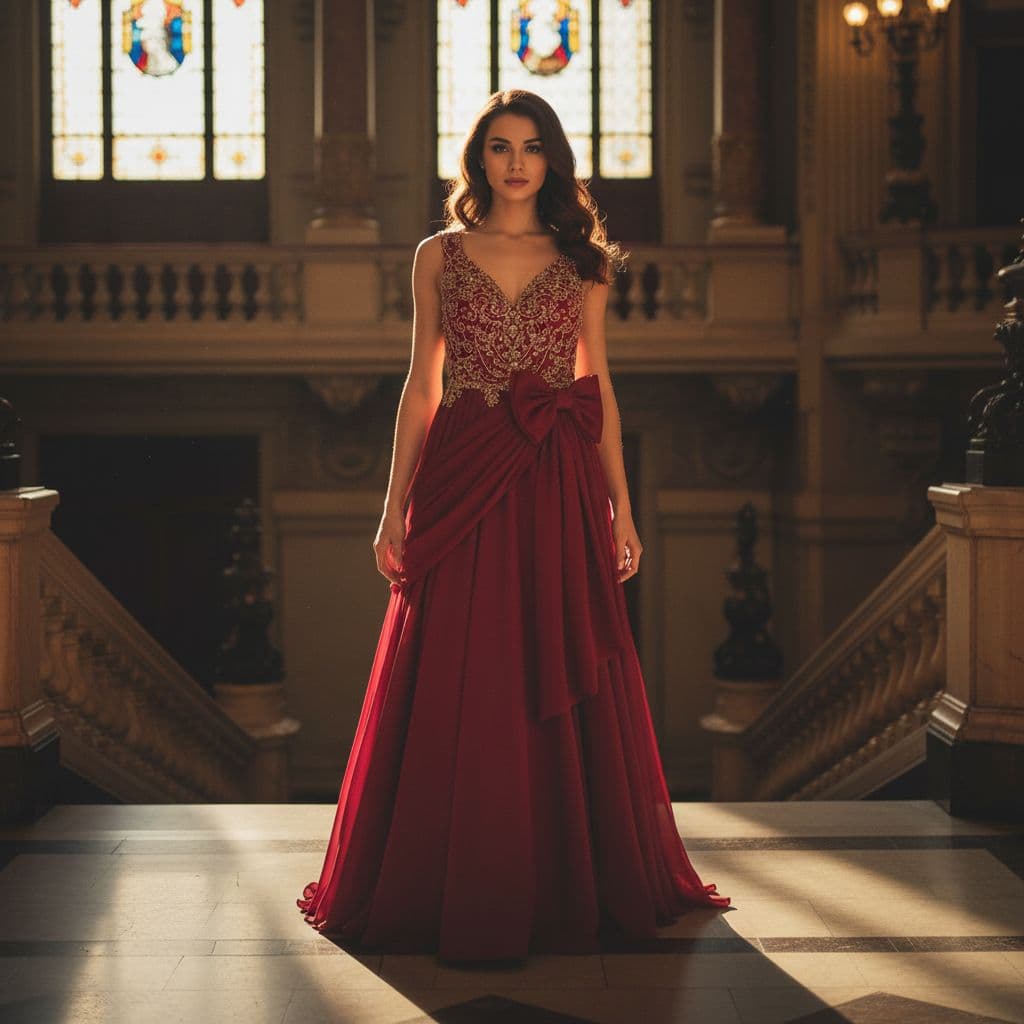
Visualize your fashion products worn by a photorealistic AI model in authentic, real-world settings. Perfect for social media content, brand storytelling, and showing how the garment drapes and fits in a natural context.
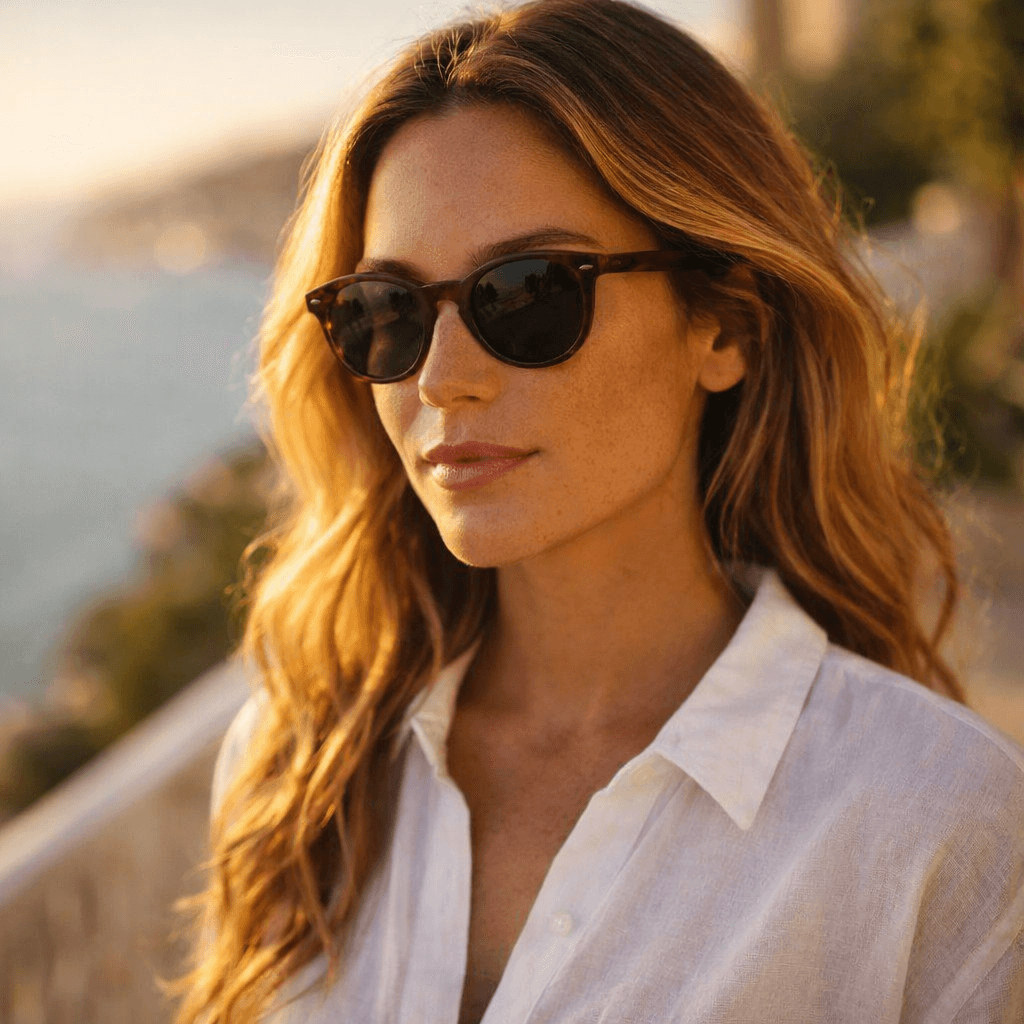
Showcase fashion accessories worn by a photorealistic model in a natural, real-world setting. Perfect for demonstrating size, fit, and styling context.
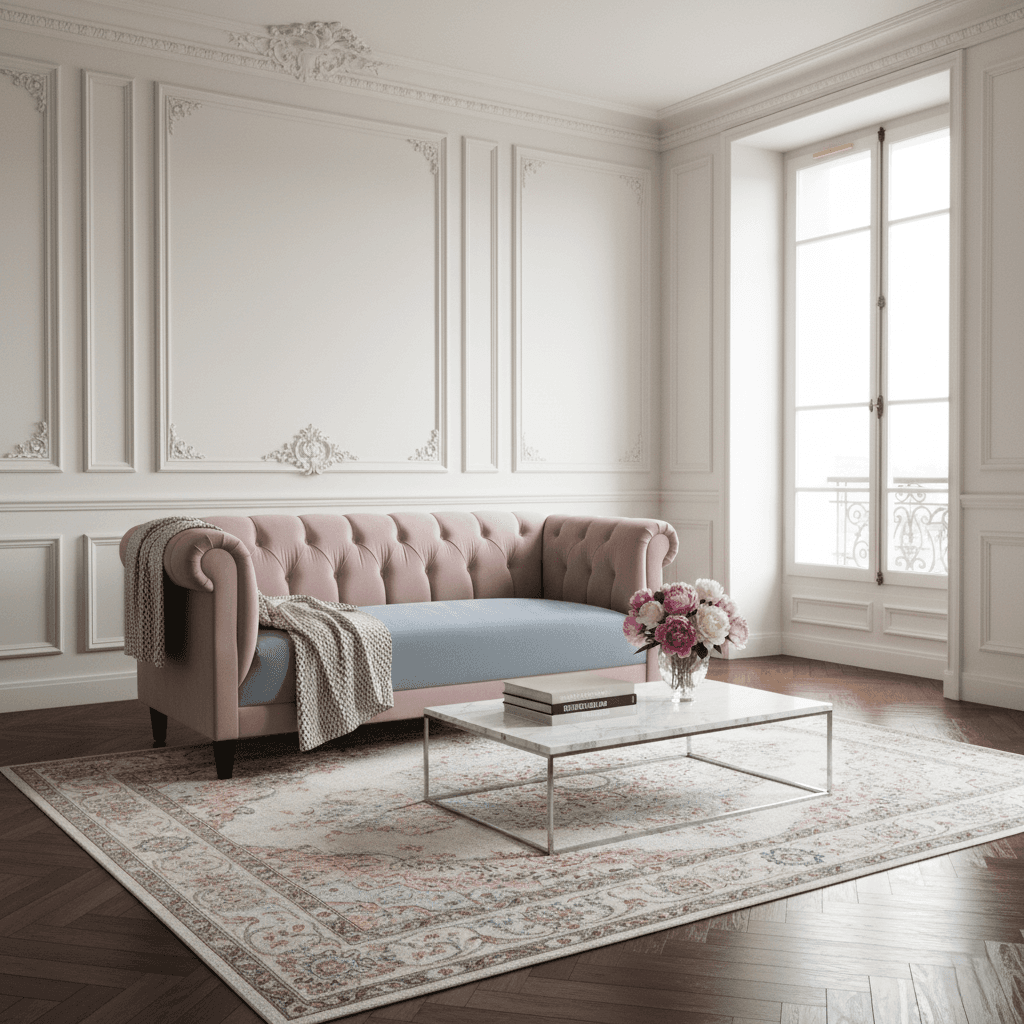
Showcase furniture and home appliances in a fully styled, photorealistic room setting. Perfect for visualizing how a sofa, table, or fridge fits into a modern home environment.
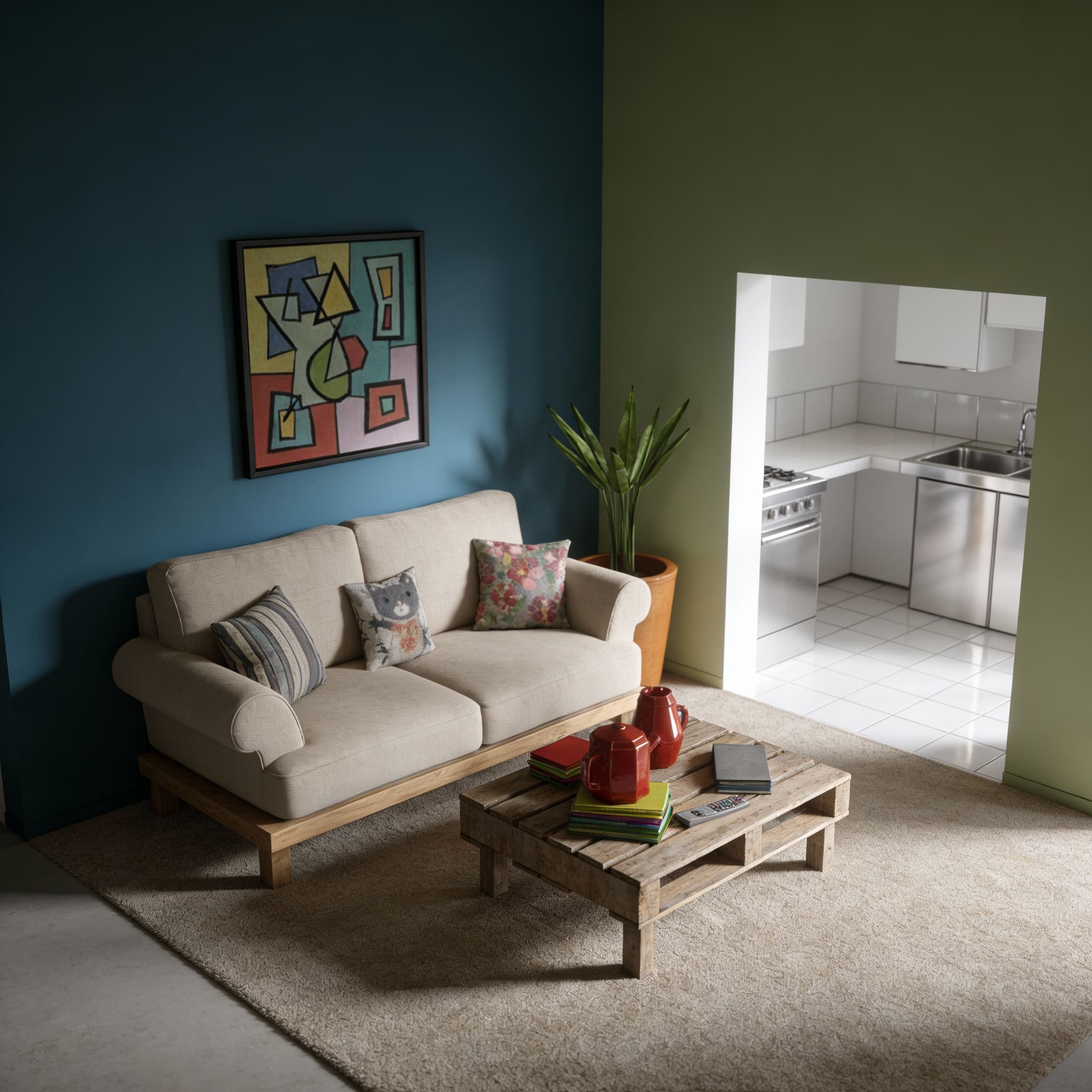
Convert raw 3D software screenshots, wireframes, or sketches into photorealistic architectural visualizations. Applies realistic materials (concrete, glass, wood cladding, brushed metal), global illumination, and atmospheric elements like landscaping and sky.
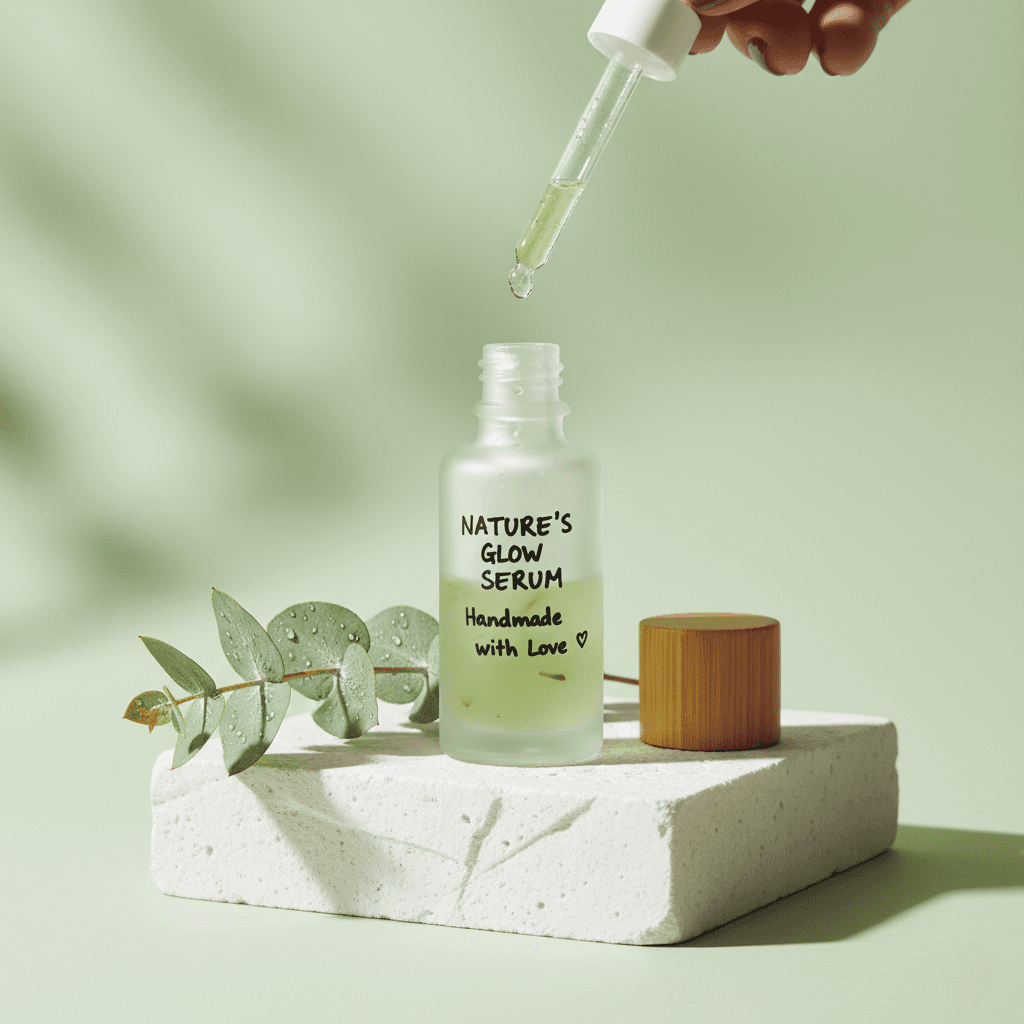
Generate an artistic, trendy advertising image. Places the product on styled podiums or amidst props with creative lighting, perfect for social media campaigns.
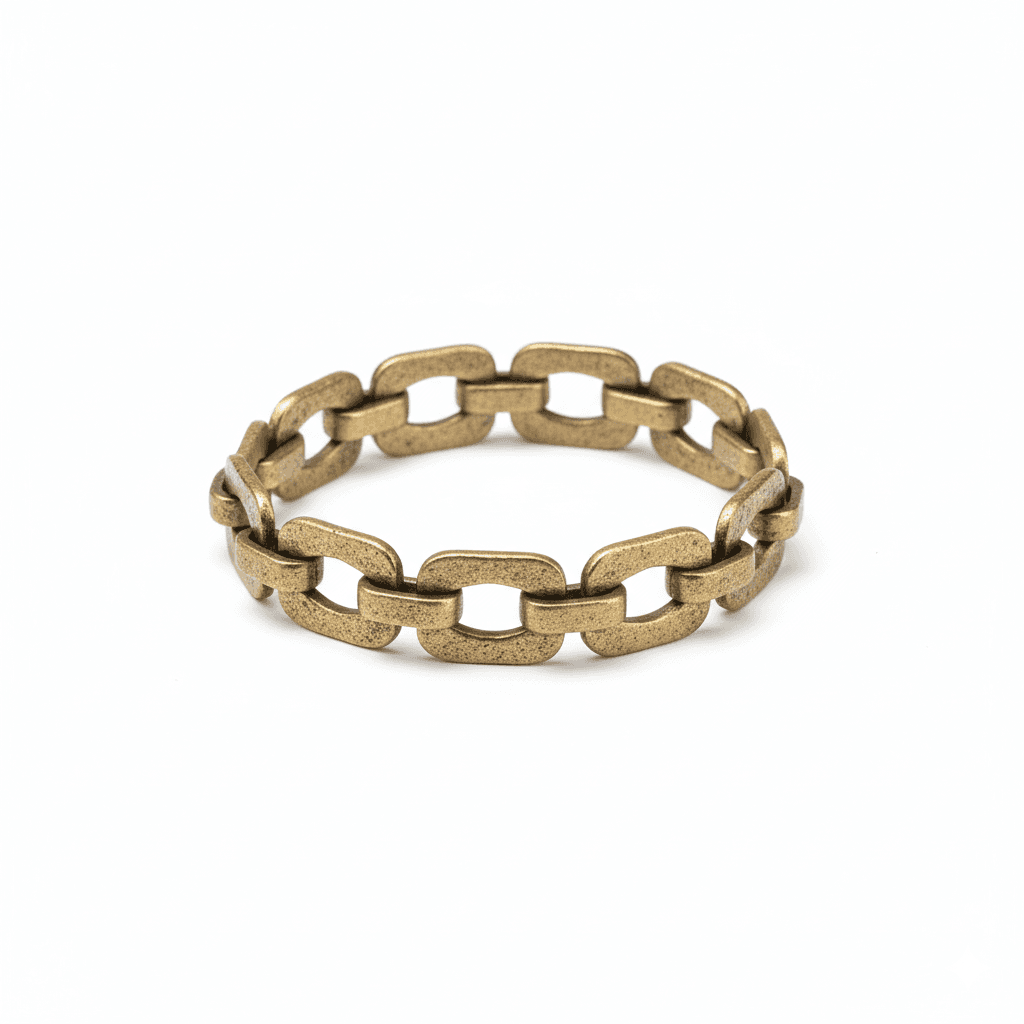
Generate high-resolution, professional accessory product shots isolated on a pure white background. Ideal for e-commerce listings, ensuring maximum detail and clarity for jewelry, watches, and bags.
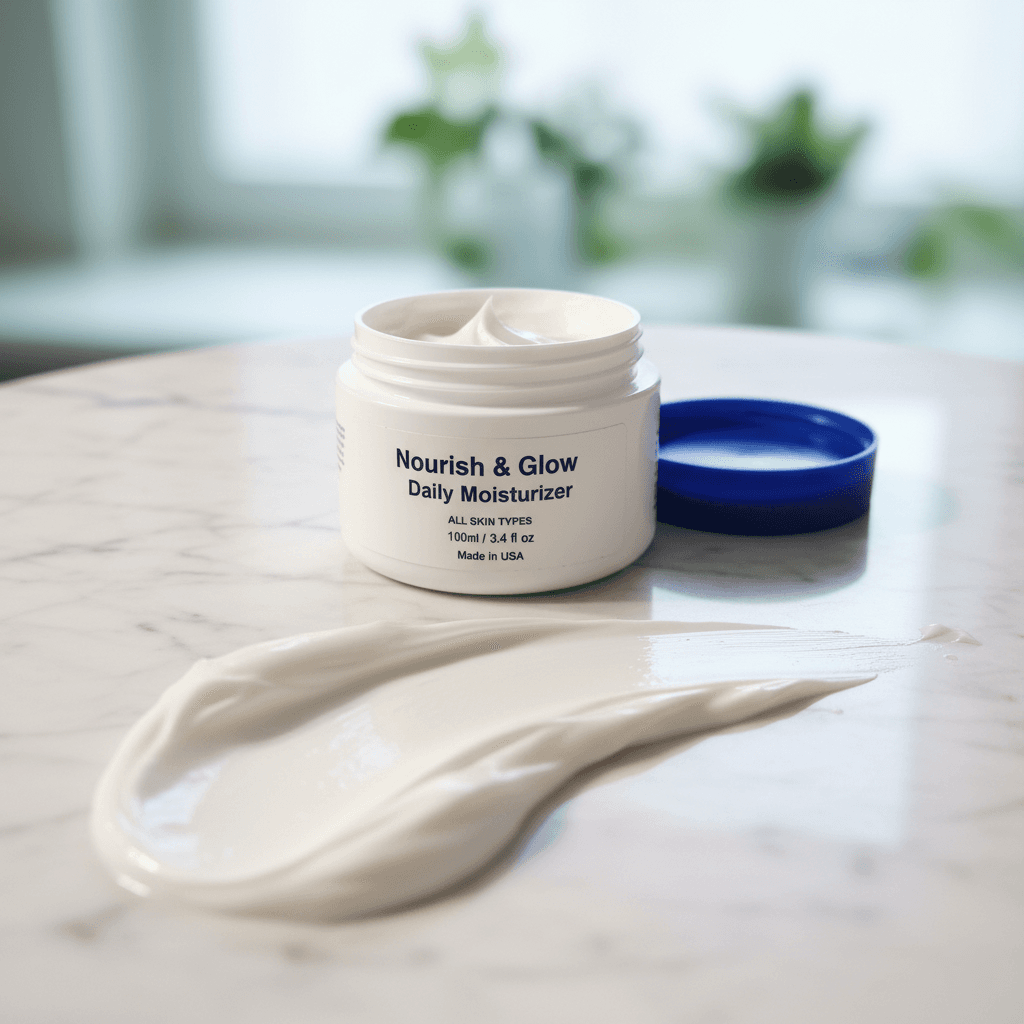
Create a sensory-focused image that highlights the texture of the product itself. Features smears, drops, or spills alongside the packaging to demonstrate viscosity and quality.
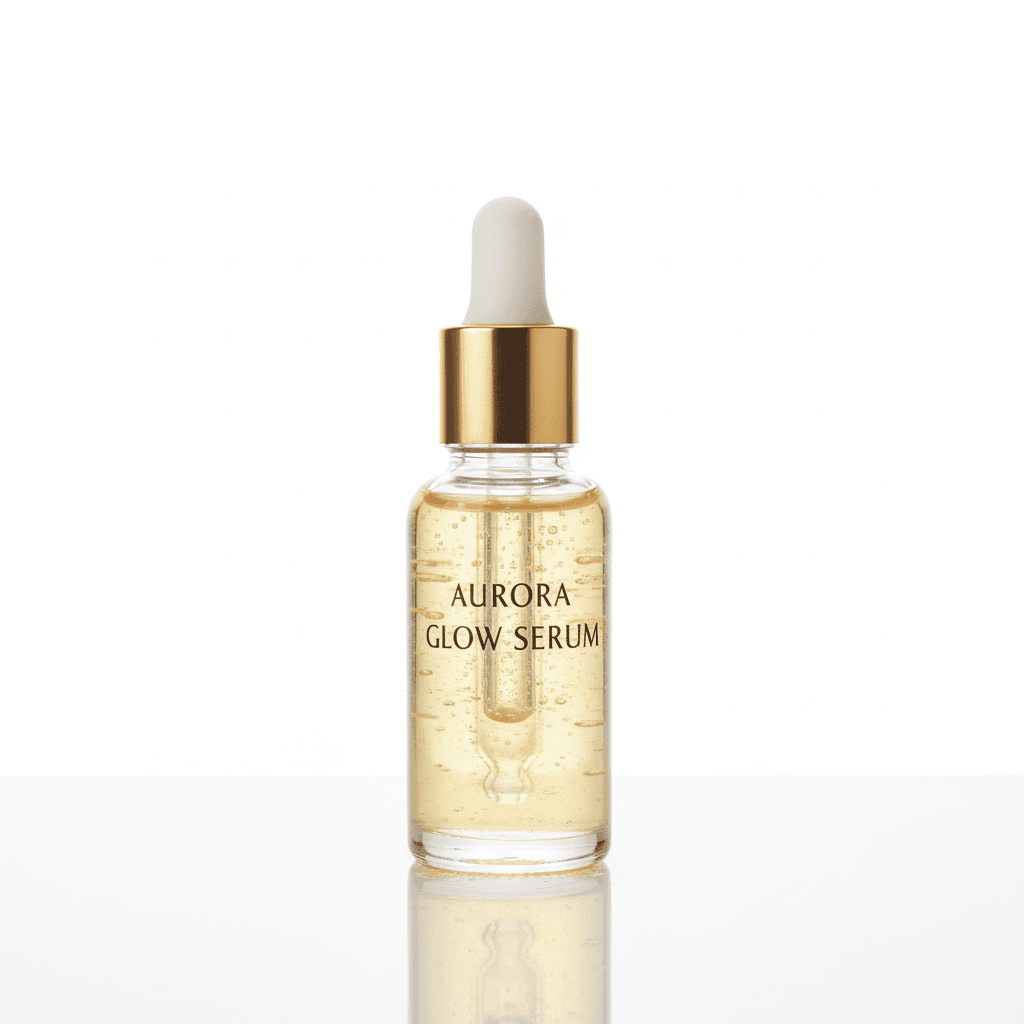
Generate pristine, high-end product photography for beauty items isolated on an infinite white background. Uses beauty dish or softbox lighting to create soft, flattering highlights on packaging (glass, plastic, metallic) with an elegant base reflection.
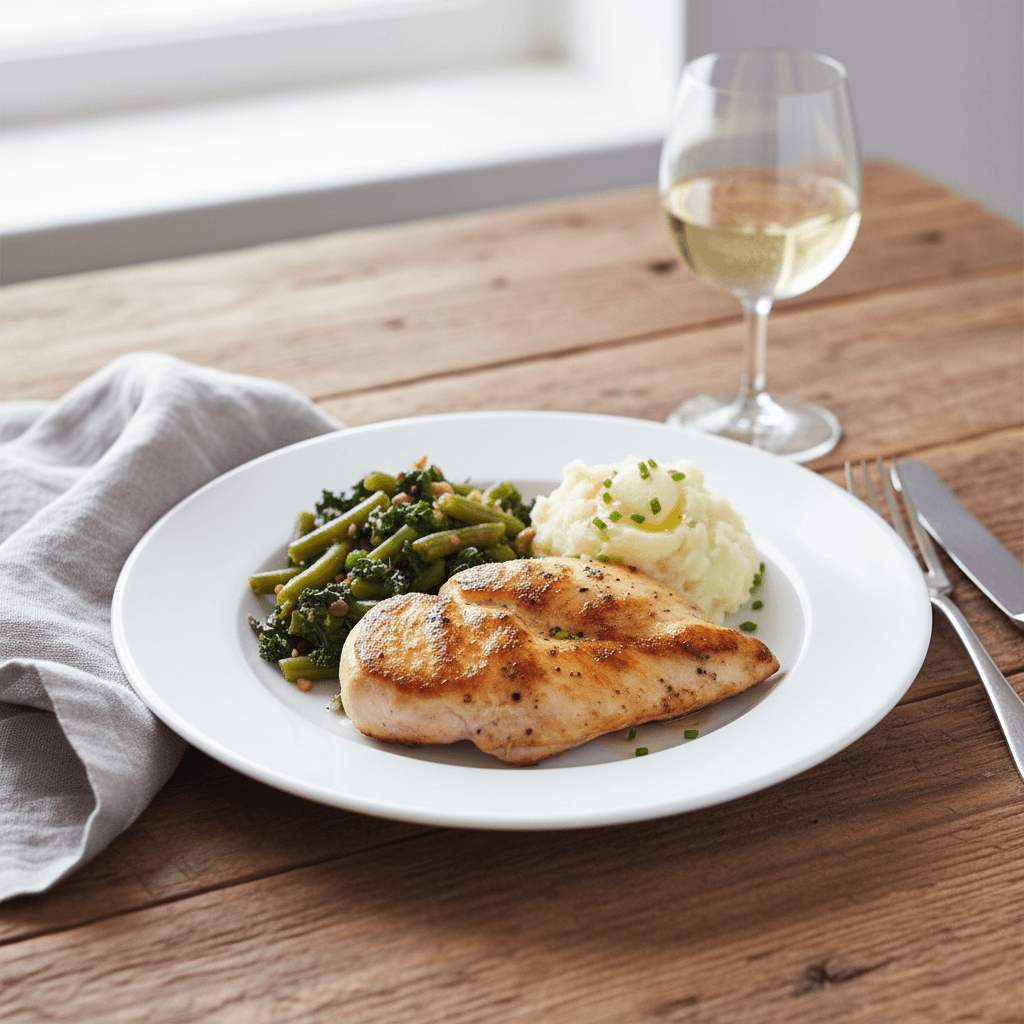
Transform simple food shots into rich, storytelling editorial images. Features natural lighting, curated table props and a 'lived-in' aesthetic perfect for engaging social media content and blogs.
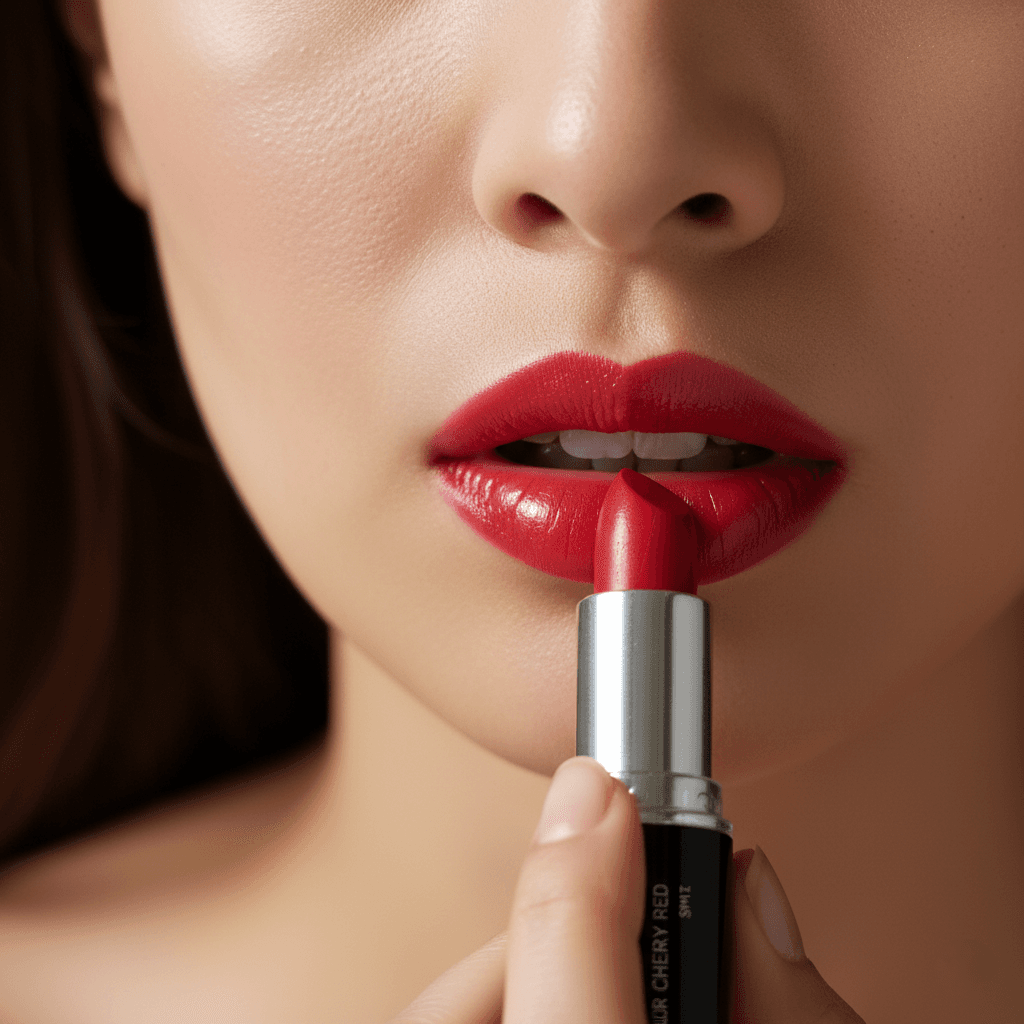
Visualizes the beauty product being applied by a model with dewy, hydrated skin. Uses beauty lighting (ring light or butterfly lighting) with shallow depth of field, focusing sharply on the product and application area while softly blurring the background.
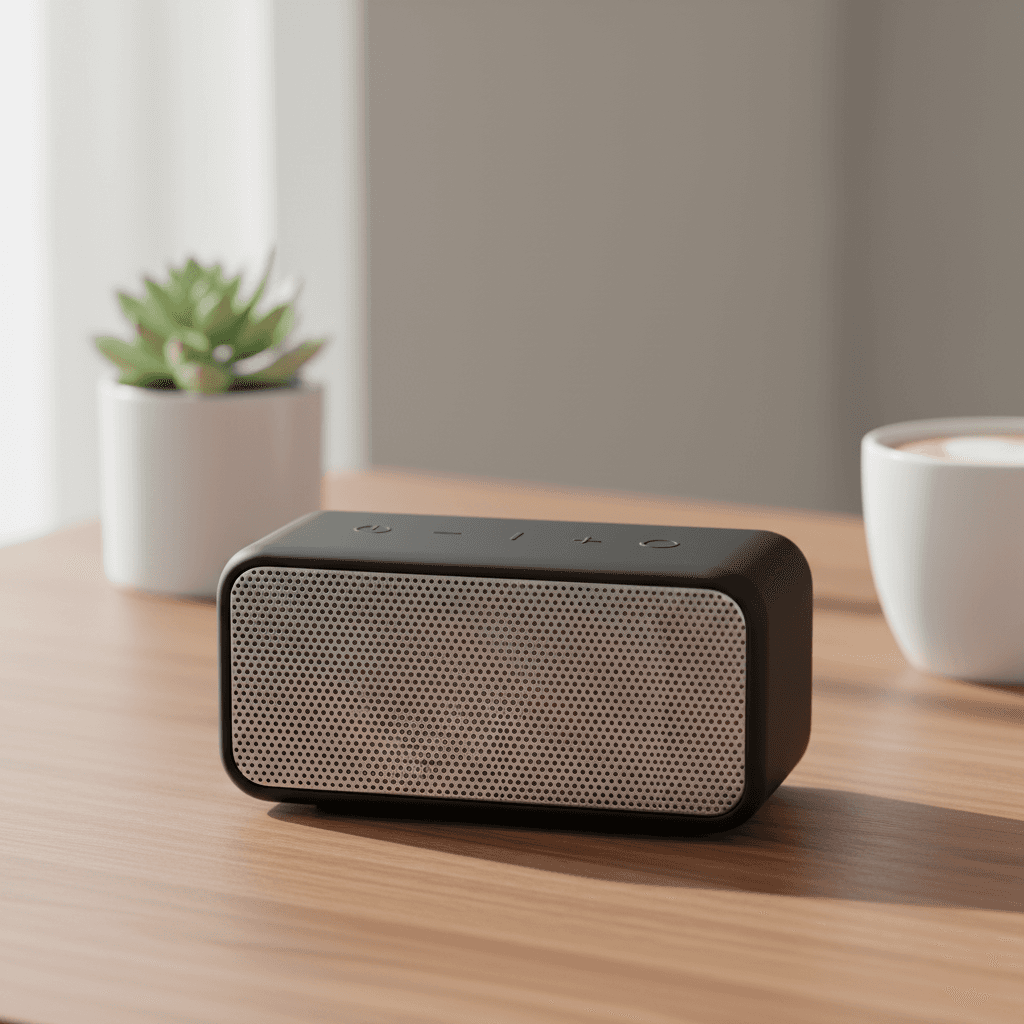
Place the electronic device in a relevant, modern real-world setting. visualizing how the product fits into a user's daily life.
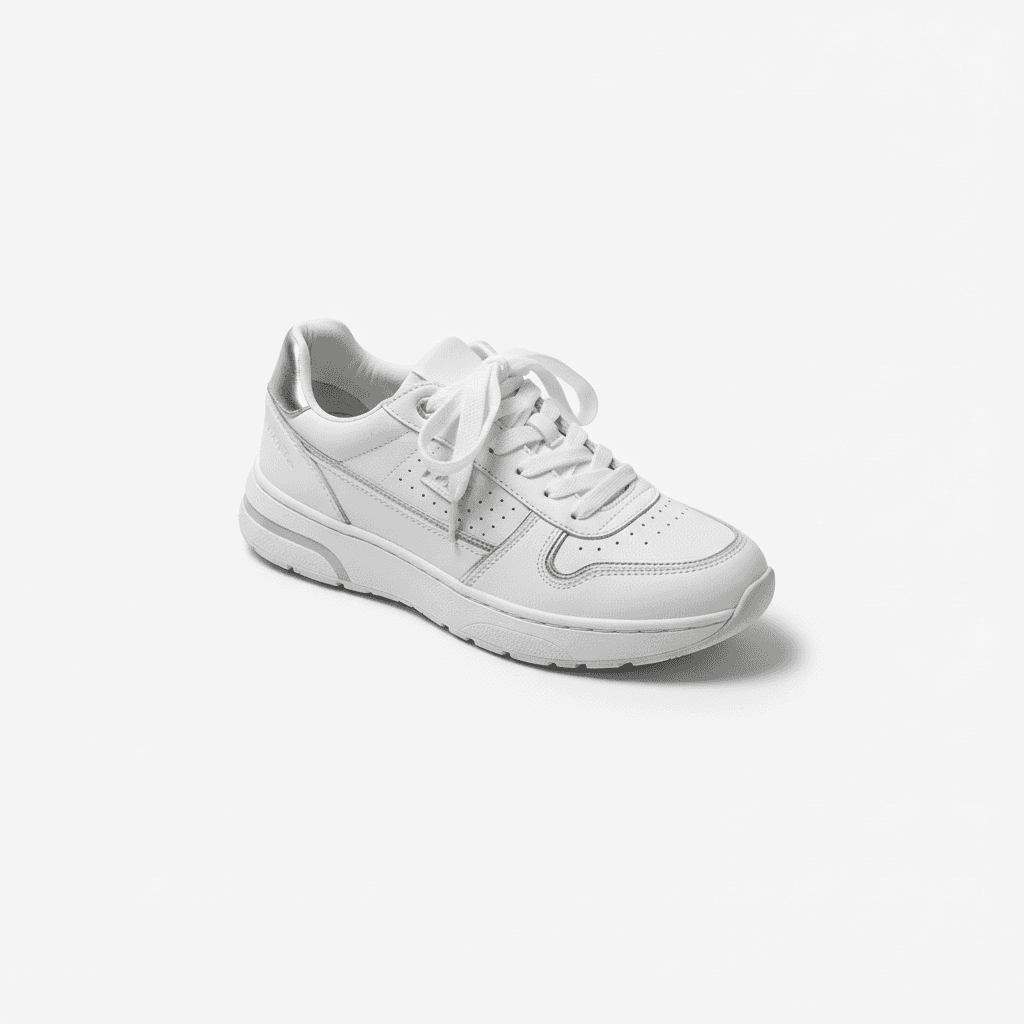
Generate professional, studio-quality fashion product photography on a pure white background. Perfect for Amazon, Shopify, and creating distraction-free online catalogs that focus strictly on the garment.
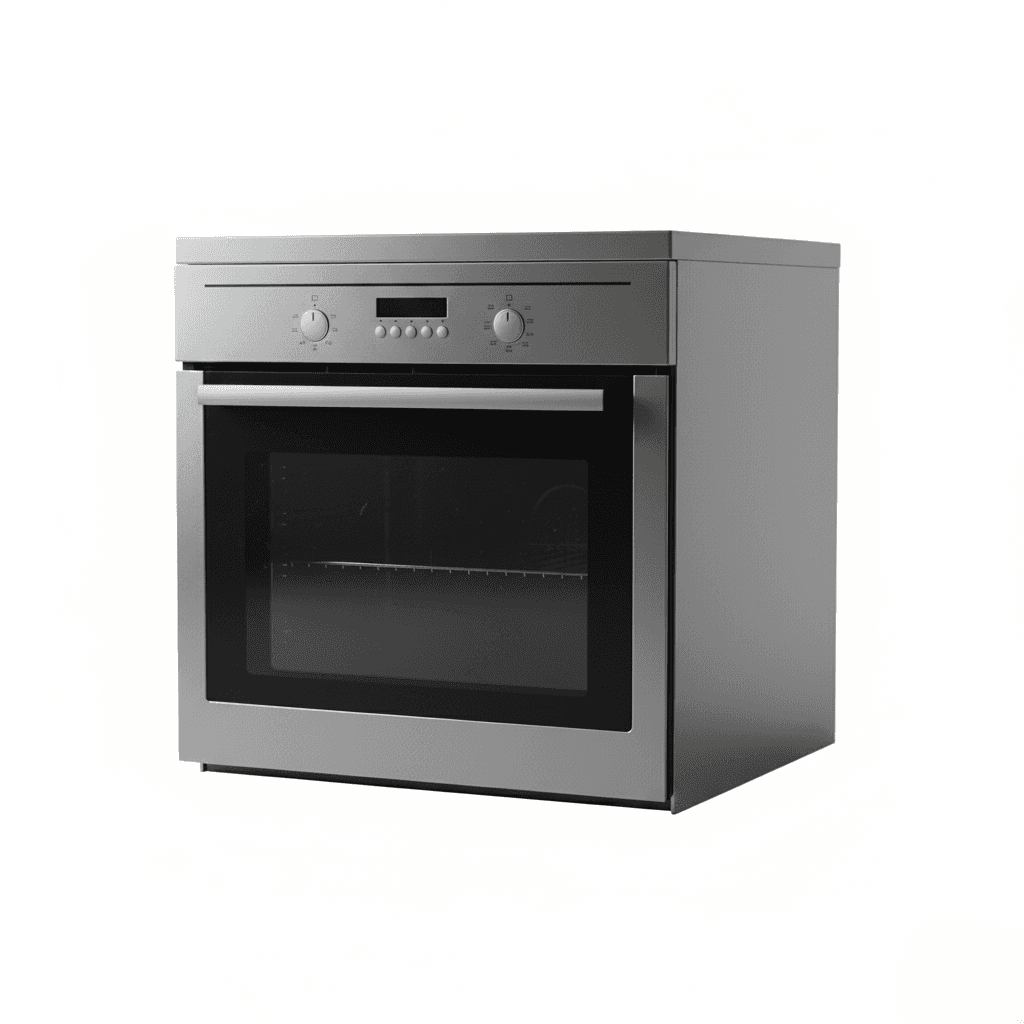
Generate professional studio photography for furniture and large home appliances (fridges, washing machines). Features accurate material textures, even lighting, and a pure white background for retail listings.
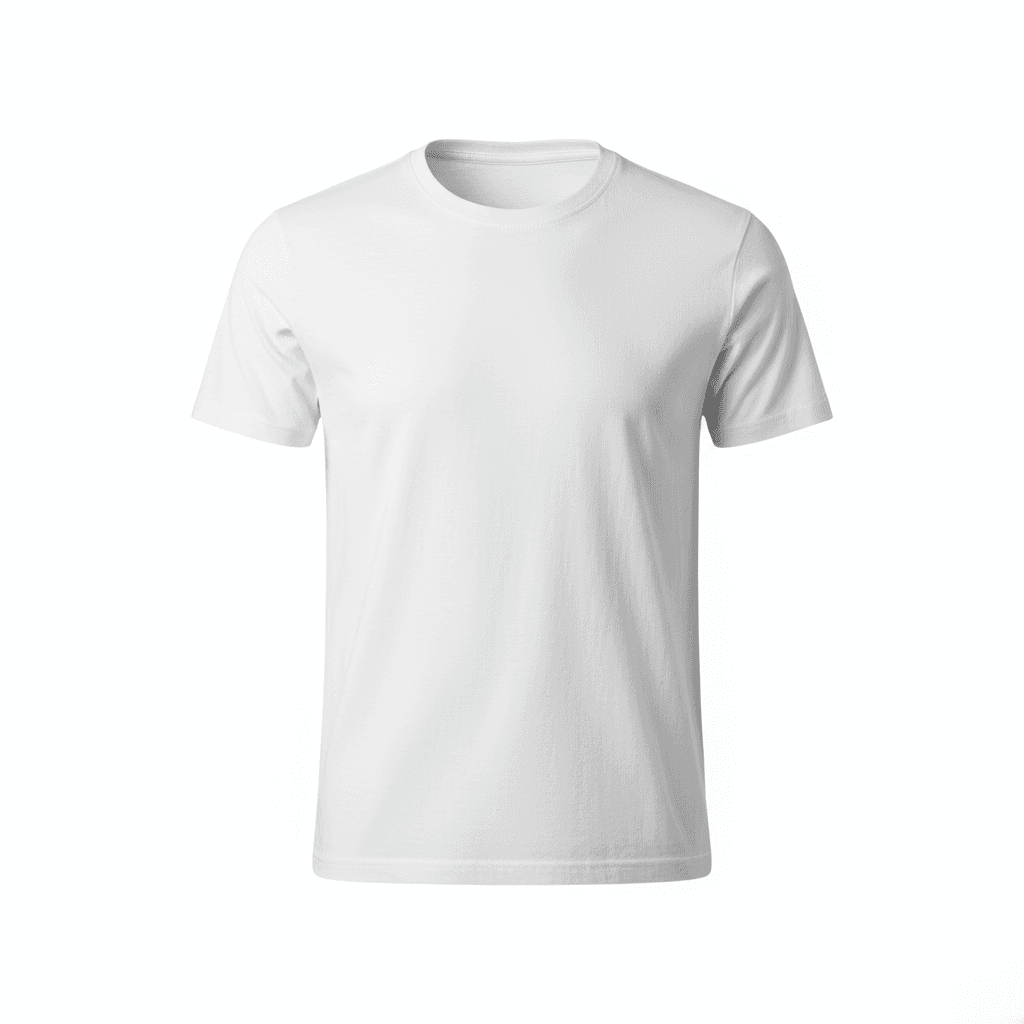
Create high-end 'Ghost Mannequin' style fashion images that simulate a 3D fit without a visible model. Ideal for showcasing the shape, lining, and volume of the apparel in a technical, retail-ready format.
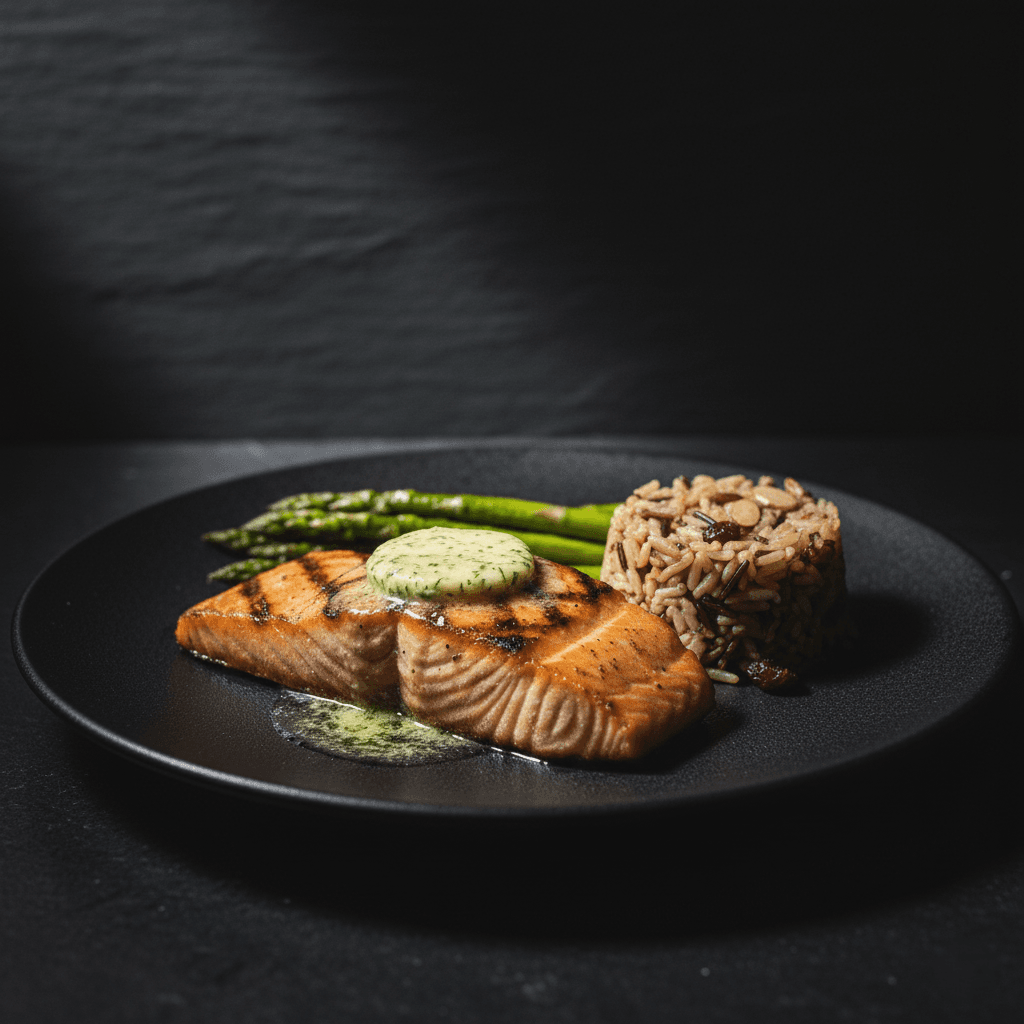
Create professional, high-end food photography with a dramatic Dark & Moody aesthetic. Perfect for luxury menus and social media, featuring rich textures and cinematic Chiaroscuro lighting.
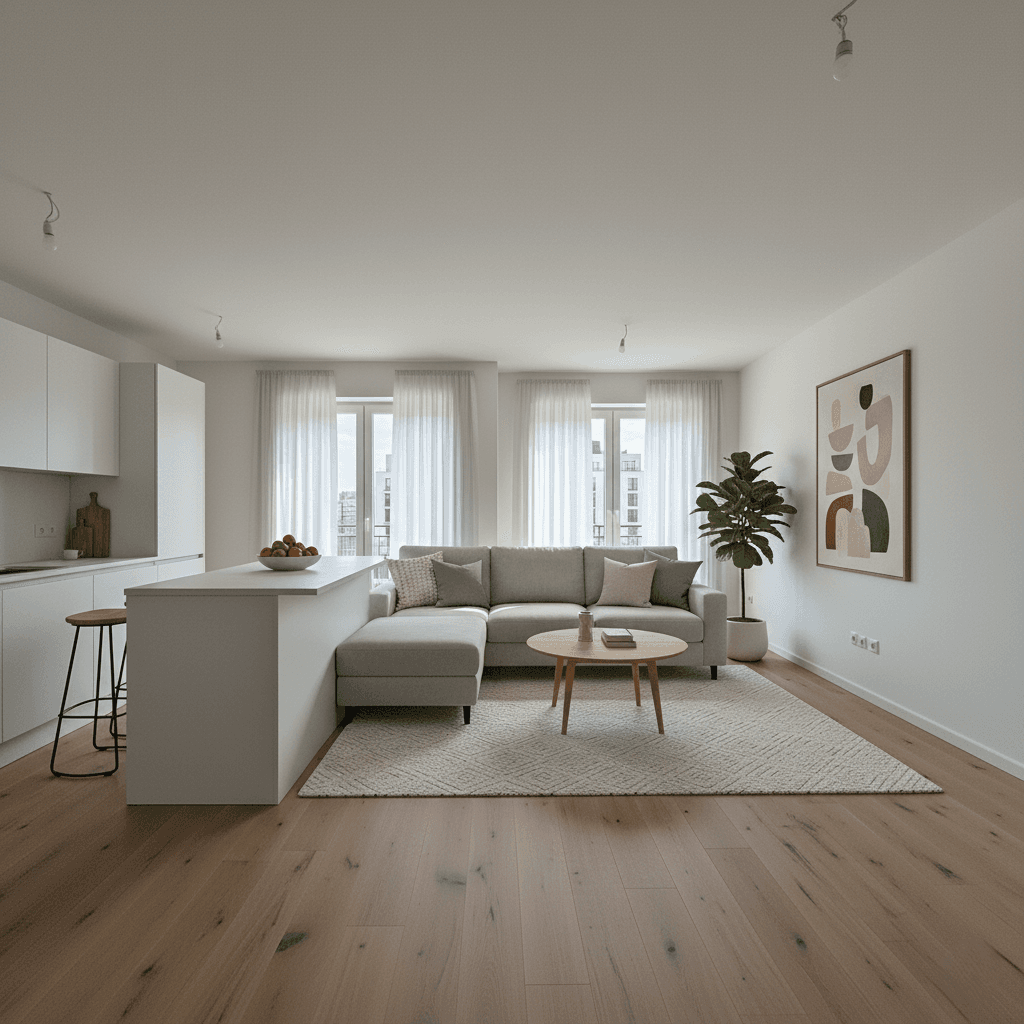
Transform photos of empty rooms into fully furnished, inviting living spaces. Uses Modern Scandinavian or Contemporary style furniture that appeals to most buyers, with realistic shadows matching the room's light sources.
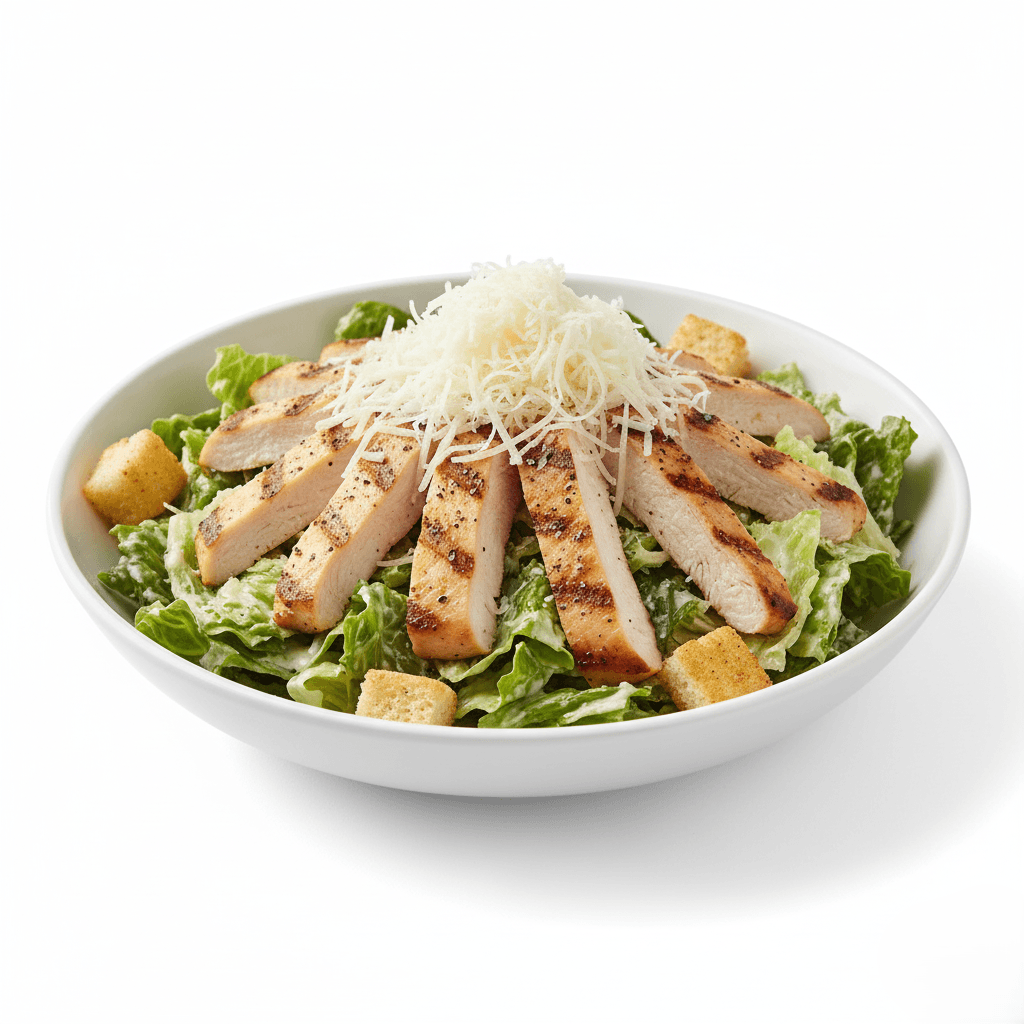
Generate professional, distraction-free food photography on a studio white background. Optimized for digital menus (UberEats, DoorDash) and e-commerce, ensuring your food looks fresh, appetizing, and the clear hero of the image.
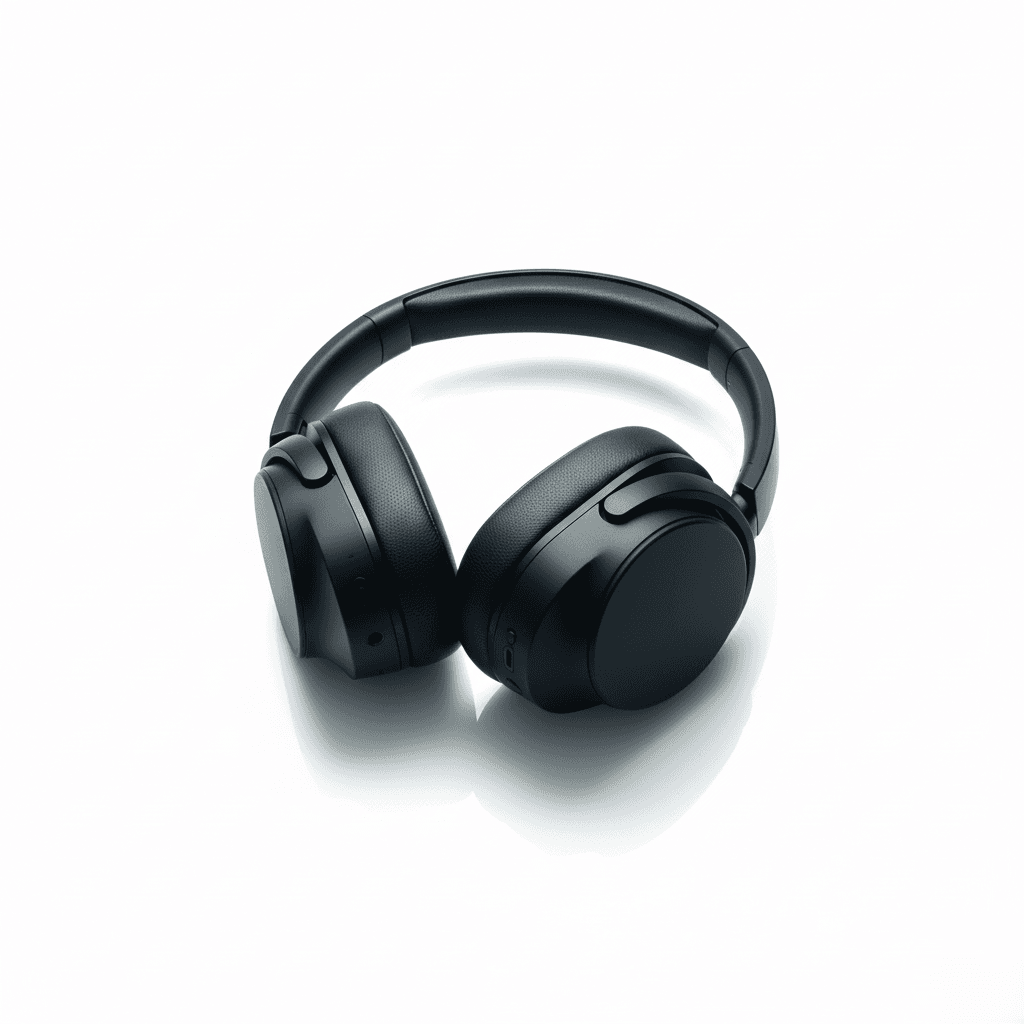
Generate high-fidelity product photography for electronics, isolated on an infinite white background. Uses hard-edge studio lighting to accentuate sleek lines and materials (brushed metal, glossy glass, matte plastic) with a subtle base reflection.
The difference between 'Prompting' and 'Engineering'.
