How to Use AI Product Photography on Etsy Without Looking Fake
AI product photography for Etsy can either build trust or break it. If your listing looks too artificial, shoppers wonder whether the product is real. If your photos stay dark, crowded, or inconsistent, you lose the click before your craftsmanship gets seen. This guide shows how to use AI with restraint: keep the product honest, make the gallery clearer, and create a shop that feels handmade and professional at the same time.
Why Does AI Product Photography Feel Riskier on Etsy?
AI product photography feels riskier on Etsy because the marketplace is built on trust. Shoppers are not only buying a useful object. They are often buying a handmade item, a vintage find, a small-batch gift, or a design that feels personal. If the image looks too synthetic, the buyer starts asking uncomfortable questions before they even read the description.
That does not mean Etsy sellers should avoid AI. It means the workflow has to respect the buyer's expectations. The image must show a real product clearly, preserve its texture and shape, and avoid creating a fantasy version of what the customer will receive. A handmade ring cannot turn into a different ring. A candle label cannot become unreadable. A linen pouch cannot suddenly look like a mass-produced luxury prop.
The danger is not AI itself. The danger is using AI as a replacement for honesty instead of a support system for clarity. Strong Etsy visuals still start with a real source photo, accurate color, readable scale, and a gallery that answers buyer doubts. AI becomes useful when it helps with lighting consistency, cleaner backgrounds, warm lifestyle context, and seasonal variations that would take too long to stage manually.
The goal is believable polish. Your listing should look more intentional, not less human. When AI helps shoppers understand the product faster while preserving handmade cues, it becomes a practical production tool instead of a trust problem.
What Should Stay Real in an Etsy AI Photo Workflow?
The product should stay real. That is the core rule. Etsy's own image policy emphasizes original photos of the actual product buyers will receive, with limited exceptions for specific situations such as certain personalized or production partner items. For most handmade sellers, that means the safest workflow starts from a real photograph of the finished item and uses AI to improve presentation around it.
Keep the first image especially conservative. It should show one finished product clearly, with enough space for thumbnail crops and no visual trick that makes the item look different from reality. If the product has hand-stamped letters, natural stone variation, stitching, wood grain, glaze texture, or label details, those should remain legible. The main image is not the place to experiment with dramatic AI scenes.
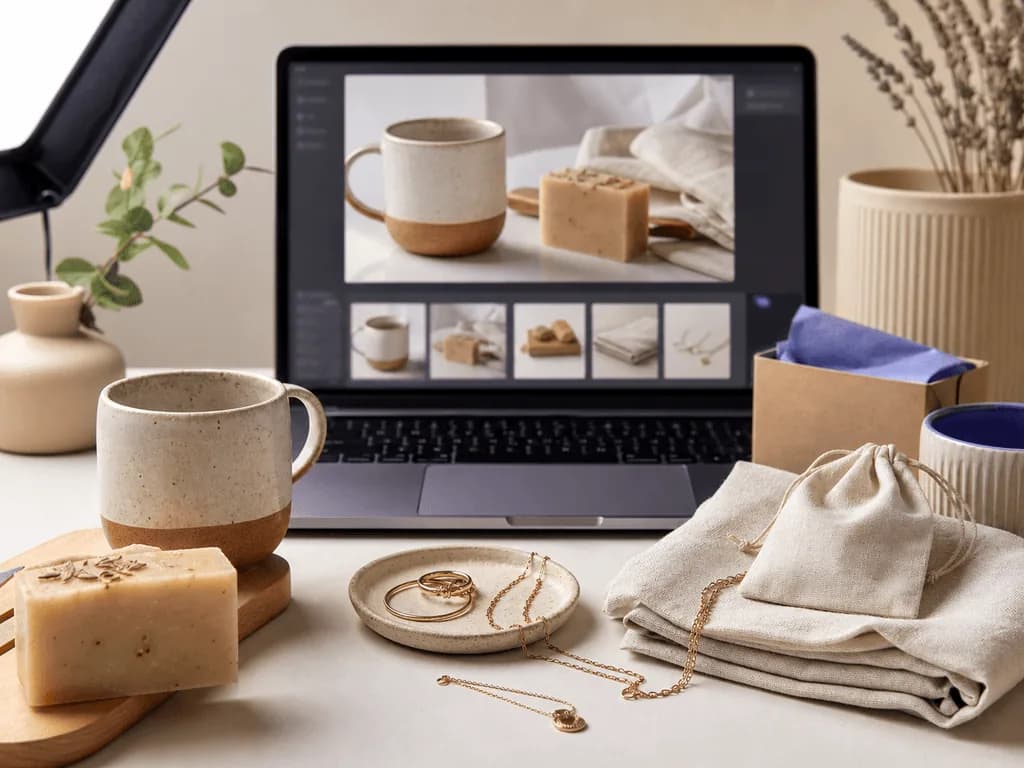
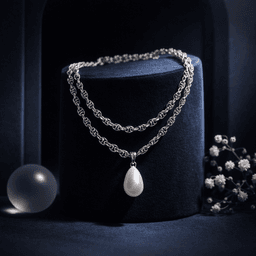
Use AI more confidently in secondary images where context helps the buyer imagine ownership. A necklace can be shown in a warm on-model context. A handmade soap can sit in a calm bathroom-inspired still life. A ceramic mug can appear on a breakfast table style surface. The key is that the context supports the product instead of inventing claims the real item cannot satisfy.
A simple test helps: after viewing the gallery, would a buyer feel the delivered product matched what they saw? If the answer is yes, AI is helping. If the answer is uncertain, pull back. Etsy conversion depends on the feeling that the seller is careful, honest, and proud of the item.
How Can AI Improve Etsy Photos Without Erasing Handmade Warmth?
AI improves Etsy photos best when it fixes production problems that distract from the handmade item. Uneven lighting, messy backgrounds, inconsistent crops, and weak secondary scenes all make a shop feel less reliable. AI can help standardize those elements so the actual craft becomes easier to notice.
Start by deciding what each image needs to do. The first image should win the click with clarity. A close-up should prove texture or craftsmanship. A scale image should show size in a way words cannot. A lifestyle image should help the shopper imagine the item in a home, outfit, gift box, desk, or daily routine. When every image has a job, AI becomes a tool for specific outcomes rather than a random style machine.
For handmade warmth, keep tactile surfaces in the visual language. Linen, paper, soft wood, ceramic, brushed metal, matte stone, and gentle daylight often work better than glossy futuristic sets. Avoid scenes that feel expensive but unrelated to the product. A rustic candle does not need a luxury perfume campaign. A woven bag does not need a surreal runway background. The scene should make the product feel more true, not more theatrical.
This is where preset-based workflows are useful. Instead of asking a seller to write long prompts about lighting ratios and material realism, a Smart Preset can encode the photographic direction. The seller chooses the image job, uploads the product, and adds short notes only when needed. That keeps the workflow fast while leaving room for brand taste.
What Etsy Listing Image Mix Works Best With AI?
The best Etsy listing image mix uses AI selectively. Do not make ten images that all try to be the most beautiful frame. Build a proof sequence. The buyer should move from instant understanding to confidence to desire.
Use the first image for a clean, honest product view. It should still work when Etsy crops it into a search thumbnail. Use the second or third image for detail: texture, finish, clasp quality, label clarity, ingredients, stitching, or surface character. Then add a scale image. For jewelry, that might mean an on-model frame. For stationery, it might mean a desk context. For home decor, it might mean a shelf or table setup. Finally, add a lifestyle or seasonal image if it makes the product more giftable or easier to picture.
AI is strongest in the images that are hardest to produce repeatedly: lifestyle setups, consistent still life backgrounds, on-model context for accessories, and campaign variations for holidays or launches. It is less useful when the product itself is poorly captured. Blurry source photos, harsh glare, and hidden edges make every later step weaker.
A strong Etsy gallery often feels simple: one clear first image, one close detail, one scale proof, one context image, one packaging or gift-readiness image, and optional variations for color or use case. That system helps a small shop look organized without making the product feel factory-made.
Before-After-Bridge: From Uneven DIY Photos to a Shop Buyers Trust
Before: an Etsy seller had handmade products with real charm, but the photos made the shop feel uneven. Some listings were shot on a kitchen counter at night. Others used window light but cropped the product too tightly. A few had busy props that looked cozy in full size but confusing in search. The seller was working hard, yet the shop did not feel as careful as the products actually were.
After: the seller created a repeatable photo system. The first image became simple and readable. Detail shots proved texture and quality. Scale images answered practical questions. Lifestyle images used warm, believable scenes instead of overproduced AI fantasy. The products did not change, but the shop finally looked like it had a point of view.
The bridge was not a full studio or a costly photographer. It was one honest source photo per product plus a preset-based AI workflow for the parts that were slowing the seller down. Instead of rebuilding a scene for every listing, the seller could choose a consistent still life or lifestyle direction, generate a few options, and keep the one that respected the product.
That is the aspiration behind AI product photography for Etsy. A small shop can look calm, credible, and gift-ready without losing the maker's touch. Buyers see the product faster, trust the presentation more, and feel more confident paying a fair price.
How Does Pixora Fit an Etsy Seller Workflow?
Pixora fits an Etsy workflow when you use it as a visual system, not a shortcut around product truth. Start with a real, sharp source image. Choose the gallery job you need. Then use a Smart Preset to create a controlled output without writing technical prompts.
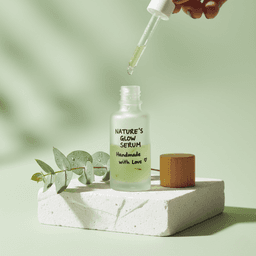
For small handmade goods, Accessory Still Life: Aesthetic Display is useful when you need a warm supporting image for jewelry, candles, stationery, small decor, or giftable products. Accessory Lifestyle: On-Model Context helps when scale and wearability matter, especially for earrings, necklaces, bracelets, watches, bags, or hair accessories. Beauty Creative: Aesthetic Still Life works well for soaps, skincare, oils, self-care bundles, and packaged products that need a calm, tactile presentation.
The important part is restraint. Use Pixora to make the listing clearer, more consistent, and easier to trust. Do not use it to invent product features, change materials, or create a scene that makes the item feel more luxurious than the delivered product. Good AI-assisted Etsy photos should feel like a better presentation of the same item, not a different item.
That gives this topic a Business Potential Score of 3 for Pixora. Etsy sellers need speed, consistency, and no-prompt simplicity, but they cannot sacrifice authenticity. Smart Presets solve that tension directly: they reduce setup time while keeping the seller focused on choosing the right image job for the listing.
Where Etsy Sellers Lose Trust With AI Photos
The product looks more polished than the real item buyers will receive
AI changes labels, handmade texture, natural variation, or small product details
The first thumbnail feels generic, crowded, or obviously synthetic
Every listing uses a different visual style, so the shop feels inconsistent
The Etsy AI Photo Math
2000 px+
Practical target for sharp Etsy listing photos that survive crop and zoom
$9.90
Monthly Pixora Pro price compared with repeated manual staging and reshoots
30 sec
Typical generation time for a new preset-based visual variation
Build an Etsy Gallery From One Honest Product Shot
Upload a real product image, choose an Etsy-friendly Smart Preset, and create supporting photos that add clarity, scale, and warmth without asking you to write prompts.
Capture the finished item in soft light with sharp detail, accurate color, and enough breathing room for thumbnail crops.
A trustworthy source image that protects product truth.
02
Choose the Gallery Job
Decide whether the next image needs clarity, detail, scale, lifestyle context, packaging proof, or seasonal mood.
A listing gallery that answers buyer doubts instead of repeating similar images.
03
Generate With Restraint
Use Pixora presets for supporting visuals, review product fidelity carefully, and keep only outputs that match what the buyer will receive.
Faster Etsy-ready images that look polished without feeling fake.
Etsy AI Photo Safety Checklist
The main product shape, color, label, texture, and handmade details are unchanged
The first image is clear enough to understand in a small search thumbnail
At least one image shows scale, fit, or real-world use when the buyer needs it
Lifestyle scenes support the product instead of exaggerating what it is
The gallery still feels like one coherent handmade shop
What Improves When AI Supports Etsy Photos Correctly
Your shop looks more organized without losing handmade personality
Buyers understand texture, size, and use case faster
New listings and seasonal campaigns become easier to publish
You stop losing clicks to dark, uneven, or crowded thumbnails
Your product photos make fair pricing easier to defend
Share this article
Create Etsy Photos That Feel Honest and Professional
Stop losing clicks to uneven DIY photos or overdone AI scenes. Start with one real product image, choose a Smart Preset, and build an Etsy gallery that buyers can trust.
Yes, but the safest approach is to start from real photos of the actual product and use AI to improve presentation, consistency, or supporting context. Avoid images that misrepresent what the buyer will receive.
Use extra caution with the first image. It should be clear, honest, and thumbnail-safe. AI can help with clean presentation, but the product itself must remain accurate and recognizable.
Use tactile backgrounds, natural lighting cues, simple compositions, and real source photos. Avoid fantasy scenes, distorted details, unreadable labels, and backgrounds that overpower the handmade item.
Accessory Still Life: Aesthetic Display, Accessory Lifestyle: On-Model Context, and Beauty Creative: Aesthetic Still Life are useful starting points for many Etsy categories. The best choice depends on whether you need mood, scale, or a tactile supporting image.
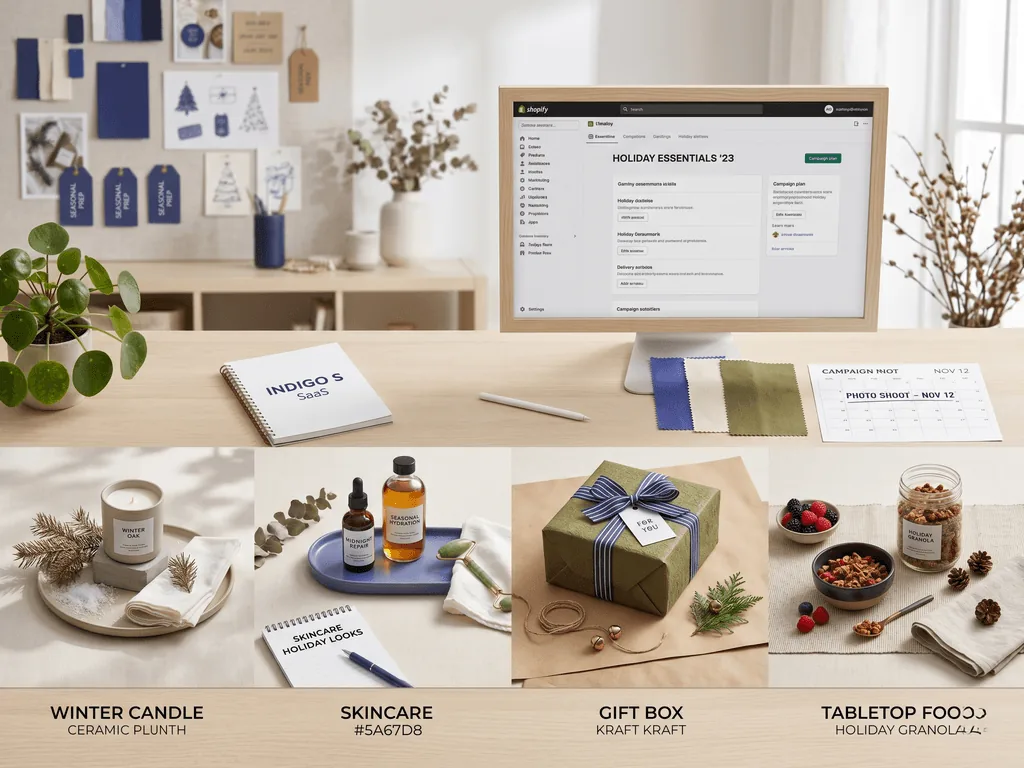
Yes. Seasonal variations are one of the strongest uses because they are time-consuming to stage manually. Keep the product accurate and let the background, props, and color mood carry the seasonal signal.
No. Pixora is built around Smart Presets, so you choose a visual direction instead of writing complex prompts. You can add short user notes when you want a specific mood or surface.