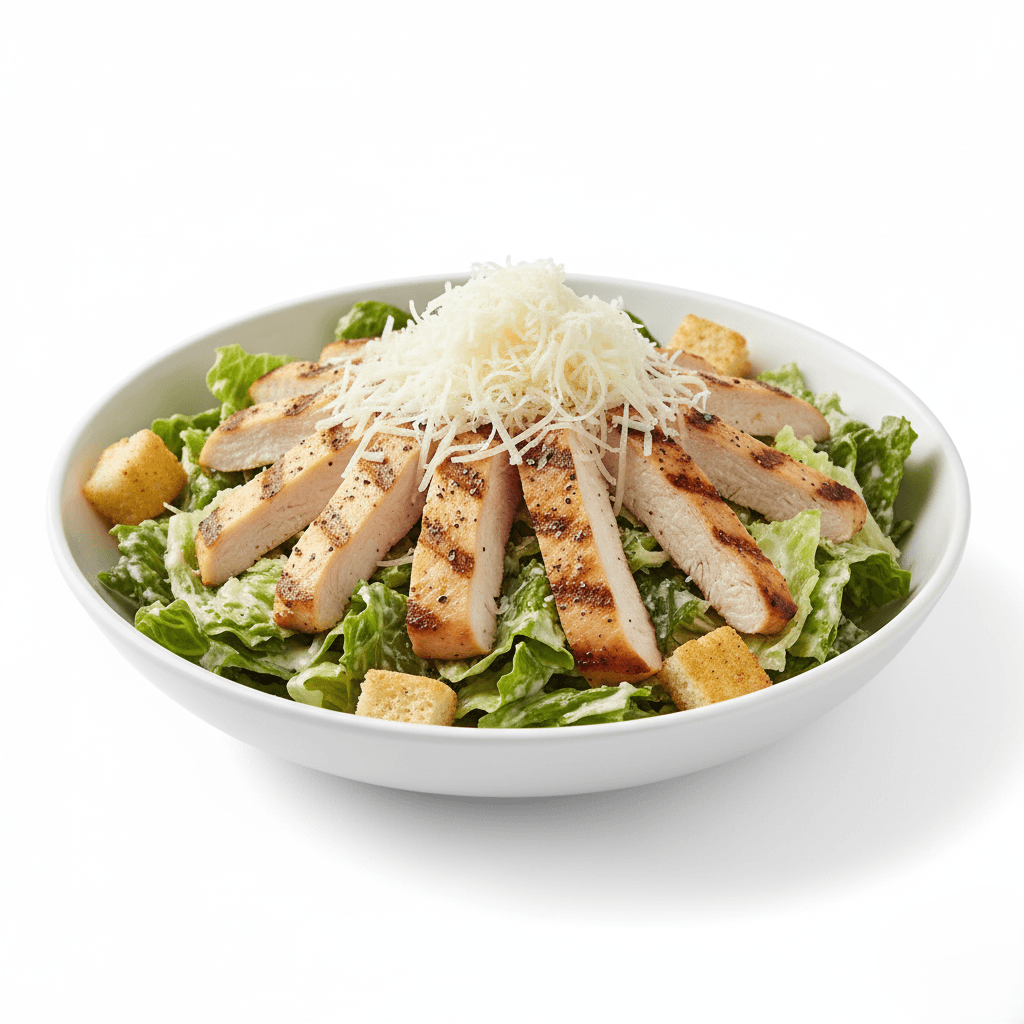
Workflow Overview
Generate professional, distraction-free food photography on a studio white background. Optimized for digital menus (UberEats, DoorDash) and e-commerce, ensuring your food looks fresh, appetizing, and the clear hero of the image.
How to use
1. Select 'Food Menu: Clean White Background'. 2. Upload one or more photos of your dish from different angles. 3. (Optional) Use 'Additional Notes' to specify any preferences like lighting style or cropping. 4. Click generate to instantly isolate your dish on a clean, professional background. 5. Download your ready-to-use image for menus, delivery apps, or catalogs.
Best for
- Online delivery app listings (UberEats, GrubHub)
- Digital QR codes and tablet menus
- E-commerce food catalogs and packaging
- Website 'Menu' sections
- Print flyers requiring cut-out style images
Tips
- Multiple Angles: Upload several photos to capture the dish's colors, textures, and toppings from different views.
- Customize Your Shot: Use 'Additional Notes' to specify preferences like 'top-down angle' or 'soft shadows only'.
- Focus on Freshness: Since the background is plain, all attention is on the food. Ensure ingredients look fresh and moist.
- Center the Dish: For delivery apps, a centered composition with some breathing room around the edges works best.
- Lighting: Soft, frontal lighting works best to illuminate all details of the dish without creating distracting shadows.
Gallery
FAQ
Is this Amazon compliant?
Will it remove the plate?
Can I use this for transparent PNGs?
Categories
Requirements
A clear, high-resolution photo of the food. The entire dish should be visible (don't crop off edges). Even lighting is ideal to avoid harsh shadows that look unnatural on white.
Watch out for
White-on-White: If your dish is on a white plate, the AI will add subtle contact shadows to separate it from the background, but colorful food works best. Ensure your input photo is sharp, as there are no props to distract from blurriness.
