Jewelry Is the Hardest Product to Photograph. Here's How to Win.
Reflections, glare, tiny details your phone camera blurs into nothing. Jewelry photography breaks every rule that works for other products. 75% of online shoppers say photos determine whether they buy — and jewelry buyers are even pickier. This guide shows you how to get it right.
Quick Answer: How to Photograph Jewelry for Online Selling
To photograph jewelry for online selling, start with a clean macro source photo, diffuse the light from both sides, keep the background neutral, control reflections with white cards, and publish a mix of white-background, detail, scale, and on-model images. Rings need sharp prong and gemstone detail. Necklaces need shape, chain texture, clasp visibility, and at least one worn-context image. Watches and bracelets need reflection control on metal and glass.
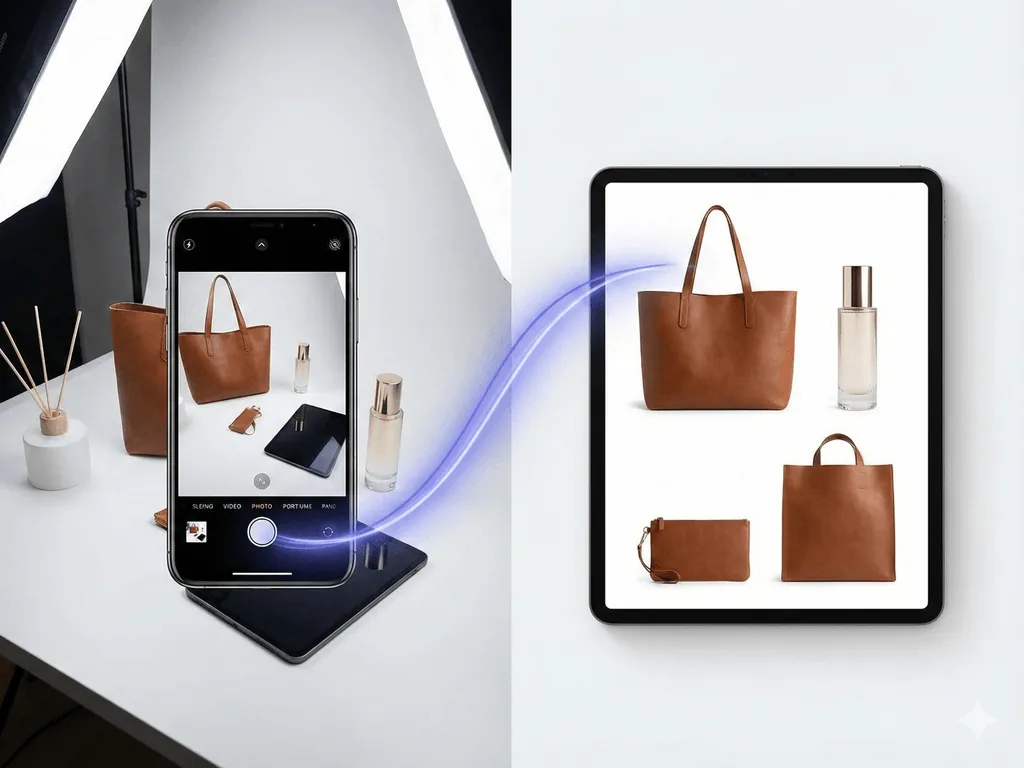
For ecommerce, the fastest repeatable workflow is simple: capture one accurate product photo, then generate channel-specific assets from it. Use a clean white background for Amazon or catalog pages, a macro detail image for craftsmanship, an on-model jewelry photo for scale, and a lifestyle still life for social or brand storytelling. Pixora's jewelry and accessory presets are built around that exact sequence, so sellers can create listing-ready images without learning studio lighting or prompt engineering.
Why Jewelry Photography Is Different from Everything Else
A t-shirt on a white background is straightforward. A gold ring with a diamond? That is a completely different problem.
Jewelry is small, reflective, and unforgiving. Every surface acts like a tiny mirror — your camera, your hands, the ceiling, even your shirt can appear as a distorted reflection on polished metal. Gemstones refract light in unpredictable ways. A single fingerprint invisible to your eye becomes a glaring smudge at macro zoom.
Traditional product photography advice — "use a lightbox, shoot on white" — falls apart with jewelry. A standard softbox that works perfectly for a handbag creates ugly black reflections on silver. The aperture settings that keep a shoe sharp from toe to heel leave the back of a ring completely blurred.
This is why professional jewelry photographers charge $50-150 per image. They have spent years learning to control reflections with specialized tents, graduated lighting, and manual focus stacking. They know that gold needs warm light while silver needs cool light, and that a diamond looks dead without a precise point light source.
The question most sellers face is simple: how do you get those results without that expertise or budget?
The Jewelry Photography Struggle
Reflections show your camera, hands, and room in every polished surface
Tiny details blur unless you have macro equipment and focus stacking skills
Gold, silver, and gemstones each need different lighting — one setup does not fit all
Professional jewelry shoots cost $50-150 per image, making catalog updates painful
Necklace Product Photography: The Shot List That Converts
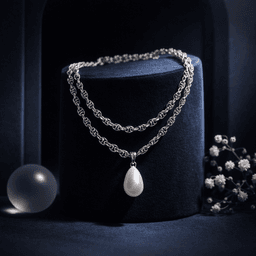
Necklace product photography has a different problem than ring photography: the buyer needs to understand length, drape, clasp quality, pendant scale, and how the piece sits on a body. A flat-lay alone rarely answers those questions. Build every necklace listing around five assets: a clean white-background hero, a close crop of the pendant or chain detail, a clasp or finish detail, an on-model neck shot, and one editorial lifestyle image.
For the hero image, keep the chain shape intentional. Avoid tangled curves, uneven symmetry, or shadows that make the chain look dirty. For the on-model image, the goal is scale, not distraction. The model, neckline, and clothing should support the jewelry rather than compete with it. Pixora's accessory on-model preset is useful here because it can turn a source necklace photo into wearable context while preserving the product as the main subject.
Jewelry Product Photography for Manufacturers and Catalog Teams
Manufacturers have a different SEO and sales problem than solo Etsy sellers. The challenge is not one beautiful image; it is producing consistent images across hundreds of SKUs, variants, metals, stone colors, and collections. Buyers expect every item in a wholesale or DTC catalog to follow the same visual grammar: same crop, same background, same shadow behavior, same color temperature, and consistent detail visibility.
Create a repeatable catalog standard before editing. Define a white-background hero crop, a macro detail crop, an on-model crop, and an optional campaign crop. Then process each SKU through the same visual sequence. This reduces review time, makes merchandising grids feel premium, and gives Google clearer topical relevance around jewelry product photography, necklace product photography, on-model jewelry photos, and ecommerce listing visuals.
What Makes a Jewelry Photo Actually Sell?
Before diving into technique, understand what jewelry buyers need to see. Online shoppers cannot hold the piece, try it on, or feel its weight. Your photos must replace that entire experience.
Detail and clarity. Buyers zoom in. If the facets on a gemstone look soft, if the engraving on a band is unreadable, trust drops immediately. 34% of jewelry sellers say quality assurance on images is their number one struggle. Every link in a chain, every prong holding a stone, must be razor sharp.
Accurate color. Nothing generates returns faster than color mismatch. Rose gold that looks yellow on screen, a sapphire that appears lighter than reality — these are expensive mistakes. Consistent white balance is not optional for jewelry.
Scale context. A ring photographed in isolation could be any size. Buyers need reference — on a finger, next to a familiar object, or with measurements visible. Listings with on-model jewelry photos see significantly higher conversion because the customer can visualize wearing it.
Lifestyle aspiration. The hero shot sells the product. The lifestyle shot sells the dream. A diamond pendant on white is informative. The same pendant catching light on a model at golden hour is emotional. Both matter, but the second one drives the click.
43% of jewelry brands update their product photos at least quarterly. If each update requires a photographer, that cost compounds fast.
How to Shoot Jewelry with What You Have
You do not need a $3,000 macro lens setup. A modern smartphone, good light, and a few inexpensive tools can produce a usable source image — which is all you need if AI handles the heavy lifting afterward.
Lighting setup. Place your jewelry near a large window with indirect light. Direct sunlight creates harsh specular highlights that blow out metal surfaces. If the light is too strong, hang a white bedsheet over the window as a diffuser. For added control, position a white foam board opposite the window to bounce fill light and reduce dark shadows on the far side.
Background. Use a plain white or light gray surface. Avoid textured surfaces — they compete with the jewelry detail. A simple sheet of white printer paper works as a sweep for small items.
Camera settings (smartphone). Lock your focus by tapping and holding on the jewelry piece. Use portrait mode for rings and pendants — it creates a natural depth-of-field that isolates the item. Turn off flash entirely; it creates the harsh reflections you are trying to avoid. If your phone has a 2x or 3x telephoto lens, use it instead of the wide lens to reduce distortion.
The reflection trick. Here is what professionals know: shoot in a neutral environment. Polished metal reflects everything around it. If you photograph a gold ring on your kitchen counter, the ring surface will contain a tiny image of your kitchen. Shoot inside a white paper tent or against a white wall so the reflections are clean and neutral.
Cleanliness. Wipe every piece with a microfiber cloth immediately before shooting. Handle with cotton gloves. At macro distances, your camera captures fingerprints, dust particles, and micro-scratches invisible to the naked eye.
Jewelry Photography by the Numbers
75%
Of online shoppers say photos determine purchase decisions
$50-150
Cost per image for professional jewelry photography
43%
Of jewelry brands update product photos quarterly
Why Generic AI Tools Fail at Jewelry
You might think any AI background generator can solve jewelry photography. It cannot.
Generic AI image tools like Midjourney or DALL-E were built for creative expression, not commercial product photography. When you feed them a ring photo and ask for a white background, here is what typically goes wrong:
Detail loss. The AI "reinterprets" your product instead of preserving it. Gemstone facets get smoothed out. Engraving disappears. The chain pattern subtly changes. Your customer receives something that does not match the photo — and you receive a return.
Phantom additions. General AI models hallucinate. They add extra gems, change the number of prongs, or subtly alter the metal color. For a category where precision is everything, this is a dealbreaker.
Lighting mismatch. The AI generates a background with afternoon sunlight but your product has flat studio lighting on it. The result looks like a bad Photoshop job — the product floats without realistic shadows or reflections.
Prompt dependency. You need to describe "soft diffused lighting, 45-degree angle, slight shadow on left, warm gold tone, macro detail preservation" and hope the AI interprets it correctly. For jewelry, the margin for error is razor thin.
Purpose-built tools handle this differently. Pixora's accessory presets are specifically trained to understand reflective surfaces, preserve gemstone transparency, and generate lighting that matches the product's material. You do not write a prompt — the preset encodes the photography knowledge. Upload a ring photo, select the Studio White preset, and the AI analyzes the metal type, calculates where light should fall, and generates a scene where shadows and reflections are physically coherent.
See the Difference on Your Own Jewelry
Upload a ring, necklace, or watch photo. Pick a preset. Get a professional result in seconds — no lighting tent, no prompt, no editing.
The Three Types of Jewelry Photos Every Listing Needs
A single photo is not enough. Jewelry buyers need multiple perspectives to build confidence. Here is the framework top-selling jewelry brands follow:
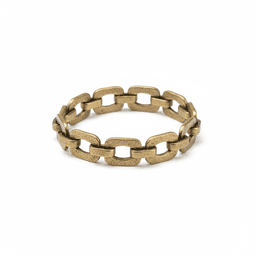
Photo 1-2: The Hero Shot. Clean white background, sharp detail, product centered. This is your main listing image on Amazon, Etsy, or Shopify. It must be pure white (RGB 255,255,255) for Amazon compliance and sharp enough for customers to zoom to 200%. Pixora's Accessory Studio preset generates exactly this — marketplace-compliant white backgrounds with preserved metallic detail and gemstone clarity.
Photo 3-4: The Detail Shot. Close-ups of the clasp, the setting, the hallmark, the texture of brushed vs. polished metal. These are trust-builders. A customer who can see the quality of the craftsmanship is far less likely to return the item. Capture these with your phone's macro or telephoto lens, then enhance with the Studio preset for consistency.
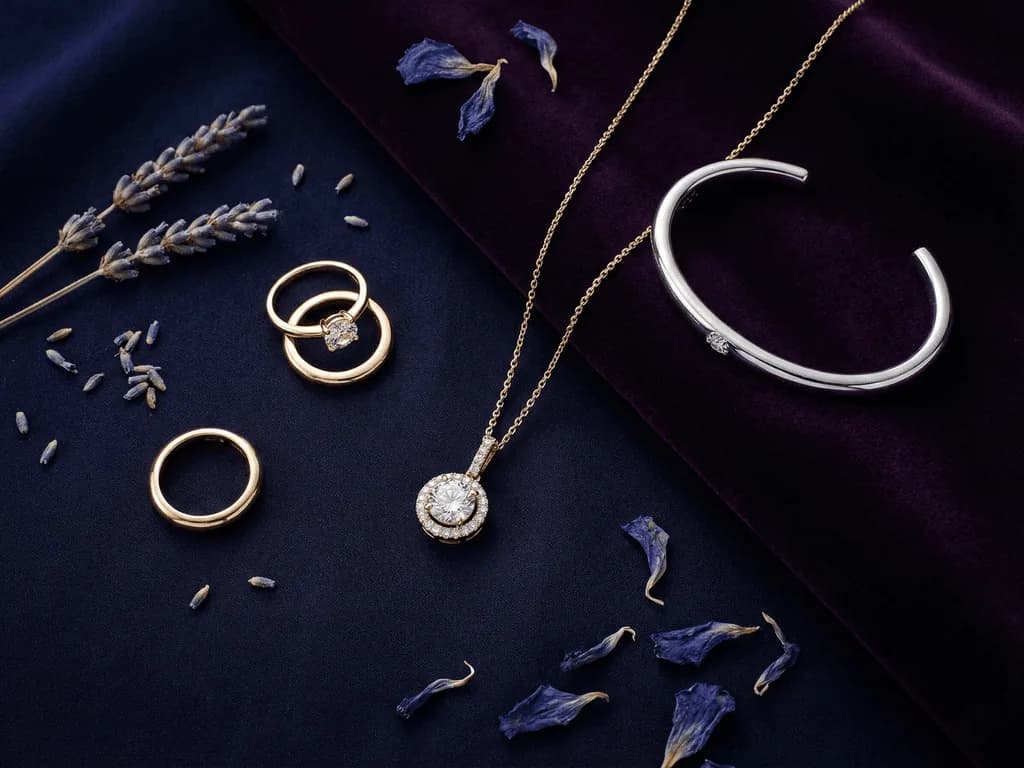
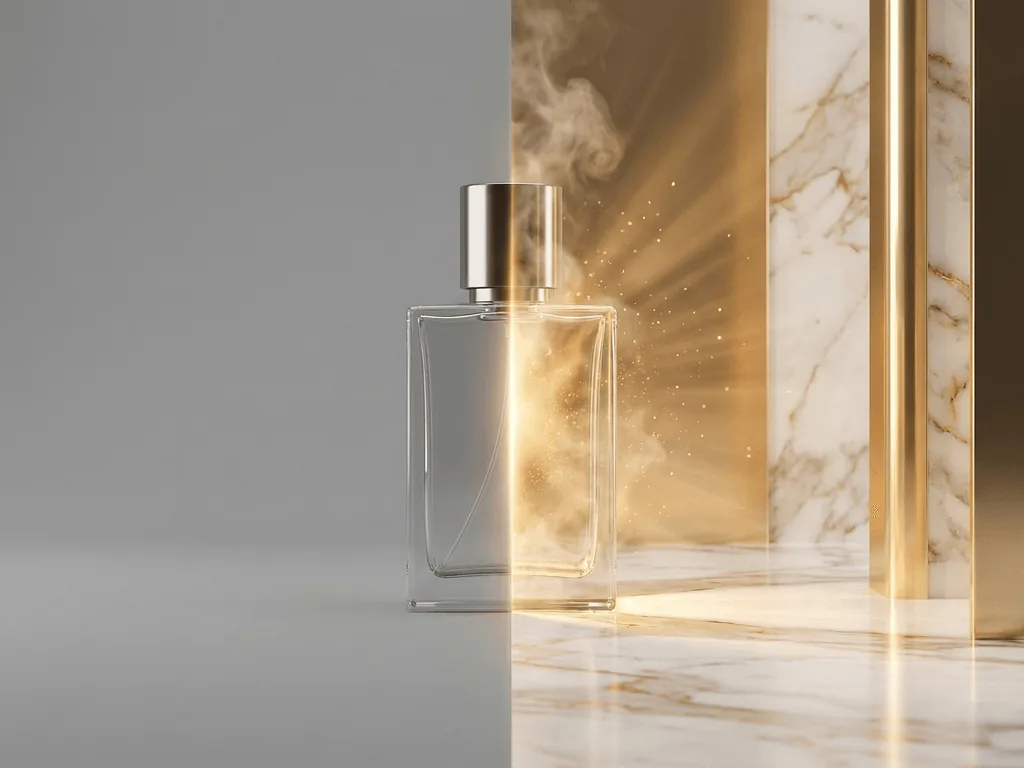
Photo 5-6: The Lifestyle Context. The piece on a model's hand, wrist, or neck. Or styled on a velvet surface with complementary props — dried flowers, marble, candlelight. This is where emotion enters the listing. Pixora offers two presets for this: Accessory Lifestyle places your jewelry on a photorealistic AI model, automatically detecting whether it is a ring, necklace, or watch and positioning it correctly. Accessory Still Life creates artistic compositions with curated props and dramatic lighting.
Photo 7: The Scale Reference. The on-model shot doubles as a scale reference. Customers see exactly how large that pendant hangs or how the ring looks on an actual finger. This single image type addresses the most common reason for jewelry returns: "It was bigger/smaller than I expected."
From Phone Photo to Professional Jewelry Listing
01
Clean and Photograph
Wipe with microfiber cloth, shoot near a window on white paper, lock focus on the piece, use telephoto if available.
A sharp, clean source image ready for AI enhancement.
02
Pick the Right Preset
Studio White for marketplace hero shots. Still Life for editorial mood. On-Model for scale and lifestyle context.
Professional results tailored to each image slot in your listing.
03
Generate, Download, List
Upload your photo, generate in seconds, download, and add to your product page. Repeat for your entire catalog.
A jewelry store that looks like an established luxury brand.
Jewelry Photo Quality Checklist
Every gemstone facet is sharp and visible when zoomed to 200%
Metal color matches reality — no yellow rose gold or grey silver
Background is pure white for marketplace main images
At least one on-model or scale reference photo per listing
No visible fingerprints, dust, or reflections of the photographer
Consistent lighting and style across your entire jewelry catalog
Picture Your Jewelry Store Six Months From Now
Every listing has six to seven polished images. Hero shots so sharp customers can count the facets on a diamond. Lifestyle photos where your pieces catch golden light on a model. Still life compositions that look like they belong in Vogue.
A shopper lands on your store and sees consistency. Every ring, every necklace, every watch presented with the same professional standard. They do not know you shot these with a phone on your kitchen table. All they see is a brand that takes itself seriously — and that means a brand worth trusting with a $200 purchase.
Customers stop comparison-shopping because your visuals signal quality. They add matching pieces to cart. They come back for the new collection. Return rates drop because what they receive matches what they saw.
The gap between where your store is now and that store is not a $5,000 photography budget. It is one phone photo, one preset, and a few seconds.
What Changes When Your Jewelry Photos Improve
Higher click-through — your listings stand out in crowded search results
More conversions — browsers become buyers when they can see the detail
Fewer returns — accurate photos set correct expectations on size and color
Faster launches — new collections go live in hours, not weeks
A brand that competes visually with established luxury jewelers
Share this article
Your Jewelry Deserves Photos That Match Its Craftsmanship
You have spent hours perfecting every detail of your pieces. Do not let a phone photo on a messy desk be the first impression. Pixora turns any jewelry snapshot into a marketplace-ready image in seconds — reflections controlled, details preserved, no prompt required.
Pixora's accessory presets are built to preserve product fidelity. The AI analyzes the existing detail in your source photo and maintains it in the output. For the best results, upload a sharp, high-resolution input — the sharper your source, the more detail the AI has to work with.
Yes. The presets understand how light interacts with different metallic surfaces. Gold receives warm-toned reflections, silver gets neutral-cool tones, and the AI generates shadows that match the material's reflective properties.
The Studio White preset generates pure white backgrounds that meet Amazon's RGB 255,255,255 standard. No manual editing needed.
Yes. The On-Model preset detects whether your item is a ring, necklace, earring, or watch and places it on the correct body part of a photorealistic AI model. You can customize the model's appearance and setting through the notes field.
A sharp, well-lit photo on a simple background. A modern smartphone near a window is enough. The key for jewelry is sharpness — make sure the entire piece is in focus, clean the item before shooting, and avoid direct flash.
With the Pro plan at $9.90 per month, you get 2,000 credits. Each generation uses a small number of credits, allowing you to photograph your entire jewelry collection in a single session.