Your Menu Photos Are Costing You Orders. Here's How to Fix That.
74% of diners use social media to decide where to eat. 29% have chosen a restaurant solely because the food looked good on TikTok. Yet most restaurant menus feature photos taken under fluorescent kitchen lighting with a phone from 2019. The gap between what your food tastes like and what your photos communicate is costing you customers every single day.
Why Food Photography Is Different from Everything Else
A leather handbag can sit under studio lights for hours. Food cannot.
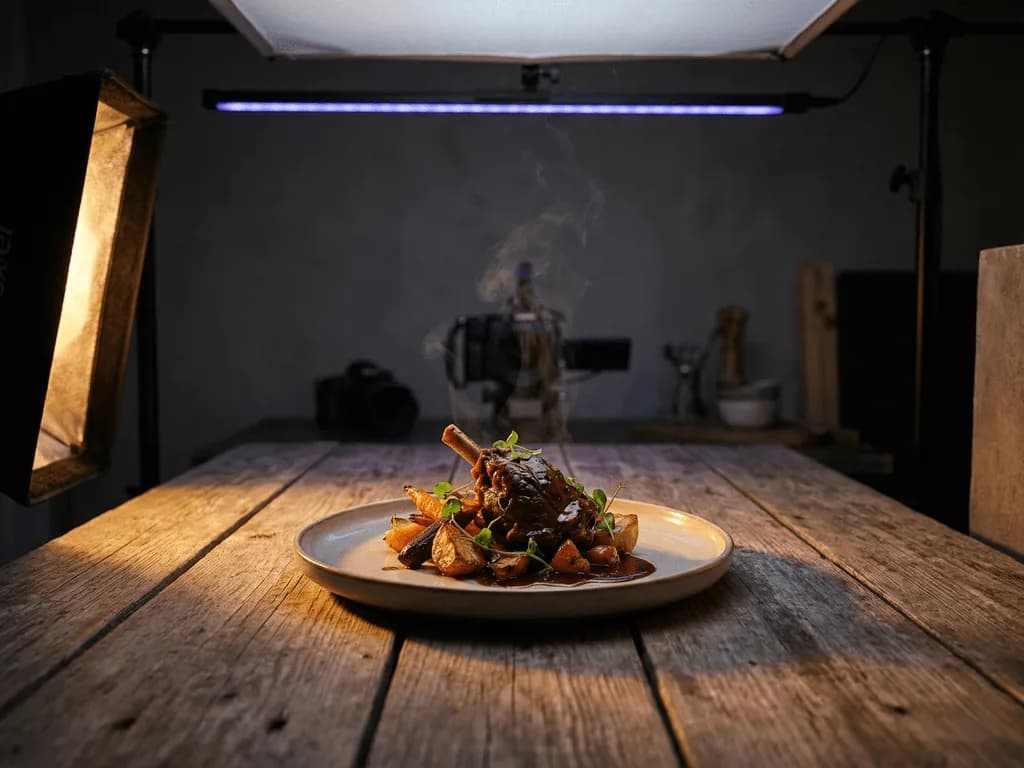
The moment that burger leaves the grill, the clock starts. Cheese cools and stops melting. Lettuce wilts under lights. Condensation beads on cold drinks evaporate. Ice cream becomes a puddle. Professional food photographers call this the "hero window" — you have minutes, sometimes seconds, to capture a dish at peak appetizing appearance.
This time pressure changes everything. Traditional product photography advice — "experiment with angles, try different lighting setups, shoot hundreds of frames" — does not work when your subject is literally decomposing in front of you. A restaurant owner cannot close the kitchen for a two-hour photo session of twenty menu items.
Then there is the equipment problem. Food photography demands specific gear: macro lenses for texture close-ups, large diffusion panels to create soft "window light" without harsh shadows, reflectors to fill in dark areas, and often a dedicated food stylist who knows tricks like using motor oil instead of maple syrup (it does not absorb into pancakes) or spraying burgers with hairspray (it keeps them glistening).
Professional food photographers charge $700-$1,400 per session in major cities. Add a food stylist at $500-$750 per day. Studio rental runs $750-$2,500. The total cost to professionally photograph a 20-item menu: easily $2,000-$4,000. For a small restaurant operating on thin margins, this is not a quarterly expense — it is a once-in-a-business-lifetime event.
This is why most restaurants never update their menu photos. The burger you see on UberEats was photographed three years ago by the owner's nephew.
The Restaurant Owner's Photo Dilemma
Professional food photography costs $2,000-$4,000 per session — more than some restaurants make in a week
Food dies under lights in minutes, leaving no time for learning or experimentation
Delivery apps and social media demand constant fresh content, but reshoots are impossible
Amateur photos make gourmet dishes look like cafeteria leftovers
What Makes a Food Photo Actually Sell?
Before discussing technique, understand what triggers hunger in a photograph. Food photography is not about documentation — it is about appetite stimulation.
Texture visibility. The crisp edge of fried chicken. The gooey stretch of melted cheese. The glistening glaze on a salmon fillet. When customers can see texture, their brains simulate the experience of eating. Flat, matte food photos fail because they look like plastic props.
Color vibrancy. Our brains are wired to associate bright, saturated colors with freshness. A tomato that looks pale reads as unripe or old. Greens that appear yellowish seem wilted. Color accuracy in food photography is not just aesthetic — it is a freshness signal.
Steam and movement. Static food is dead food. A wisp of steam rising from soup, a pour of sauce mid-drip, a fork pulling up a stretch of cheese — these "action shots" signal that the dish is hot, fresh, and ready to eat. They are also extremely difficult to capture with traditional photography.
Context and story. A bare plate on white says "stock photo." A plated dish on a rustic wooden table with a linen napkin and scattered herbs says "someone made this with care." The surroundings tell the customer what kind of experience awaits them.
Platform-appropriate formatting. A delivery app thumbnail needs a clean, centered shot where the dish is immediately recognizable at 100 pixels wide. An Instagram carousel can tell a story across multiple frames. A printed menu benefits from negative space for text overlay. One photo does not serve all purposes.
How to Shoot Food with What You Have
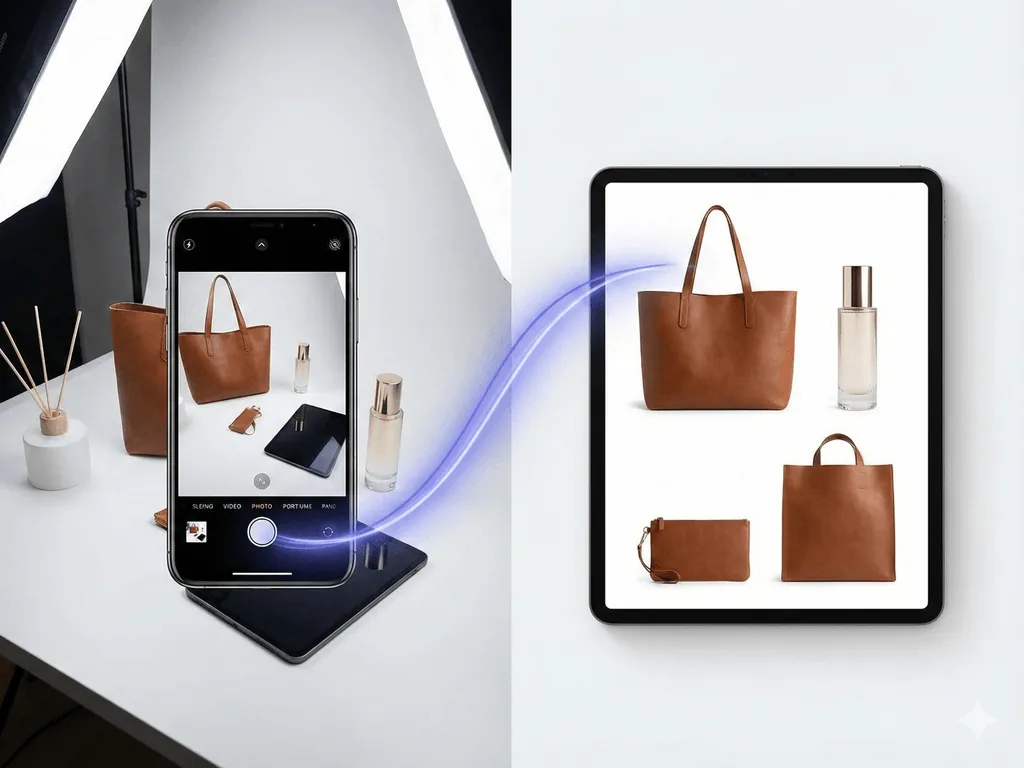
You do not need a $3,000 camera rig. A modern smartphone, natural light, and twenty minutes can produce a usable source image — which is all you need if AI handles the heavy lifting afterward.
Lighting setup. Natural window light is the food photographer's best friend. Position your dish near a large window but not in direct sunlight. Direct sun creates harsh shadows that make food look industrial. The soft, diffused light of an overcast day or a shaded window is ideal. If your kitchen only has fluorescent overheads, shoot near the front window during daylight hours.
The foam board trick. Place a white foam board (or even white printer paper) opposite the window. This bounces light back onto the shadow side of your dish, creating the "wrap-around" lighting that makes food look three-dimensional and appetizing. Professional studios use $500 reflectors; a $2 foam board does the same job.
Angles that work. Three angles cover 90% of food photography. The 45-degree angle (eye level of a seated diner) works for stacked items like burgers, drinks, and layered desserts. The flat lay (directly overhead) works for pizzas, salads, and plated compositions where arrangement matters. The straight-on profile shot works for beverages and tall items. Pick the angle that shows off your dish's best feature.
Background simplicity. Use a clean surface — a wooden cutting board, a marble slab, a plain white plate on a neutral tablecloth. Busy backgrounds compete with the food. Your dish should be the undisputed hero of the frame.
Smartphone settings. Tap and hold on the dish to lock focus. Use portrait mode for natural background blur that isolates the food. Turn off flash — it creates flat, unflattering light with harsh shadows. If your phone has a 2x telephoto lens, use it to reduce distortion and create a more natural perspective.
Speed over perfection. Your goal is a sharp, well-lit source image. Capture the dish while it still looks fresh, even if the composition is not perfect. The AI will handle background replacement, lighting enhancement, and scene construction — but it cannot fix a photo of cold, congealed food.
Food Photography by the Numbers
74%
Of diners use social media to decide where to eat
$700-$1,400
Cost per professional food photography session
Seconds
The "hero window" before hot food stops looking appetizing
Why Generic AI Tools Fail at Food
You might assume any AI image generator can enhance food photos. It cannot — not without making your dishes look artificial or, worse, unappetizing.
Generic AI tools like Midjourney or DALL-E were designed for creative expression, not commercial food photography. When you feed them a dish photo and ask for improvement, here is what typically happens:
The "plastic food" effect. General AI models smooth out textures to reduce "noise." For most subjects, this looks like refinement. For food, it erases the very textures that trigger appetite — the crispy edges, the sauce glisten, the steam wisps. Your steak ends up looking like a prop from a 1980s TV commercial.
Hallucinated ingredients. AI models fill in what they think should be there. A burger might gain extra pickles. A pizza might lose a topping. A garnish might change shape. For a restaurant, this is not a quirky AI artifact — it is a customer complaint waiting to happen.
Lighting disconnect. The AI generates a beautiful rustic table setting with afternoon sunlight streaming in. But your dish was photographed under kitchen fluorescents. The result is a jarring mismatch — the food floats in the scene without realistic shadows or ambient color.
Color distortion. Food photography demands precise color accuracy. Red meat that looks brown reads as old. Greenery that skews yellow looks wilted. Generic AI has no concept of "food-accurate color" — it optimizes for what looks generally pleasing, not what looks edible.
Purpose-built tools approach this differently. Pixora's food presets are specifically trained to understand how light interacts with different food surfaces — the translucence of a sauce, the reflectivity of a glaze, the matte texture of bread crust. When you upload a photo, the AI analyzes your specific dish and generates lighting, shadows, and backgrounds that match the food's actual properties.
See the Difference on Your Own Menu
Upload a dish photo. Pick a preset — Dark & Moody for dramatic ambiance, Clean White for delivery apps, or Lifestyle Editorial for social media. Get a professional result in seconds.
The Three Food Photography Styles Every Restaurant Needs
Different platforms and purposes demand different visual approaches. Here is the framework successful restaurants follow:
Style 1: Clean White Background (Delivery Apps & Digital Menus)
UberEats, DoorDash, and QR-code menus display your dish as a thumbnail. At 100 pixels wide, every visual element competes for attention. A clean white background with the dish centered and clearly lit converts browsers into orderers. There is no room for artistic expression — clarity is everything. Pixora's Food Menu preset generates exactly this: sharp, appetizing isolation on pure white, optimized for the small-screen scroll.
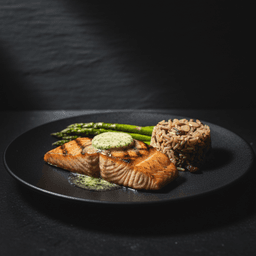
Style 2: Dark & Moody (Fine Dining & Social Impact)
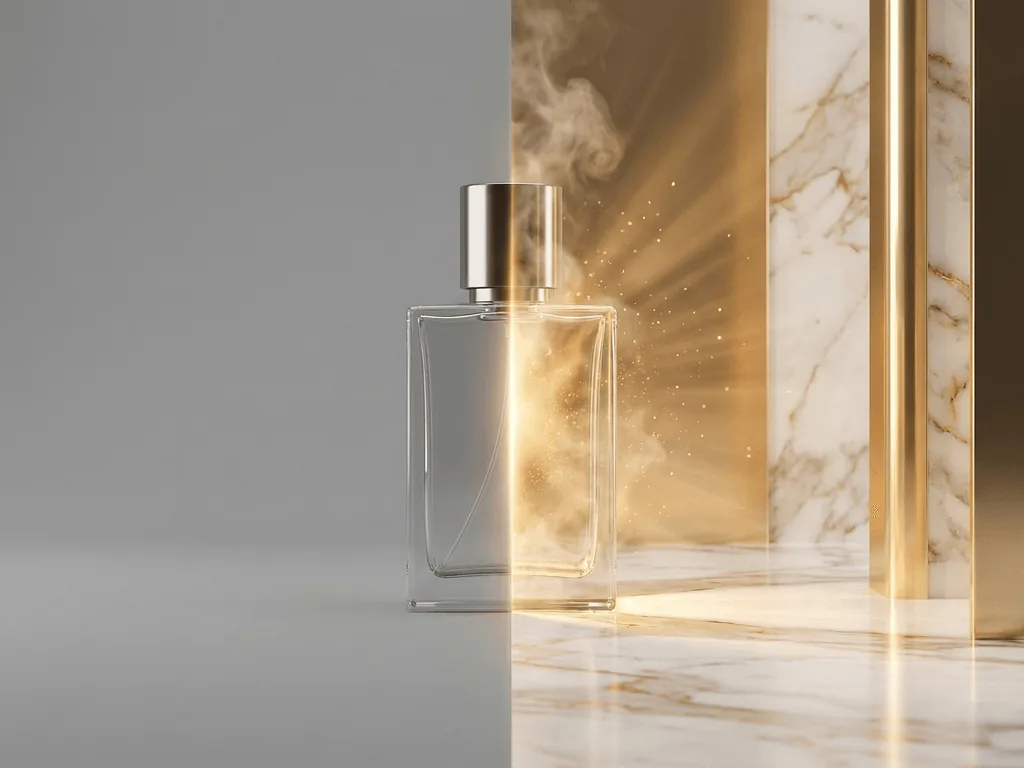
Dramatic chiaroscuro lighting with deep shadows and warm highlights transforms a simple dish into a cinematic experience. This is the aesthetic of high-end restaurant marketing, cookbook covers, and food influencer content that stops the scroll. The dark background focuses all attention on the food while the carefully controlled lighting accentuates texture — the char on a steak, the glisten of a reduction sauce, the steam rising from a bowl of ramen. Pixora's Food Cinematic preset recreates this $1,000-per-image studio look instantly.
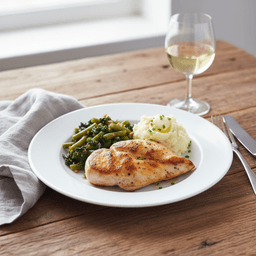
Style 3: Lifestyle Editorial (Social Media & Brand Building)
A dish alone is a product. A dish surrounded by context — a rustic table, complementary ingredients, wine glass, linen napkin — is a story. This "lived-in" aesthetic works for Instagram feeds, blog features, and marketing materials where you are selling not just food but an experience. It communicates warmth, care, and authenticity. Pixora's Food Editorial preset generates these styled compositions with contextually appropriate props and natural lighting.
Matching style to platform:
- Delivery apps: Clean White
- Menu boards and digital displays: Clean White
- Instagram feed posts: Lifestyle Editorial
- Stories and Reels: Dark & Moody (drama performs well in vertical video stills)
- Website hero images: Dark & Moody or Lifestyle Editorial
- Print materials: Lifestyle Editorial
From Kitchen Snapshot to Professional Menu Photo
01
Capture While Fresh
Plate the dish, position near a window, snap several quick shots from 45-degree and overhead angles before food temperature drops.
A sharp, well-lit source image captured during the hero window.
02
Pick the Right Preset
Clean White for delivery apps. Dark & Moody for dramatic social content. Lifestyle Editorial for brand storytelling.
Professional results tailored to each platform's requirements.
03
Generate, Download, Publish
Upload your photo, generate in seconds, download all three styles, and update your listings, website, and social feeds.
A menu that makes customers hungry — and a workflow you can repeat weekly.
Picture Your Restaurant Six Months From Now
Your UberEats listing has crisp, professional photos that make customers stop scrolling and start ordering. Your Instagram is a grid of dramatic, mouth-watering shots that followers share to their Stories. Your website hero image features your signature dish in a styled setting that communicates exactly who you are.
A food blogger discovers your restaurant, notices the professional visual presence, and decides this is a place worth featuring. They tag you. Their followers visit your page and see a cohesive, appetizing brand — not a random collection of amateur snapshots taken over five years.
New customers walk in already hungry for specific dishes because they have been looking at your photos. Regulars order items they have never tried because the images finally showed them what they were missing. Your delivery orders increase because, in a sea of blurry kitchen photos, yours stand out.
The line cook snaps a shot of tonight's special before service. You run it through a preset during the dinner rush. By the time the first order goes out, the photo is already on your Story with a "Tonight Only" sticker. Same-day food photography, no photographer required.
This is not a fantasy reserved for restaurants with marketing budgets. It is a phone, a window, and a few seconds per dish.
Food Photo Quality Checklist
Dish photographed while still fresh — hot food steaming, cold food condensing
Natural window light, no harsh overhead fluorescents or flash
Clean, simple background that does not compete with the food
At least three styles per hero dish: delivery thumbnail, social media, website
What Changes When Your Food Photos Improve
Higher delivery app click-through — your listings stand out in crowded scroll feeds
More social engagement — appetizing photos get saved, shared, and tagged
Reduced decision friction — customers know exactly what they are ordering
Faster menu updates — new seasonal items go live the same day they launch
A brand presence that competes with restaurants spending $4,000 per shoot
Share this article
Your Food Deserves Photos That Match Its Flavor
You have spent years perfecting your recipes. Do not let a phone photo under kitchen lights be the first impression. Pixora turns any dish snapshot into a professional menu image in seconds — dramatic lighting, styled compositions, delivery-app-ready thumbnails. No photographer, no stylist, no prompt required.
Pixora's Dark & Moody preset can add realistic steam effects to hot dishes based on the AI's analysis of your food type. For the most natural results, capture your source photo while the dish is still hot — real steam in the source image gives the AI the best reference for enhancement.
The presets are designed to enhance vibrancy while preserving accurate color relationships. If your source photo has reasonably balanced lighting (natural window light is ideal), the output will represent your food faithfully. Avoid photographing under orange tungsten or green fluorescent light, which creates color casts the AI must correct.
Yes. The Food Menu preset generates clean, high-contrast images on pure white backgrounds — exactly what delivery apps favor for thumbnail clarity. The dish is centered with appropriate margins for cropping.
Absolutely. With the Pro plan at $9.90 per month, you get 2,000 credits. Photograph all your dishes in a batch near a window, then run them through the appropriate presets. A 30-item menu can be professionally photographed in under an hour.
The AI adds subtle contact shadows and environmental cues to separate the plate from the background. For the Lifestyle Editorial preset, the AI places your white plate on a contrasting surface like wood or marble. Colorful food pops regardless of plate color.
None. If you can take a photo with your smartphone, you have enough skill. The key is capturing the dish while fresh with natural window light. The AI handles lighting correction, background replacement, and professional styling.
The Dark & Moody preset creates scroll-stopping drama that performs well in feeds. The Lifestyle Editorial preset works for a warmer, more approachable brand aesthetic. Many restaurants use both — moody for signature dishes and editorial for daily specials and behind-the-scenes content.