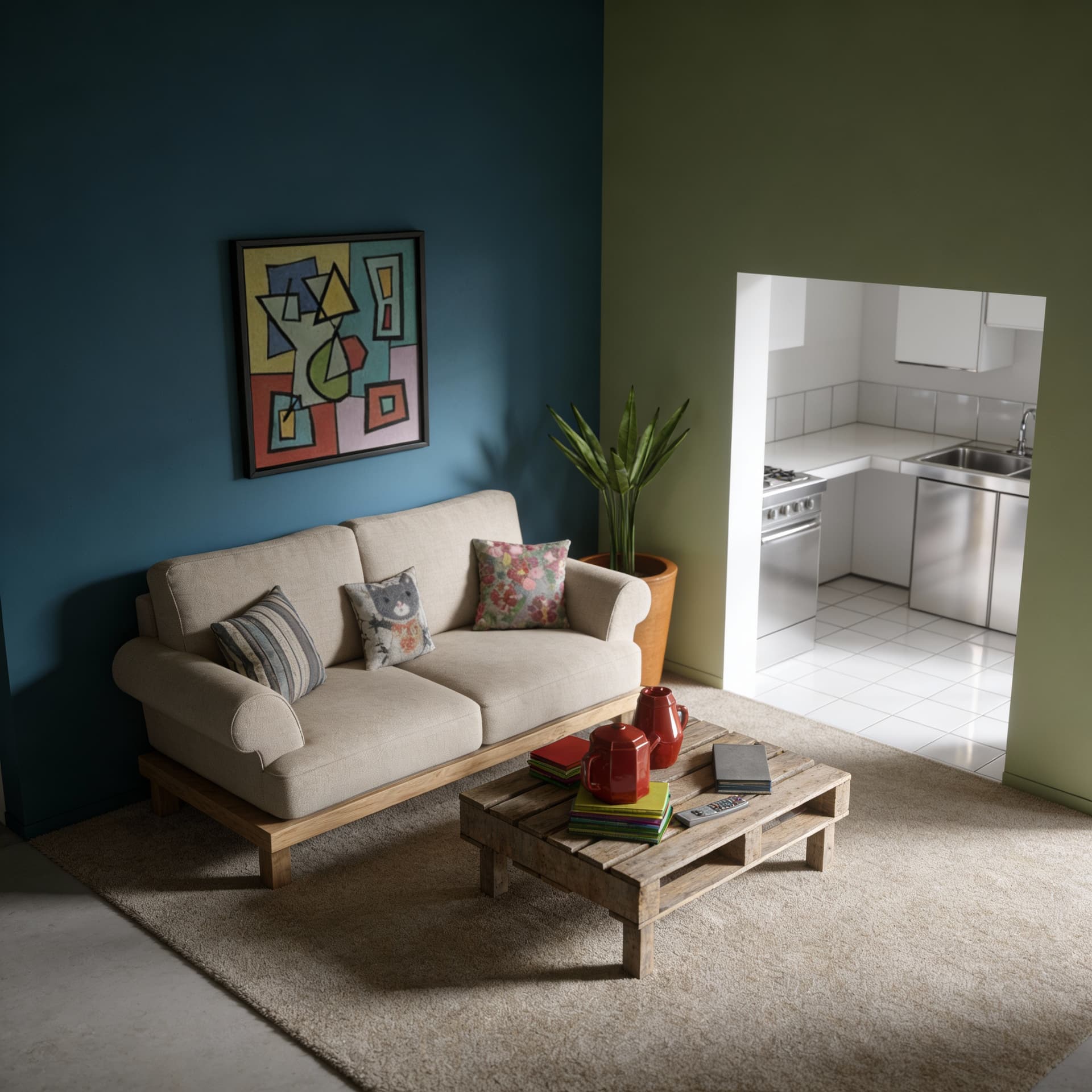
Workflow Overview
Convert raw 3D software screenshots, wireframes, or sketches into photorealistic architectural visualizations. Applies realistic materials (concrete, glass, wood cladding, brushed metal), global illumination, and atmospheric elements like landscaping and sky.
How to use
1. Select 'Architecture: 3D to Photorealistic Render'. 2. Upload your 3D software screenshot, wireframe, or architectural sketch. 3. (Optional) Use the 'Prompt' field to specify materials, mood, or time of day like 'evening lighting with warm interior glow'. 4. Generate to transform it into a photorealistic visualization. 5. Download your presentation-ready architectural render.
Best for
- Client presentations and project pitches
- Portfolio showcase for architects
- Real estate development marketing
- Interior design concept visualization
- Urban planning proposal illustrations
Tips
- Use the Prompt: Describe your vision in the 'Prompt' field—specify materials like 'polished concrete floors' or atmospheres like 'golden hour sunlight'.
- Camera Angle: Choose a compelling viewpoint in your 3D software before capturing. The AI preserves your composition.
- Material Hints: Basic colors or textures in your model help the AI understand intended materials.
- Lighting Setup: If your 3D model has lighting, the AI will reference it for the final render.
- Clean Export: Hide UI elements and grids before taking screenshots for cleaner results.
Gallery
FAQ
Which 3D software formats work best?
Will it preserve my exact design?
Can I use wireframe models?
Categories
Requirements
A screenshot from SketchUp, Blender, Rhino, or similar 3D software. Architectural sketches also work. No text prompt needed.
Watch out for
The AI interprets your 3D model's layout and materials. Very abstract or incomplete models may produce unexpected results. Clearer input models yield more accurate renders.
