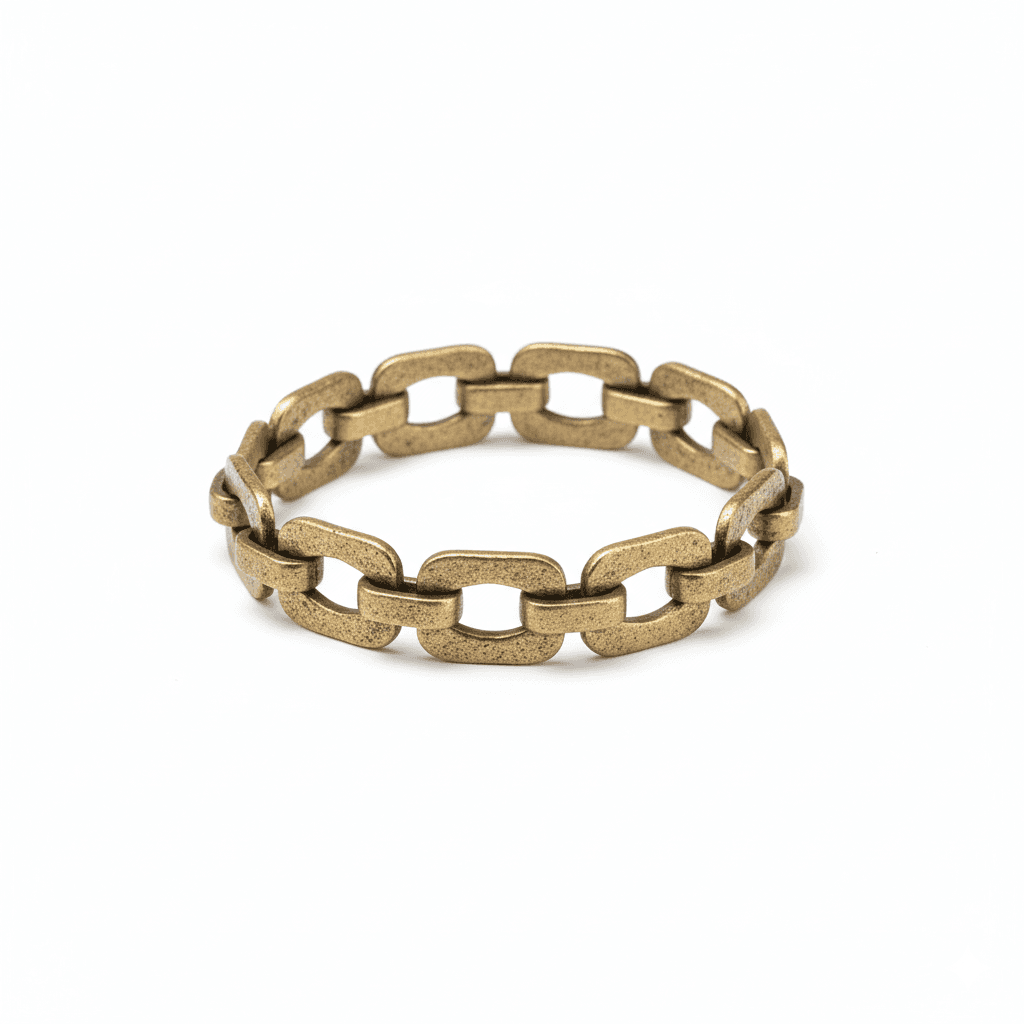
Workflow Overview
Generate high-resolution, professional accessory product shots isolated on a pure white background. Ideal for e-commerce listings, ensuring maximum detail and clarity for jewelry, watches, and bags.
How to use
1. Select 'Accessory Studio: Clean White Background'. 2. Upload one or more sharp photos of your accessory from different angles. 3. Generate to remove the background and apply studio lighting. 4. Download your retail-ready image.
Best for
- Amazon, Etsy, and Shopify main product images
- Print catalogs and brochures
- High-zoom website product details
- Google Shopping feed images
- Inventory management photos
Tips
- Multiple Angles: Upload photos from front, side, and top views to capture every detail of your jewelry or accessory.
- Cleanliness: Wipe your jewelry/watch with a microfiber cloth before shooting. The AI captures every smudge!
- Focus Stacking: For small items, ensure the entire piece is sharp. Blur is the enemy of product photography.
- Lighting: Soft, diffused light prevents harsh white spots (specular highlights) on shiny surfaces.
Gallery
FAQ
Is this compliant with Amazon/Etsy?
Will it remove the stand/prop holding the jewelry?
Does it work for transparent gems?
Categories
Requirements
A very sharp, high-resolution photo is crucial, especially for small items like jewelry. No text prompt needed. Ensure the item is in focus from front to back.
Watch out for
Highly reflective items (chrome, gold, silver) reflect their surroundings. For the cleanest result, try to shoot the input photo in a neutral environment so the reflections on the metal don't look chaotic.
