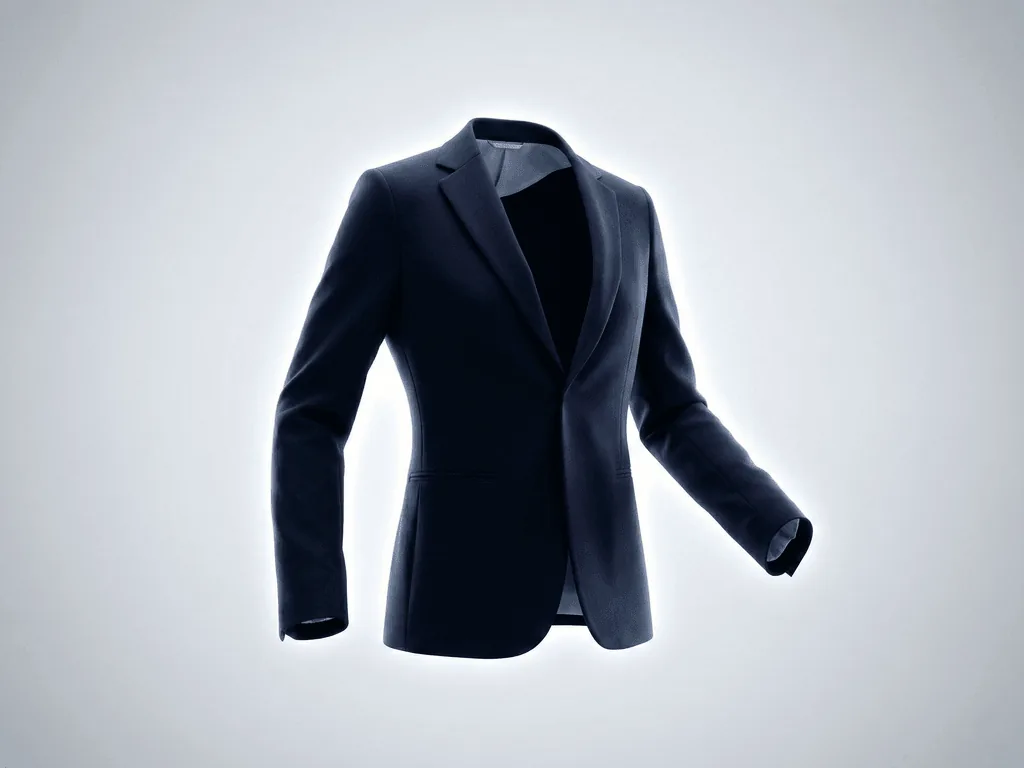
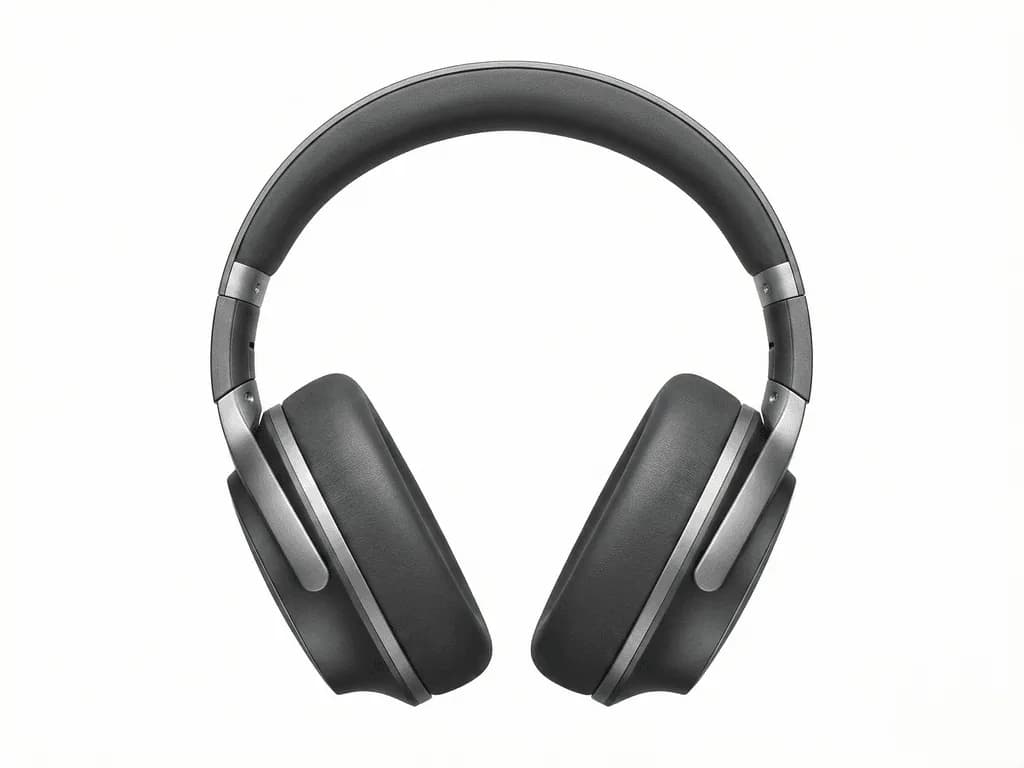
Traditional ghost mannequin photography requires $3,000 in equipment, multiple shots per garment, and hours of Photoshop compositing. AI generates the same hollow-man effect from a single photo in seconds. Here is how fashion brands are making the switch.
Ghost mannequin photography (also called invisible mannequin or hollow-man photography) is a post-production technique that makes clothing appear to be worn by an invisible person. The garment maintains its 3D shape and structure, showing customers how it would look when worn—without a visible model or mannequin distracting from the product. This technique is standard for e-commerce fashion brands because it combines the shape-revealing benefits of on-model photography with the product-focus of flat-lay shots. Customers can see the garment's silhouette, collar structure, sleeve hang, and interior details like lining and labels. Major retailers from ASOS to Zara use ghost mannequin images for their primary product shots because they convert better than flat-lays while costing less than full model shoots for every SKU.
The Traditional Ghost Mannequin Workflow
Creating ghost mannequin images the traditional way is surprisingly complex. First, you need a specialized mannequin—not a regular display mannequin, but one with removable sections (neck, shoulders, torso) that allow you to photograph the garment's interior. These cost $500-3,000 depending on quality. Then comes the multi-shot process: you photograph the garment on the full mannequin, remove sections to photograph the interior (neck hole, collar back, sleeve interiors), and sometimes shoot the garment inside-out for additional detail. In post-production, a skilled Photoshop editor composites these 3-5 images together, carefully masking the mannequin, aligning the interior shots, matching lighting across images, and creating realistic shadows. A single garment can take 30-60 minutes of editing time. For a brand with hundreds of SKUs, this translates to weeks of work and thousands in editing costs.
Why Fashion Brands Are Switching to AI
AI ghost mannequin generation eliminates the entire traditional workflow. Upload a single photo of your garment—whether on a mannequin, hanger, or even a flat surface—and AI generates the complete 3D hollow-man effect automatically. The AI analyzes the garment's structure, simulates how it would drape on a body, and generates the interior view (neck, collar, sleeve openings) that traditionally required separate photography. This approach offers three transformative advantages: speed (seconds instead of hours per garment), simplicity (one photo instead of 3-5 composited shots), and accessibility (no specialized mannequin equipment required). Brands that previously outsourced ghost mannequin editing at $5-15 per image can now generate unlimited variations for a flat monthly subscription.
How AI Generates the Invisible Model Effect
AI ghost mannequin generation works through a multi-step analysis pipeline. First, a vision model identifies the garment type, fabric properties, and structural elements—detecting whether it's a structured blazer or flowing dress, rigid denim or soft cotton. Then the AI models how fabric would hang on a 3D body form, calculating natural draping, tension points, and volume. The critical innovation is interior generation: the AI predicts what the inside of the collar, neckline, and sleeve openings would look like based on the garment's exterior. It generates these interior views with accurate fabric textures, stitching details, and label positioning. Finally, the system creates appropriate shadows and ambient occlusion to ground the floating garment realistically. The result is indistinguishable from traditional multi-shot composites.
Getting the Best Results from AI Ghost Mannequin
While AI dramatically simplifies the workflow, input photo quality still matters. Photograph garments front-facing with shoulders level—asymmetrical angles make the AI work harder to reconstruct proper structure. Unbuttoned or unzipped garments help the AI understand collar and opening structure for accurate interior generation. Good lighting is essential; flat, even illumination without harsh shadows gives the AI clean data to work with. Avoid cluttered backgrounds—while AI can isolate the garment, simpler backgrounds produce cleaner extractions. For structured garments like blazers and coats, light padding or stuffing helps maintain shape during photography. T-shirts and soft items benefit from being slightly stretched to show their natural form. Upload front and back views when possible; some AI systems can use multiple angles to generate more accurate 3D representations.
Ghost Mannequin vs. On-Model: When to Use Each
Ghost mannequin and on-model photography serve different purposes in your product catalog. Ghost mannequin excels for technical product views—showing construction, fit, and details without model distraction. It's ideal for main product images where customers need to evaluate the garment itself. On-model photography tells a lifestyle story, showing how clothing looks in motion and context. The best e-commerce strategies use both: ghost mannequin for primary product shots and size/detail views, on-model for lookbook content and lifestyle context. AI now makes both accessible. The same platforms offering ghost mannequin presets often include on-model generation options, letting you create both styles from simple product shots. A single garment photo can become a ghost mannequin technical shot, an on-model lifestyle image, and a styled flat-lay—all without additional photography.
Traditional Ghost Mannequin Challenges
Specialized mannequins cost $500-3,000 per size/style
Each garment requires 3-5 separate photos for compositing
30-60 minutes of Photoshop editing per SKU
Inconsistent results across different editors or sessions
Ghost Mannequin Photography Economics
90%
Cost reduction vs traditional ghost mannequin workflow
1 Photo
Required for AI vs 3-5 for traditional compositing
< 30 sec
AI generation time vs 30-60 min manual editing
Try the AI Alternative
Upload a single garment photo and get the ghost mannequin effect instantly.
The ghost mannequin effect makes clothing appear worn by an invisible person. The garment shows its 3D shape—including interior collar and sleeve structure—without any visible mannequin or model. It's the standard for fashion e-commerce because it combines product focus with realistic fit visualization.
No. Traditional ghost mannequin photography requires expensive removable-section mannequins. AI ghost mannequin generation works from any clear photo of your garment—on a regular mannequin, hanger, or even a flat surface. The AI generates the interior structure automatically.
Yes. AI generates the 3D hollow effect for all garment types including jeans, trousers, skirts, and shorts. The AI fills out the waist, creates proper leg volume, and generates realistic structure instead of flat, deflated-looking clothing.
Traditional Photoshop editing requires multiple photos (exterior + interior shots) that an editor composites together. AI generates the interior view automatically from a single exterior photo. No compositing skills needed, no multiple shots required, and results are ready in seconds instead of 30-60 minutes.
Yes. Ghost mannequin images meet Amazon's main image requirements when generated on pure white backgrounds. They're actually preferred over flat-lays for clothing because they show the product's true shape and fit. Use the Studio White Background variant for main images.
A clear, well-lit photo with the garment front-facing. Smartphone photos work fine if they're in focus and evenly lit. Symmetrical positioning (level shoulders, straight alignment) produces the best results. Higher resolution helps preserve fabric texture details.
Typically under 30 seconds per image. Compare this to 30-60 minutes for traditional Photoshop compositing or waiting days for outsourced editing services. Batch processing lets you generate hundreds of images in a single session.