Workflow Overview
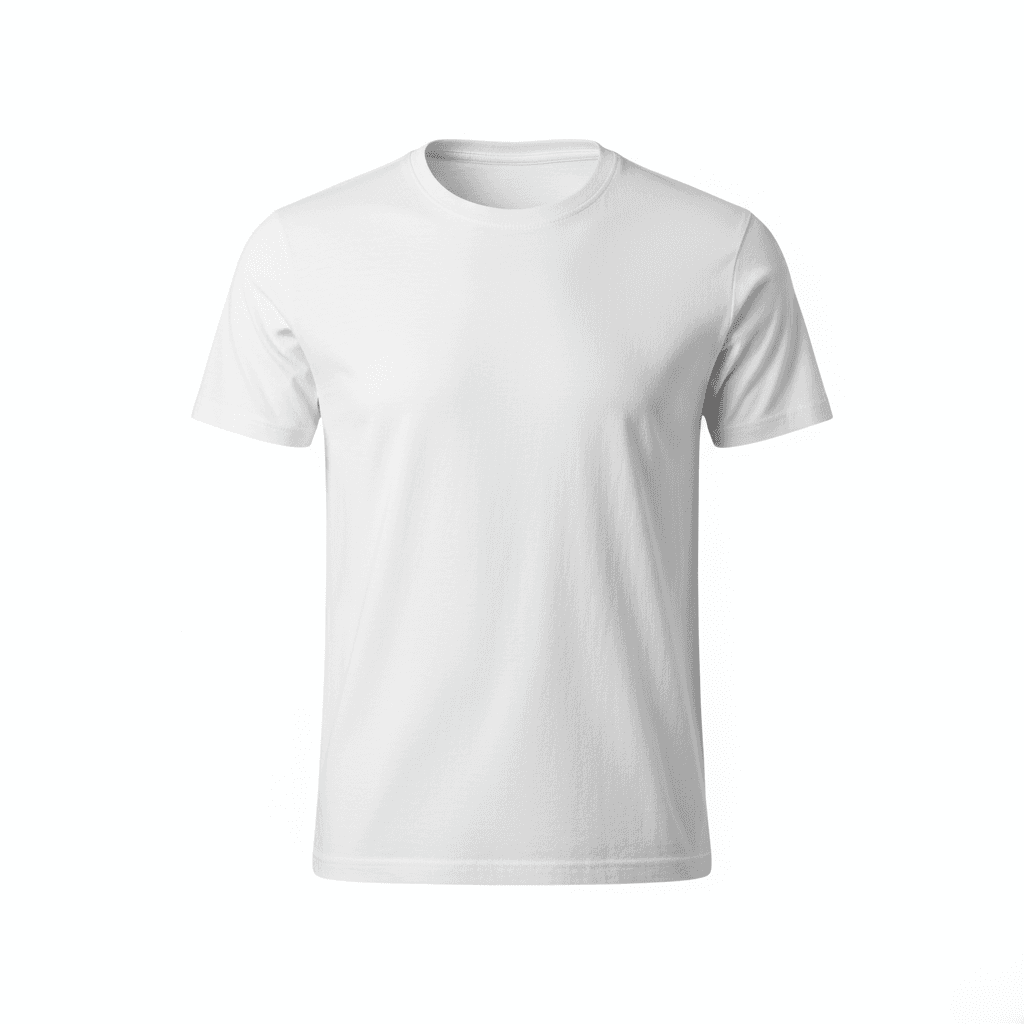
Create high-end 'Ghost Mannequin' style fashion images that simulate a 3D fit without a visible model. Ideal for showcasing the shape, lining, and volume of the apparel in a technical, retail-ready format.
How to use
1. Select 'Fashion Ghost Mannequin: 3D Invisible Model'. 2. Upload one or more photos of your clothing item from different angles. 3. (Optional) Use 'Additional Notes' to specify details like collar treatment or sleeve positioning. 4. Generate to fill out the garment with a 3D invisible body effect. 5. Download the professional hollow-man image for your catalog.
Best for
- Technical product catalog images
- Wholesale line sheets and lookbooks
- Techwear and sportswear listings
- Amazon product pages (secondary images)
- Fashion portfolio presentation
Tips
- Front and Back: Upload both front and back photos for the most accurate 3D representation.
- Customize Details: Use 'Additional Notes' to specify preferences like 'collar standing up' or 'relaxed sleeve position'.
- Symmetry is Key: Try to photograph the garment as symmetrically as possible (straight shoulders).
- Show the Neck: If it's a shirt, unbuttoning the top button slightly can help the AI generate a realistic inner neck view.
- Lighting: Flat, even lighting on your input helps the AI add the correct 3D shading.
Gallery
FAQ
What is the Ghost Mannequin effect?
Does this work for pants?
Do I need to take two photos (inside and outside)?
Categories
Requirements
A clear photo of the garment, preferably front-facing. No text prompt needed. The item should be the main focus of the input image.
Watch out for
The AI simulates the 'inside' of the neck/collar. For best results with open jackets or shirts, ensure the input photo shows the collar clearly. Extremely complex asymmetrical cuts might require a very straight input photo.
