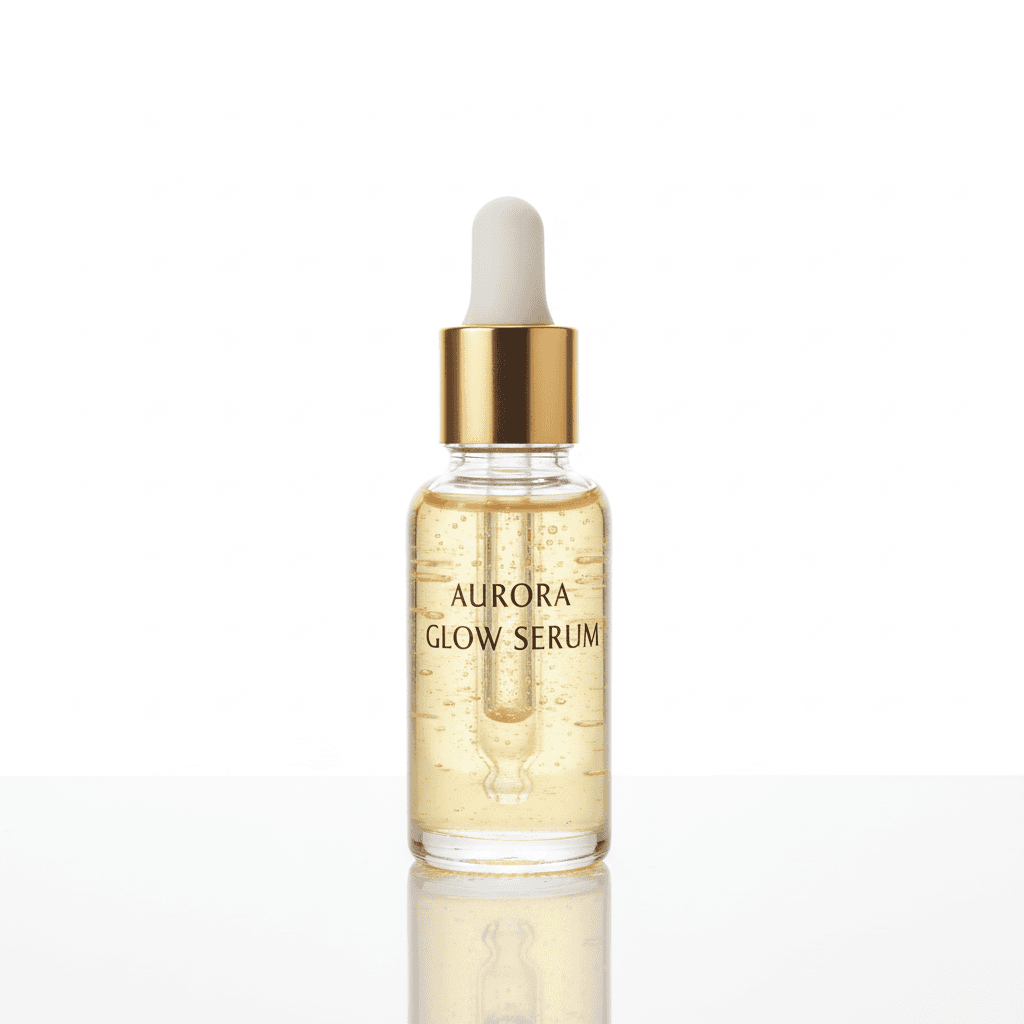
Workflow Overview
Generate pristine, high-end product photography for beauty items isolated on an infinite white background. Uses beauty dish or softbox lighting to create soft, flattering highlights on packaging (glass, plastic, metallic) with an elegant base reflection.
How to use
1. Select 'Beauty Studio: Clean White Background'. 2. Upload one or more photos of your beauty product from different angles (serum, cream, lipstick, etc.). 3. (Optional) Use 'Additional Notes' to specify preferences like 'dramatic shadows' or 'minimal reflection'. 4. Generate to remove the background and apply soft studio lighting. 5. Download your retail-ready product image.
Best for
- Amazon and Sephora product listings
- Brand website product pages
- Wholesale catalog submissions
- Retail packaging mockups
- Pharmacy and drugstore displays
Tips
- Multiple Angles: Upload front, side, and detail shots to help the AI capture your product's complete shape and labeling.
- Customize Output: Use 'Additional Notes' to request specific lighting styles like 'high-key bright' or 'subtle shadow base'.
- Label Visibility: Position the product so the brand name and key text face the camera.
- Clean Packaging: Wipe off fingerprints and dust before shooting.
- Lighting: Soft, diffused lighting prevents harsh reflections on glossy bottles.
Gallery
FAQ
Does it preserve the true product colors?
Is this compliant with marketplace requirements?
Can I use photos from my phone?
Categories
Requirements
A clear photo showing the product and its label is required. No text prompt needed. Ensure brand name and product details are readable.
Watch out for
Glass and transparent packaging may show reflections from the original environment. For clearest results, photograph against a neutral background.
