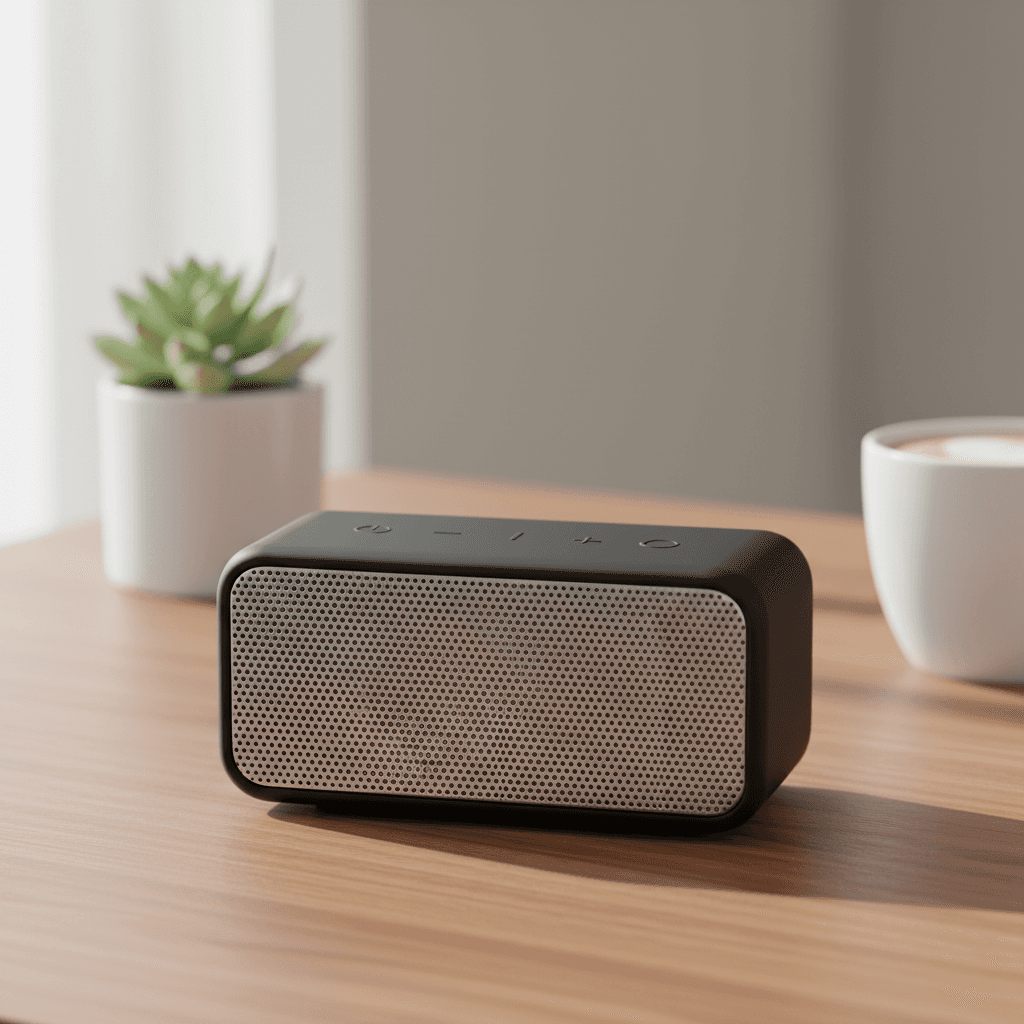
Workflow Overview
Place the electronic device in a relevant, modern real-world setting. visualizing how the product fits into a user's daily life.
How to use
1. Select 'Tech Lifestyle: Modern Context'. 2. Upload one or more photos of your electronic device from different angles. 3. (Optional) Use 'Additional Notes' to specify the environment you want. 4. Generate to place your product in a stylish, modern setting. 5. Download your lifestyle-ready marketing image.
Best for
- Social media marketing campaigns
- Amazon secondary lifestyle images
- Brand website hero banners
- Email newsletter promotions
- Influencer-style product showcases
Tips
- Multiple Angles: Upload several photos from different angles to help the AI understand your product's shape and details.
- Be Specific: Use 'Additional Notes' to describe your ideal scene—'gaming setup with RGB lighting' or 'minimalist home office'.
- Clean Product: Remove stickers, tags, or packaging before shooting.
- Angle: Front or 3/4 angles work best for lifestyle placement.
- Size Reference: The AI scales the product appropriately, but accurate proportions in your photo help.
Gallery
Contextual Storytelling: Place your electronics in aspirational settings that resonate with your target audience. Transform cluttered snapshots into polished lifestyle imagery that sells.
FAQ
Can I choose the background environment?
Yes! Use the 'Additional Notes' field to request specific environments. For example: 'modern office with plants' or 'gaming setup'. If left empty, the AI selects a context based on your product type—speakers get desks or living rooms, fitness gadgets get workout spaces.
Is this suitable for Amazon listings?
Yes, it's perfect for secondary lifestyle images in your gallery or A+ Content. Do not use it for the main product image which requires a white background.
Will it show people using the product?
No, this preset focuses on contextual environments without human models. For on-model shots, use a dedicated lifestyle preset.
Categories
Electronics
Requirements
A photo clearly showing the product is required. Use 'Additional Notes' to specify your preferred environment, or leave it empty for AI to select based on product type.
Watch out for
The AI chooses context based on the product type. Very niche or unusual gadgets may be placed in generic desk or living room settings.
