Workflow Overview
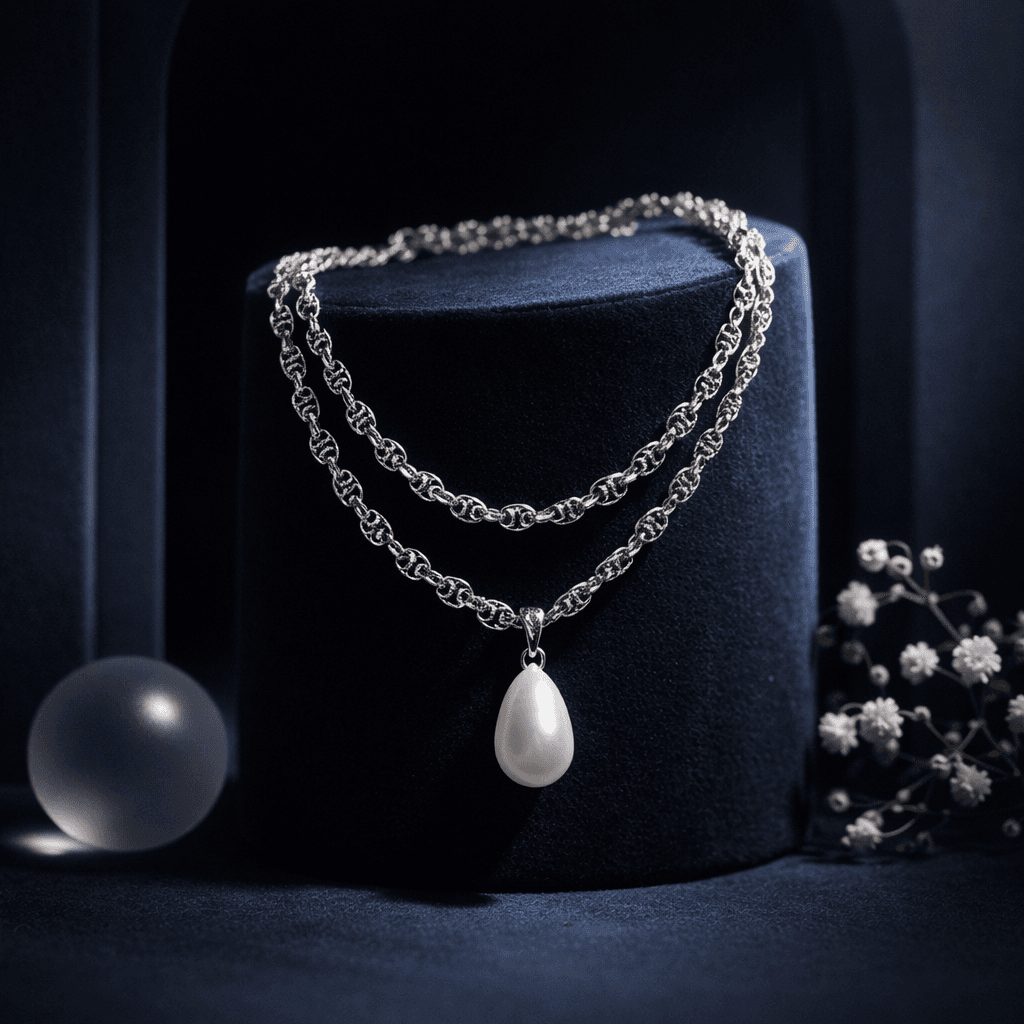
Create artistic, composed fashion imagery without a full model. Features the accessory on styled surfaces with props to evoke a premium mood.
How to use
1. Select 'Accessory Still Life: Aesthetic Display'. 2. Upload one or more photos of your accessory from different angles. 3. (Optional) Use 'Additional Notes' to specify props, colors, or styling preferences. 4. Generate to place it in a curated, artistic setting. 5. Download for Instagram or brand storytelling.
Best for
- Instagram feed aesthetic posts
- Website hero banners
- Pinterest visuals
- Brand mood boards
- Email newsletter headers
Tips
- Multiple Photos: Upload several angles to help the AI capture every detail of your accessory.
- Direct Your Style: Use 'Additional Notes' to request specific aesthetics—'dark moody with velvet', 'summer vibes with dried flowers', or 'minimalist marble'.
- Color Harmony: The AI analyzes your product's color and chooses complementary props and backgrounds.
- Vibe: Great for conveying 'luxury', 'minimalism', or 'organic' feels without hiring a set designer.
- Lighting: Expect dramatic or soft directional lighting that emphasizes texture.
Gallery
FAQ
Can I specify the props (e.g., 'use roses')?
Is this good for product pages?
Categories
Requirements
High-quality photo of the accessory. No text prompt needed. A simple input background allows the AI to build the most cohesive scene around it.
Watch out for
The AI adds artistic elements like flowers, shadows, or stones. Ensure your brand identity allows for these creative additions. Not for pure white background requirements.
