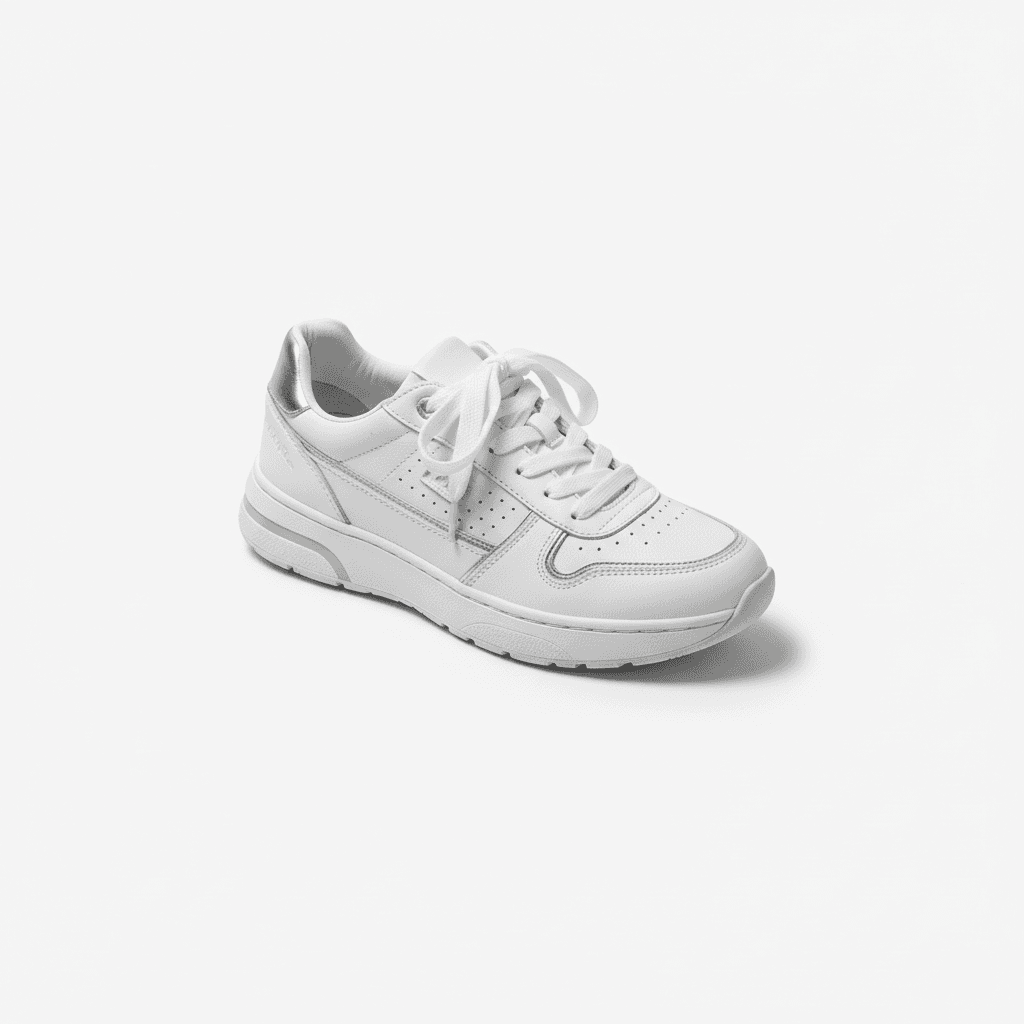
Workflow Overview
Generate professional, studio-quality fashion product photography on a pure white background. Perfect for Amazon, Shopify, and creating distraction-free online catalogs that focus strictly on the garment.
How to use
1. Select 'Fashion E-commerce Studio: Clean White Background'. 2. Upload one or more photos of your clothing from different angles. 3. (Optional) Use 'Additional Notes' to specify any preferences like shadow style or specific angles. 4. Generate to instantly get a clean, compliance-ready white background shot. 5. Download for your online store listing.
Best for
- Amazon & Shopify main product images
- Google Shopping listings
- Clean, minimalist brand lookbooks
- Fashion newsletters and email marketing
- Wholesale line sheets
Tips
- Multiple Views: Upload front, back, and detail shots to give the AI a complete picture of your garment.
- Fine-Tune Results: Use 'Additional Notes' to specify details like 'minimal shadow' or 'slightly angled view'.
- Prep Your Item: Steam or iron the clothes before shooting. The AI enhances reality, including wrinkles!
- Lighting: Use soft, even lighting to avoid hard shadows on the folds of the fabric.
- Consistency: Use this preset for all your products to create a uniform, trustworthy storefront.
Gallery
FAQ
Is this good for Amazon?
Does it add a model?
Can I use a photo taken on my bed?
Categories
Requirements
High-resolution photo of the garment. Flat lay or on a hanger works best. No text prompt needed. The AI focuses on the product, so ensure the full item is in the frame.
Watch out for
Best for opaque fabrics. Sheer or transparent items might lose some detail against the pure white if not well-lit. Ensure the garment is wrinkle-free in the input photo for the most professional look.
