Product photography rarely gets expensive in one obvious step. It gets expensive in layers: the quote, the retouching, the shipping, the reshoots, the rush fee, and the new collection that needs the whole process again next month. This guide breaks down what sellers are really paying in 2026, when a traditional shoot still makes sense, and when a preset-based AI workflow is the smarter operating decision.
Why does product photography pricing feel so unpredictable?
Most founders do not struggle because they cannot get a quote. They struggle because the quote does not describe the full system they are about to pay for. A product photographer may charge per image, per day, or per product. That sounds simple until the shoot also needs a studio, prep time, props, assistants, product handling, editing, and faster turnaround. The price stops being a line item and starts becoming a stack.
That uncertainty creates real stress for small brands. The product launch already carries inventory risk, ad risk, and cash-flow risk. When visual production is unpredictable too, every new SKU feels heavier than it should. A founder who thinks they are solving for "a few photos" often discovers they are actually funding a mini production pipeline. That is manageable for a large brand with a content calendar and agency support. It is much harder for a lean e-commerce team that needs usable assets this week.
The deeper problem is that most pricing guides talk about the shoot, not the operating model behind the shoot. They explain rates, but not what repeated launches do to the budget. They mention a white-background image, but not the gallery images, ad creatives, seasonal refreshes, and platform variants that follow. They help you budget one project. They do not help you budget a catalog.
That is the gap this guide addresses. The useful question is not only "What does product photography cost?" The better question is "What does it cost to maintain commercially credible product images every time the business needs them?" Once you think at that level, the trade-offs between studio, DIY, and AI become much clearer.
How much does product photography cost in 2026?
Published pricing benchmarks in 2025 and 2026 point to a wide but fairly consistent range. Shopify's January 27, 2026 guide says photographers often charge roughly $500 to $3,000 per day, while per-image pricing can land around $50 to $350 depending on complexity, production level, and usage. A February 26, 2025 Fash pricing benchmark puts many finished product photos closer to $40 to $200 each, with day rates commonly around $1,000 to $3,000 for larger projects. Public studio pricing pages also show how the market spreads: simple white-background work may start near $30 to $40 per image at volume, while lifestyle sets and richer creative assets rise much faster.
The range is so wide because the image job changes the economics. A basic on-white listing image is usually the cheapest format because the goal is clarity, not storytelling. A styled lifestyle shot costs more because someone has to make decisions about surfaces, props, light direction, composition, and post-production polish. Add models, food styling, reflective products, or large furniture, and costs climb again. The product category matters almost as much as the photographer.
The important budgeting lesson is this: most sellers should think in image sets, not single images. A serious product launch rarely needs one final image. It needs a marketplace-safe hero shot, supporting gallery images, paid social variants, and often a second round for seasonal or promotional use. Even if the first quote looks manageable, the full set multiplies quickly once you price every asset the business actually needs.
That is why broad pricing articles can feel frustratingly vague. They are not wrong. They are just describing the outer market. Your real cost depends on how many commercially useful images you need per SKU, how often you refresh them, and how much manual coordination sits between the product and the final file.
What hidden costs turn a reasonable quote into a painful invoice?
The visible quote is usually only the start. Shopify's 2026 breakdown highlights editing, support staff, gear, location, and rush timelines as separate cost drivers, and notes that rush fees can add roughly 25% to 200% of total job cost. That matters because small brands often buy speed at the exact moment they can least afford it: before a launch, during a seasonal push, or after a competitor forces a faster campaign.
Then come the quieter costs. Products need to be cleaned, packed, shipped, unpacked, tracked, and sometimes insured. Teams spend hours selecting reference angles, reviewing proofs, requesting revisions, and matching new images to old catalog standards. A shoot may technically produce beautiful photos while still creating operational drag. If a bottle label changed, packaging was updated, or a best-seller needs a holiday version, much of that process repeats.
Hidden cost also shows up in inconsistency. If hero images come from one shoot, lifestyle images from another, and quick fixes from an in-house workaround, the catalog starts to look stitched together. That weakens trust and creates extra editing decisions every time a new SKU is added. The business pays not only in dollars, but in slower publishing, weaker brand coherence, and more internal debate about what looks "good enough."
This is why founders regularly underestimate the total. They budget for image creation, but not for image maintenance. Traditional production is excellent when you need high-touch art direction and the budget supports it. It becomes much harder to justify when the real job is ongoing catalog upkeep across dozens or hundreds of product assets.
When does DIY still make sense, and when does it become false savings?
DIY product photography still has a place. If you sell a small number of straightforward products, have decent natural light, and only need clean listing images, an in-house setup can absolutely work. It is often the right move for early validation. You learn what angles help conversion, what details matter in zoom, and which products are easiest or hardest to shoot. That knowledge is valuable even if you later upgrade the workflow.
The problem starts when DIY becomes permanent because it feels cheaper on paper. The cash cost of poster board, lights, and a phone tripod may be manageable. The time cost is where teams get trapped. Every product needs setup, cleanup, testing, retakes, file selection, editing, export, and organization. If the result is merely acceptable, the team still ends up wanting lifestyle context, cleaner shadows, or more polished gallery images later. The work gets paid twice: once in labor, then again in fixes.
DIY becomes false savings when the business starts treating founder time as free. It is not free. If a founder or marketer spends half a day trying to produce assets that still look uneven next to competitors, the business has not saved money. It has shifted the cost into attention, delay, and opportunity loss. The same applies when a catalog grows faster than the image process. What worked for five products often breaks at fifty.
A better way to think about DIY is as the source-image layer, not always the finished-image layer. Capture honest, usable product photos in-house. Then decide which outputs should stay simple, which deserve premium creative work, and which can be generated faster with category-specific AI presets. That hybrid mindset protects budget without pretending every image job is the same.
Before-After-Bridge: what changes when image production stops resetting every launch?
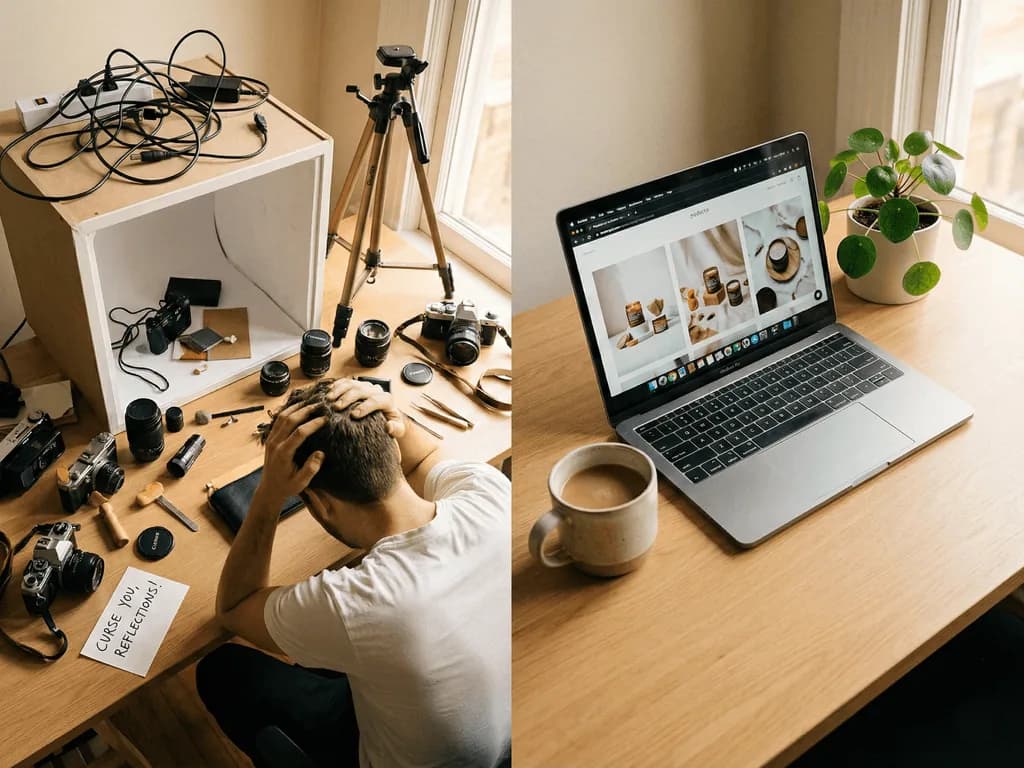
Before: a growing seller had a familiar problem. Each new product launch restarted the same conversation. Should they book a photographer? Can the team handle it internally this week? Do they really need lifestyle shots now, or can they add those later? The answer changed every month, which meant the visual system changed every month too. Some products had clean hero images, some had rushed DIY photos, and some sat unpublished because the team did not want to launch them with weak assets.
After: the brand treated photography like an operating system instead of a special event. Core listing images came from one repeatable source-photo workflow. High-value secondary images came from a preset-based AI layer that created fast, commercially useful variations without a full reshoot. Traditional shoots were saved for flagship campaigns, hero collections, and the few moments where hands-on art direction genuinely mattered.
The bridge was not choosing one method forever. It was assigning the right cost structure to the right image job. White-background commerce images did not need studio-level friction every time. Seasonal refreshes did not need a new physical set for every SKU. The team stopped debating from scratch and started publishing from a system.
That shift changes more than the budget. Launches get faster. Catalogs look more consistent. Teams stop hoarding old photos because replacing them feels painful. Most importantly, the brand stops paying premium production costs for routine commercial tasks that no longer require premium production.
How does Pixora change the cost math for small and mid-size brands?
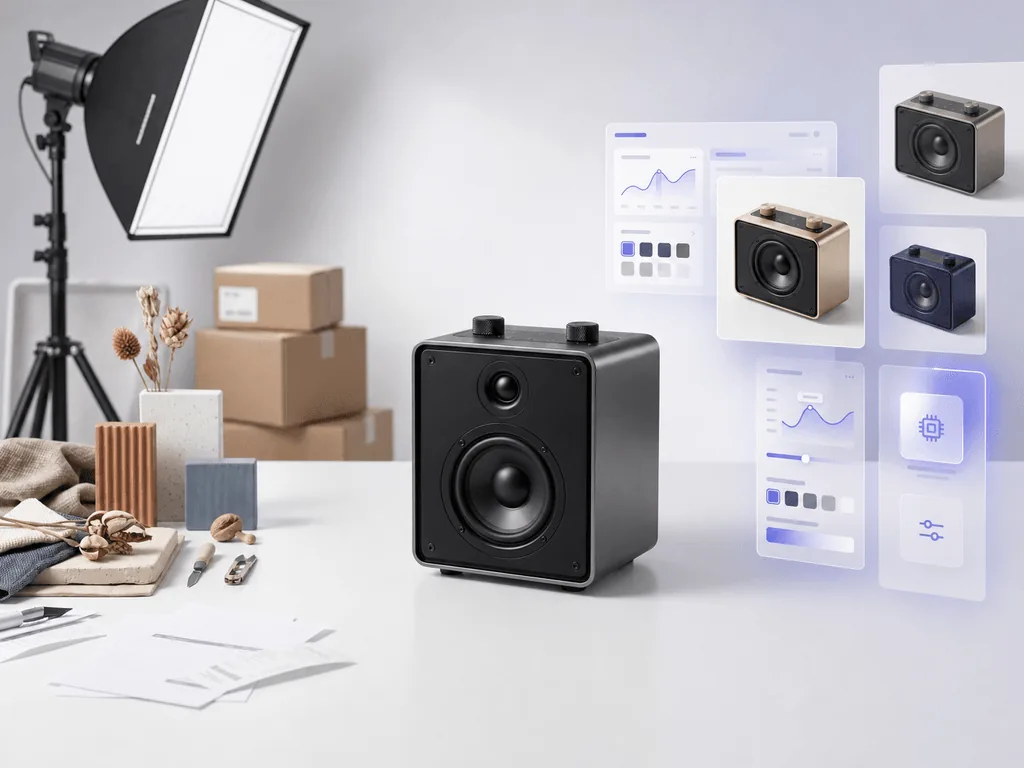
Pixora is strongest where traditional production feels repetitive rather than strategic. If the business needs cleaner listing images, more gallery coverage, faster seasonal updates, or multiple visual directions from one honest source photo, Smart Presets remove much of the cost stack that usually makes product imagery expensive. You are not paying again for shipping, studio coordination, or repeated manual retouching just to create the next useful variation.
Use Fashion E-commerce Studio: Clean White Background when the job is a reliable hero image for apparel and soft goods. Use Accessory Still Life: Aesthetic Display when the catalog needs premium secondary visuals without building a physical set for every SKU. Use Tech Lifestyle: Modern Context when electronics or glossy products need more believable context than a plain cutout can offer. These are different image jobs, and Pixora lets you handle them with the same source-image discipline instead of three separate production processes.
This is why the business potential for the topic is a clear 3. Product photography cost is not a side conversation for Pixora. It is one of the core reasons the product exists. Small brands do not only need "better photos." They need a cheaper and faster way to maintain professional image standards across ongoing launches. That is a much bigger problem than one shoot quote.
Pixora will not replace every flagship campaign, and it should not pretend to. But for the recurring commercial work that keeps a store credible week after week, it can replace a surprising amount of spend. That is where the real savings live: not in one dramatic before-and-after, but in removing friction from every future image request the business would otherwise pay to solve again.
Why product photography budgets go off track
Per-image quotes hide editing, shipping, rush, and revision costs
DIY setups look cheap only until team time and rework are counted
Each new launch resets the same production decisions and delays publishing
Mixed workflows create catalogs that feel inconsistent and harder to trust
The 2026 cost benchmarks worth remembering
$40-$200
A common public range for finished product photos in 2025 pricing benchmarks
$500-$3,000
Shopify's published 2026 day-rate range before extra support and production costs
$9.90/mo
Pixora Pro pricing compared with repeated studio, retouching, and reshoot overhead
Price one SKU the honest way
Take one real product, list every image you actually need for launch, then compare the full studio quote with a source-photo-plus-presets workflow before you book another shoot.
A 3-step way to budget product photography without guessing
01
Define the full image set first
List hero images, gallery images, ads, seasonal variants, and any platform-specific requirements before you ask what the shoot costs.
A budget based on actual publishing needs instead of one isolated photo.
02
Separate creation cost from maintenance cost
Count editing, revisions, shipping, rush timelines, and future refreshes alongside the original quote.
A more honest view of what the workflow will cost over time.
03
Assign the right method to each image job
Use studio for flagship campaigns, strong in-house source photos for control, and Smart Presets for repeatable commercial outputs.
Higher visual quality without paying premium production costs for every asset.
Before you approve the next photography budget
Count every image type needed for launch, not just the first hero shot
Ask whether editing, usage, assistants, shipping, and rush fees are included
Estimate how often the product line will need seasonal or promotional refreshes
Decide which assets truly need a traditional shoot and which do not
Test a preset-based workflow on one SKU before assuming a full reshoot is necessary
What improves when product photography becomes a system
Budgets become easier to predict across launches and collections
New SKUs go live faster because routine image jobs stop waiting on a shoot
Catalog consistency improves instead of drifting with every production method
Founder and marketing time moves back into growth work instead of visual firefighting
Traditional photography spend is saved for the few assets where it creates real strategic value
Share this article
Stop paying premium production costs for routine image work
If your catalog needs more than one perfect campaign shoot, the cost problem is operational, not just artistic. Start with one clean source photo, use Smart Presets where they make sense, and turn product imagery into a repeatable system.
Public pricing guides in 2025 and 2026 commonly place finished product photos somewhere between roughly $40 and $200 for simpler work, while more complex or highly styled images can rise much higher.
The final number changes with category difficulty, styling needs, editing depth, location, equipment, support staff, turnaround speed, and how the images will be used. A clean on-white image and a lifestyle campaign shot are completely different jobs.
Per-image pricing is easier to forecast when you need a small number of standard assets. Day-rate pricing can work better when you need many setups or multiple products in one production session. The better option depends on how predictable the shot list really is.
DIY stops being cheap when the business starts paying in team time, launch delays, and inconsistent image quality. If the catalog is growing or the images still need heavy cleanup after the shoot, the workflow is probably costing more than it seems.
Not always. Flagship campaigns, highly custom art direction, and some premium brand shoots still benefit from traditional production. AI is most valuable for repeatable commercial tasks such as hero images, gallery expansion, and fast seasonal refreshes.
Choose one real SKU, define the full set of assets you need, and compare the total studio or DIY effort against a source-photo-plus-presets workflow. It is much easier to judge cost honestly on one product than on abstract estimates.